


Keep it in a moment.
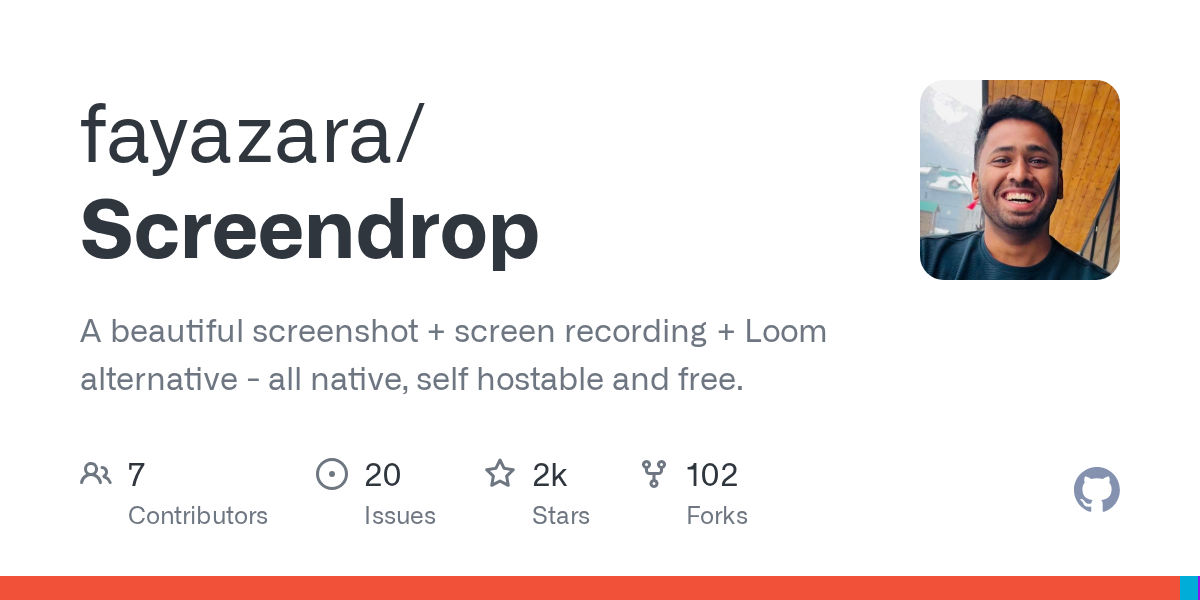
Paste a link, drop a file, or write a note. Save it to your Inbox now; choose a collection later. Link previews help you recognize a save when the source provides one.

Save links, posts, images, files, and notes in one private library. A home for the things you want to come back to.
Coming to iOS and macOS.
THE PROBLEM
We save things because they catch our attention: an idea in a post, an article for a project, a place we want to visit, a useful image, a line we want to remember.
But those things live in separate apps and folders. Bookmarks pile up. Saved posts disappear into feeds. Screenshots lose their context. Notes and files are hard to connect to what inspired them.
Eventually, you remember the thing—but not where it went.
That gap between “I should keep this” and “I can find it when I need it” is what brought Cavvi about.

WHY CAVVI
Save links, posts, images, files, and notes to the same personal library. Search by a title, source, tag, or words you remember. Gather related finds into collections when you need to.
You shouldn’t have to remember which app held something you already took the time to save.
Keep what catches you.
Find it when it matters.
See what you’ve saved.
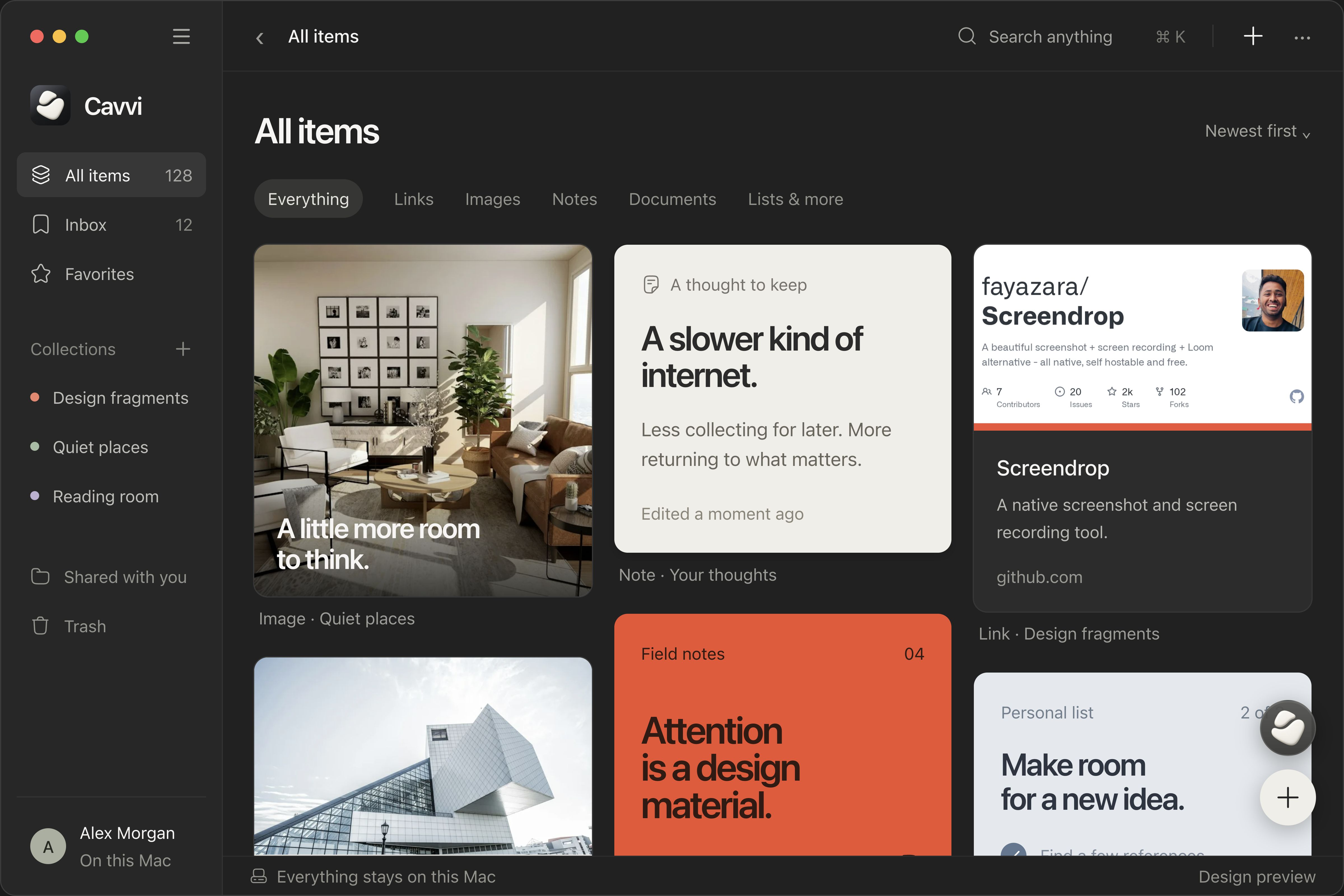
Images, links, notes, and files sit together in a visual library. Browse by sight, just as you remember them.
Product designs. iOS and macOS in development.
Save a link or file, add the context you’ll want later, and find it again by what you remember.
Paste a link, drop a file, or write a note. Save it to your Inbox now; choose a collection later. Link previews help you recognize a save when the source provides one.
Remember a word from the title, a tag, or something you wrote about it? Search for that. Matching items appear together as visual cards, without leaving your library.
Create a collection for a project, a subject, or a trip. Put its images, articles, files, and notes together, so the next time you work on it, your references are already in one place.
Write down what caught your eye while it’s still fresh. Add a tag or a short note beside the saved item. The original source stays there too, ready when you need to return to it.
Some saves belong to a project. Some are for a place you want to go, or something you want to understand. Keep the pieces together.
Keep the photo that set the mood, the article that explained an approach, and your first rough notes in one collection. Come back to them when you’re ready to make something.
A PDF, a working code snippet, an explanation in your own words. Save them beside each other as you learn, so you can revisit the useful part without starting the search again.
Put the place to stay, the route you found, and your list for the trip together. The original links stay with your saves when it’s time to check the details.
The things you save are for you. Cavvi is being built around a library on your device, with nothing shared by default.
Encrypted backups are planned for recovery. Your library doesn’t become another public feed.
Cavvi is coming to iOS and macOS together. Get an invitation when it’s ready to try.
iOS and macOS in development