
BlogHow to
How do I plan a trip from the reels and TikToks I saved?
Pull the places out of your saved reels, put them on a map, and keep the whole plan in one collection you can share. A plain way to turn travel saves into a trip.
 Benaiah, founder4 min read

Cover art by Pixeljad
Go through your saves for one destination, put each place on a map, and keep the places, the reels and your notes together. A Google Maps list is enough for the places. If you want the reels, the gigs and your packing list in the same spot, Cavvi keeps them in one collection with the places, and you can send the whole thing to whoever's coming.
Gather the saves for one trip
Start with one destination. In Instagram, open Saved, make a collection for the trip, such as "Lisbon", and add the posts for it. In TikTok, open Favorites and do the same with the videos. Then pick out the screenshots that have a place's name in them, because you'll use them in the next step.
If a post doesn't name the place in its caption, its comments or a sign in the video, leave it out for now.
Turn each place into a map pin
The quick way is one place at a time. Tap the post's location tag if it has one, or search the name in your maps app, then save it to a list named for the trip.
Google Maps can also read your screenshots for you. On iPhone and iPad, in the countries where it's available, it looks for places named in your screenshots and offers to save them to a list. It's off until you turn it on, it needs access to your photos, and it only finds places whose names are written in the picture. You can pick up to 50 screenshots at a time (Google Maps Help).
Keep the whole trip in one place
The map only holds the places. The reel that made you want to go, the gig on Friday, the dishes to try and the packing list usually end up in other apps.
I make Cavvi, and keeping all of that together is one of the jobs it does. Save a Google Maps or Apple Maps link to Cavvi and it becomes a place, with its map, its address and buttons that open it in Apple Maps, Google Maps or Waze.
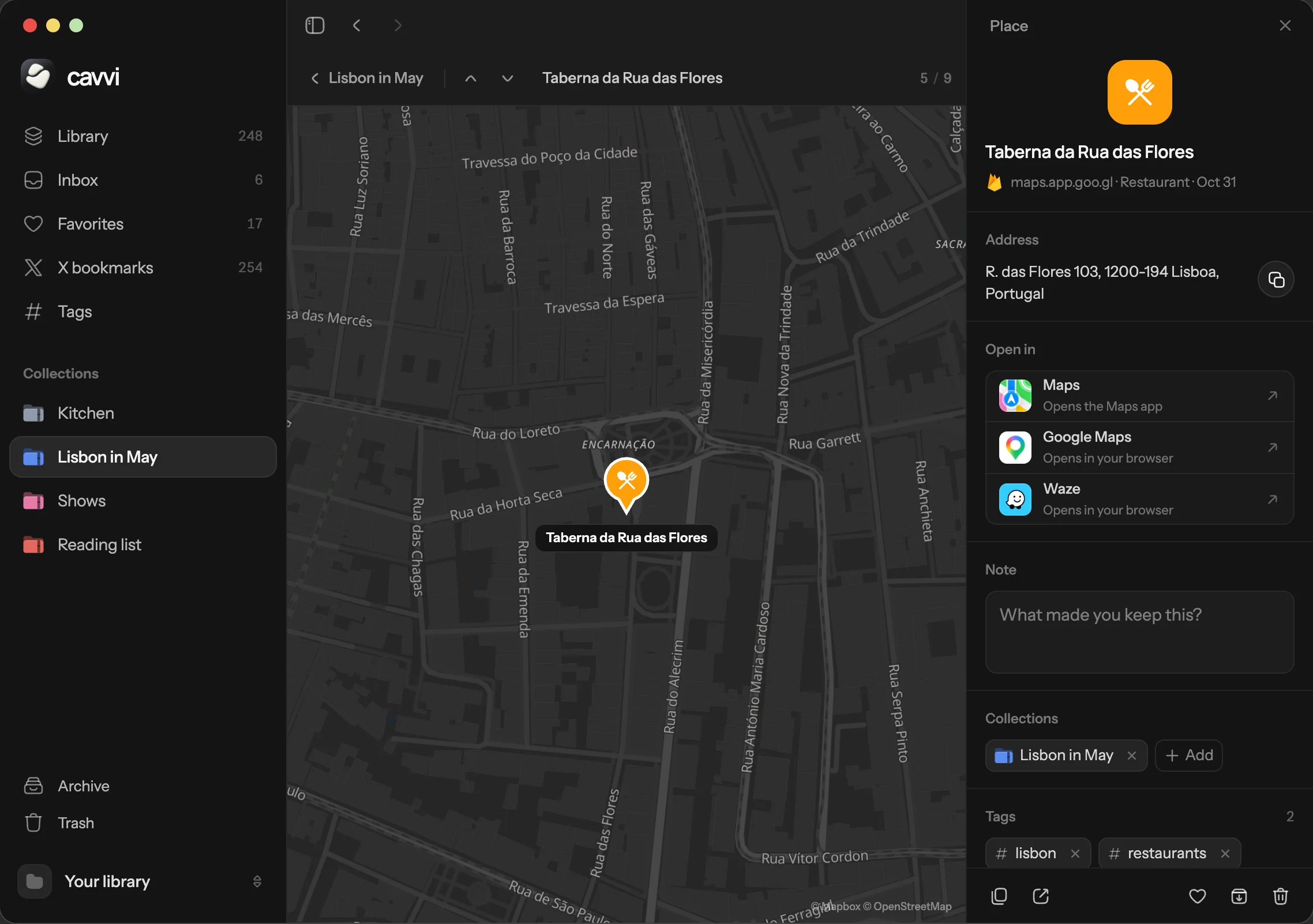
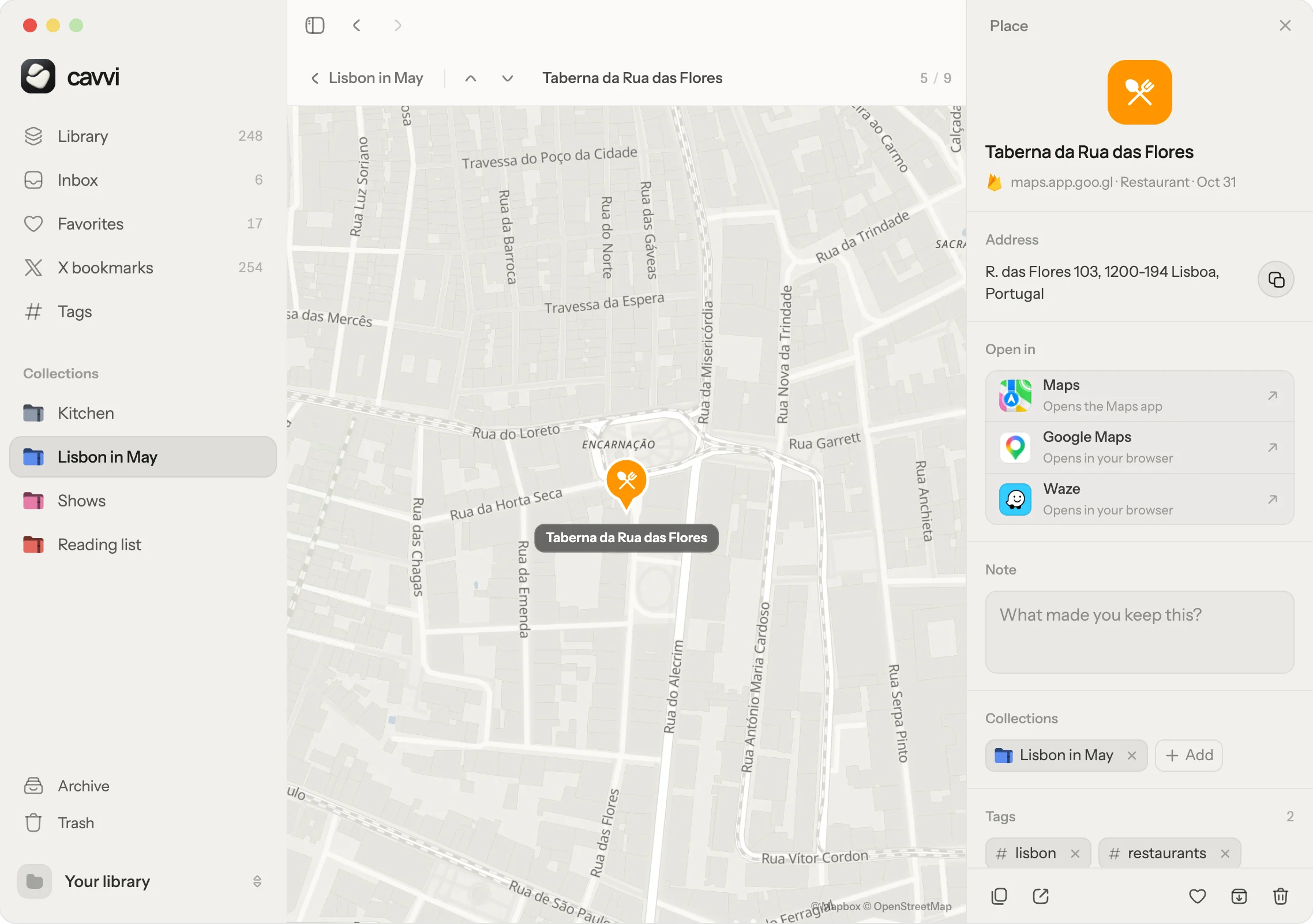
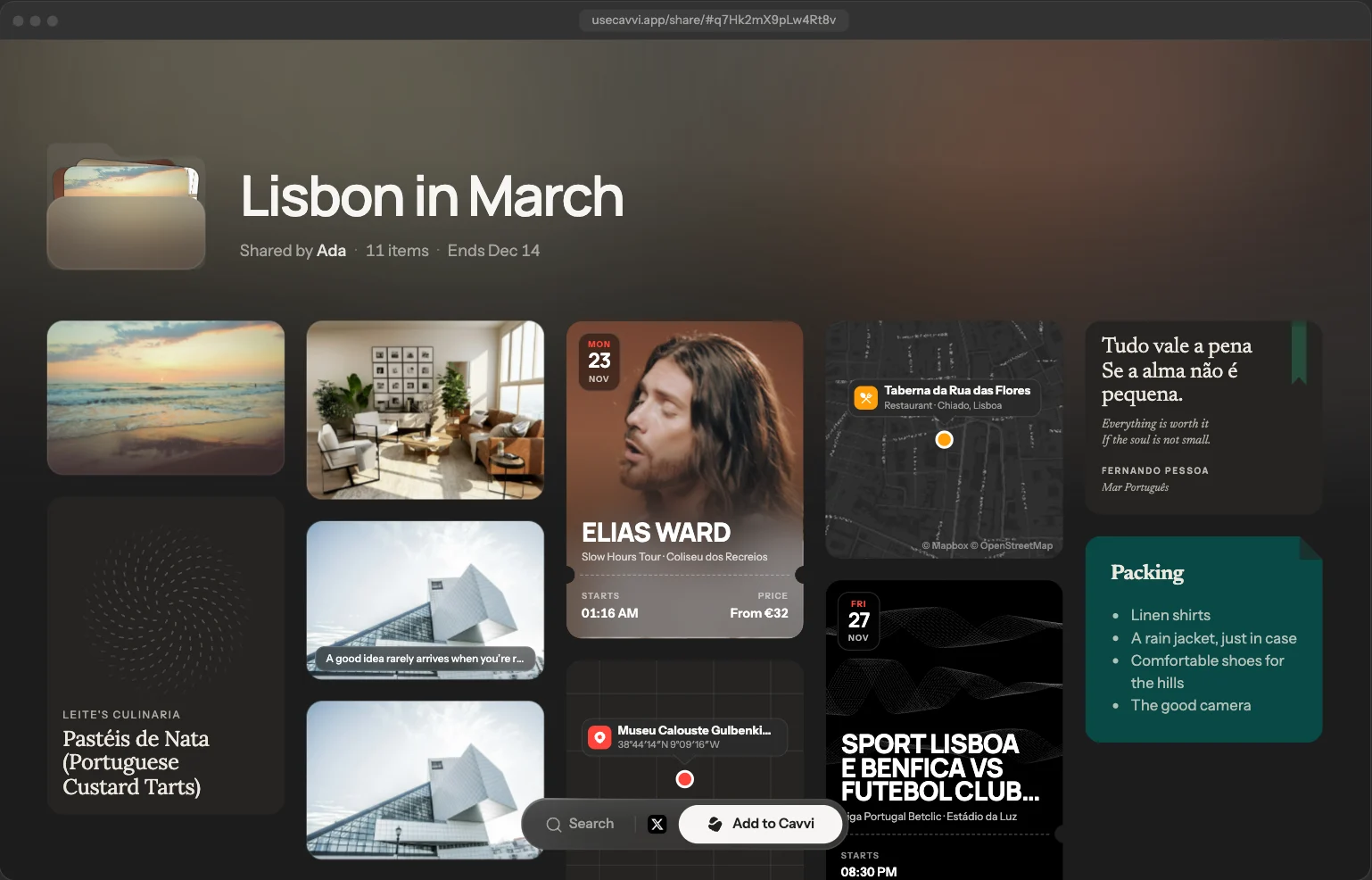
Put everything for the trip in one collection:
- the places, from their Maps links;
- the reels and TikToks themselves, from your phone's share sheet;
- the page for a show or a match you want to catch, which saves as an event and reminds you the day before and an hour before it starts;
- a note with a checklist for packing;
- the dishes you want to try, as recipes.
On your phone, a place opens straight into its map, one tap from your maps app.
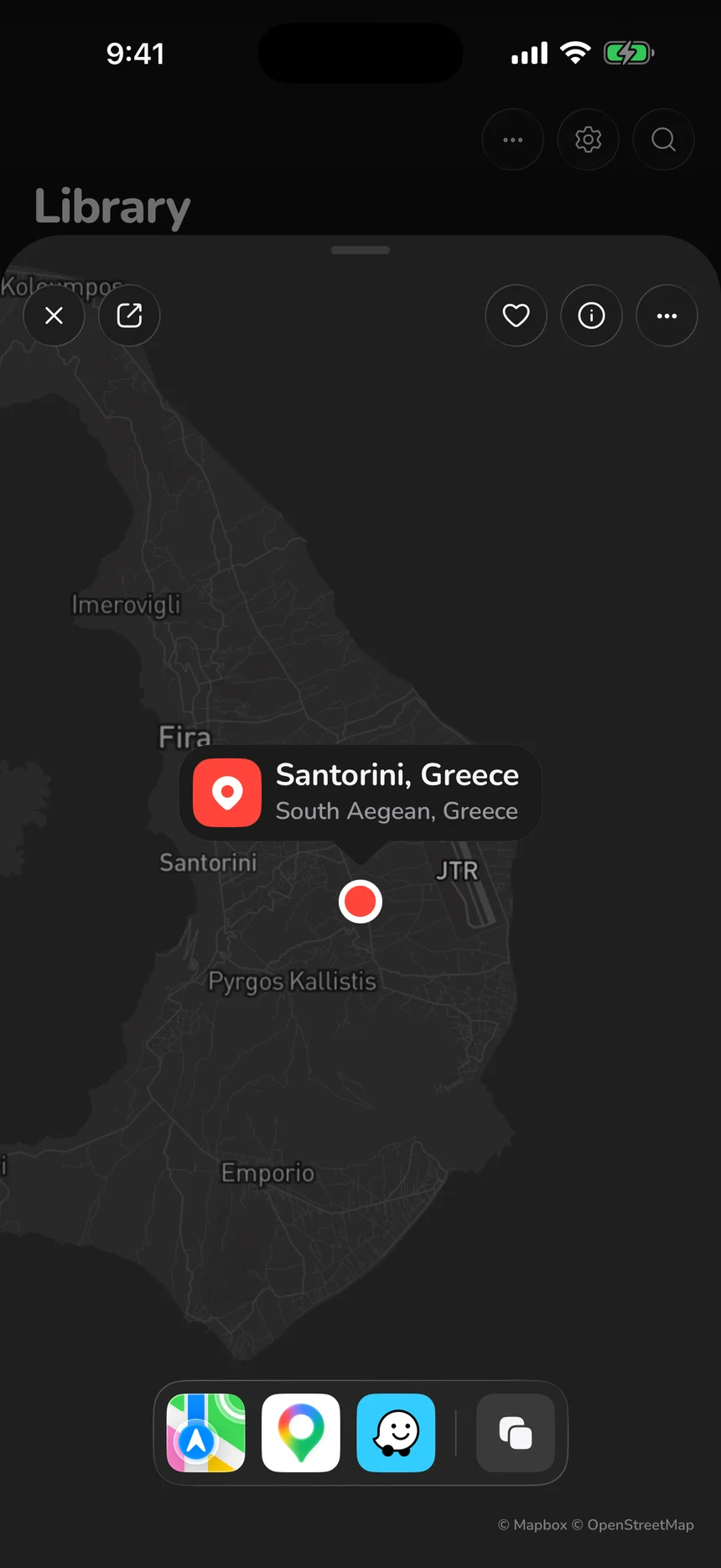
Share the plan with the people you're going with
Share the collection as a link. Anyone can open it in a browser, in light or dark mode, and if they use Cavvi too, Add to Cavvi copies the plan into their own library. A link ends after 30 days, and sharing needs a Cavvi licence.
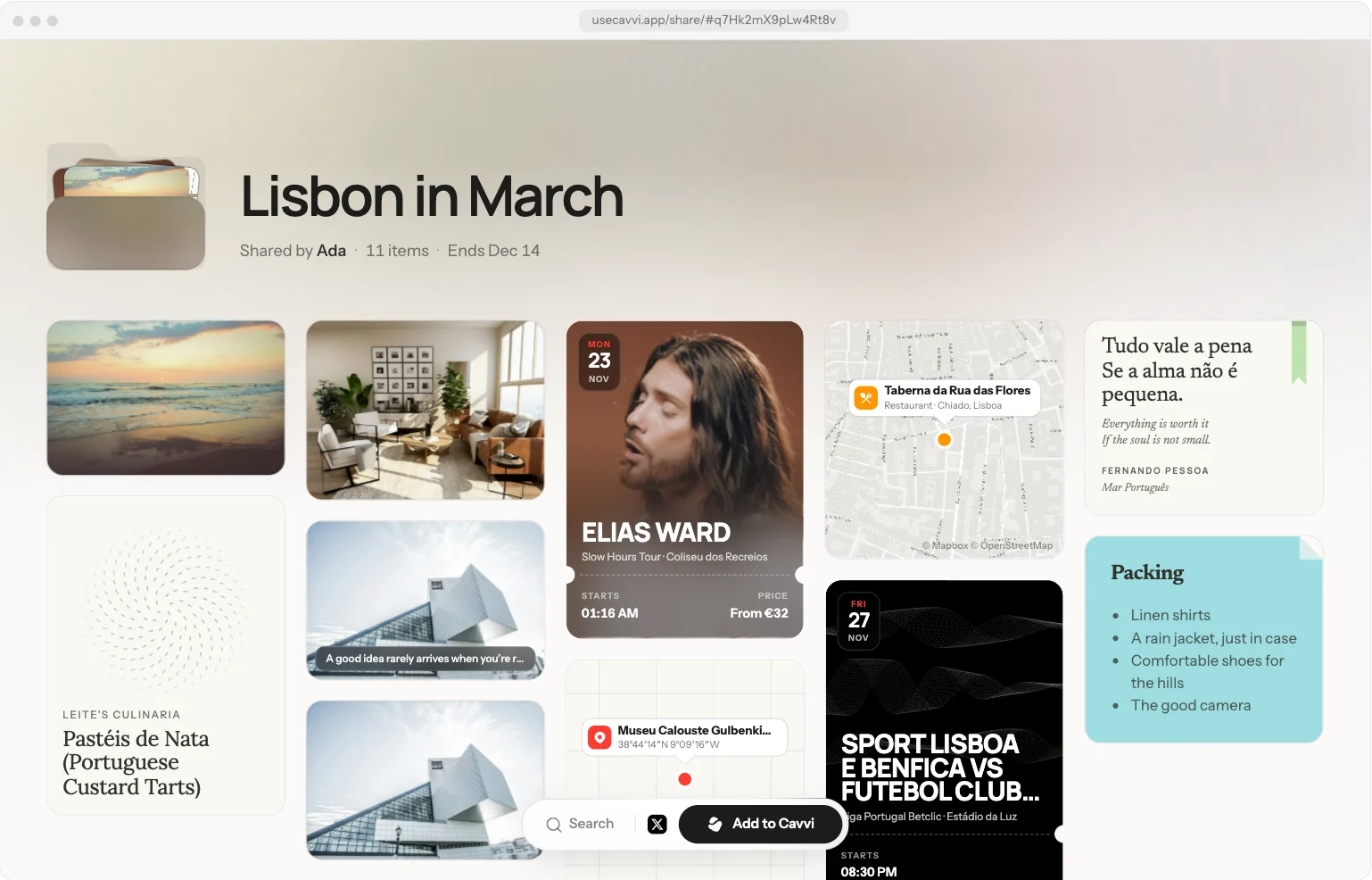
If everyone's on Google Maps, a shared list works too. Open the list, tap Share, and invite collaborators so they can add places.
What Cavvi doesn't do
Cavvi can't pull places out of videos. Save each place's Maps link, and keep the reel beside it in the same collection. Cavvi runs on Mac, iPhone, iPad and Android, and every device starts with 10 free saves, then it's $39 once.
Questions
How do I save a place from TikTok to Google Maps?
Tap the video's location tag if it has one, or search the place's name in Google Maps. Then tap Save and add it to a list for your trip.
Can Google Maps find places in my screenshots?
Yes, on iPhone and iPad in the countries where it's available. Turn it on in Google Maps, give it access to your photos, and it offers to save the places named in your screenshots.
How do I share a trip plan with friends?
Share a Google Maps list and invite them to add places, or share a Cavvi collection as a link that opens in any browser.
Can Cavvi open a saved place in Google Maps?
Yes. A place saved from a Google Maps or Apple Maps link opens in Apple Maps, Google Maps or Waze, and you can copy its address.
Does Cavvi find the places in my saved videos?
No. Save each place's Maps link to Cavvi, and keep the video beside it in the same collection.
Keep reading

How to
Why won't my old X bookmarks load?
With thousands of bookmarks, X stops loading before you reach the old ones, and its data archive leaves them out. How to get them back and keep a copy you can search.

How to
What happens to my tabs when Arc shuts down?
Arc stops working on 22 December 2026, and your pinned tabs go with it. What Dia brings over, how to export the rest, and where to keep pages for good.

How to
Why won't my old Instagram saved posts load?
Instagram's Saved grid gives up after a few thousand posts. How to get a list of every post you've saved, reach the old recipes, and keep the ones you'll use.