BlogHow to
What happens to my tabs when Arc shuts down?
Arc stops working on 22 December 2026, and your pinned tabs go with it. What Dia brings over, how to export the rest, and where to keep pages for good.
 Benaiah, founder4 min read

Cover art by Pixeljad
On 22 December 2026, Arc stops opening on Mac and Windows. After that you can't get into it to reach your pinned tabs, Spaces or folders, so anything you want to keep has to leave Arc before then.
You can import everything into Dia, The Browser Company's newer browser, or export your tabs from Arc as a list of links. If you also keep the pages you use most outside the browser, you won't have to move them again the next time you switch.
The dates
From Arc's sunset dates page and sunset FAQ:
- 22 October 2026: The Browser Company announced the end of Arc and stopped new sign-ups.
- 15 December 2026: the last day to ask for a copy of the personal data on your Arc account. The copy doesn't include what Arc stores on your computer, such as your tabs, history and passwords.
- 22 December 2026: Arc stops working, every Arc account is switched off, and its personal data is deleted within 30 days.
If you're moving to Dia
Dia imports straight from Arc, as long as Arc still opens (Move from Arc to Dia). Each Space becomes a Dia profile with its tabs in the same order, and your Favorites become pinned tabs at the top of the window. Folders turn into pinned tab groups, though a folder inside another folder comes across as a separate group. Bookmarks, history, passwords, cookies, extensions and open tabs come too.
Easels and Boosts stay behind, along with Arc's other features of its own. The import is a one-time copy, so anything you change in Arc afterwards won't reach Dia. Dia is free, with a $20-a-month Pro plan for unlimited AI chat (TechCrunch).
If you're not moving to Dia
Export your tabs before 22 December (How do I export my data from Arc?):
- On a Mac, open Arc, then Settings, choose Advanced and click Export Data. On Windows, it's Export Spaces and tabs in the same place.
- Arc saves a file called Arc Data Export.md, with a list of links for each Space: your Favorites, pinned tabs and folders.
- For a single folder, right-click it and choose Copy All Links. On a Mac, hold Option to copy them with their titles.
The file holds only links and titles, and no browser can turn it back into your sidebar. People on r/ArcBrowser have posted free tools that convert Arc's sidebar into a bookmarks file for another browser. They read your browser data, so check what you install.
Save any Easels you care about by hand. Arc says they can't be exported in a usable way after the sunset.
What people are losing
Many Arc users spent years sorting their work and reading into Spaces and pinned tabs, and now they have to rebuild it all somewhere else.
"all the time and effort I put into organizing things felt wasted"
u/Marteco on r/ArcBrowser, June 2025
Keep the pages you need outside the browser
I make Cavvi, an app for keeping what you save. It stores the pages you save in a library on your own Mac, separate from any browser.
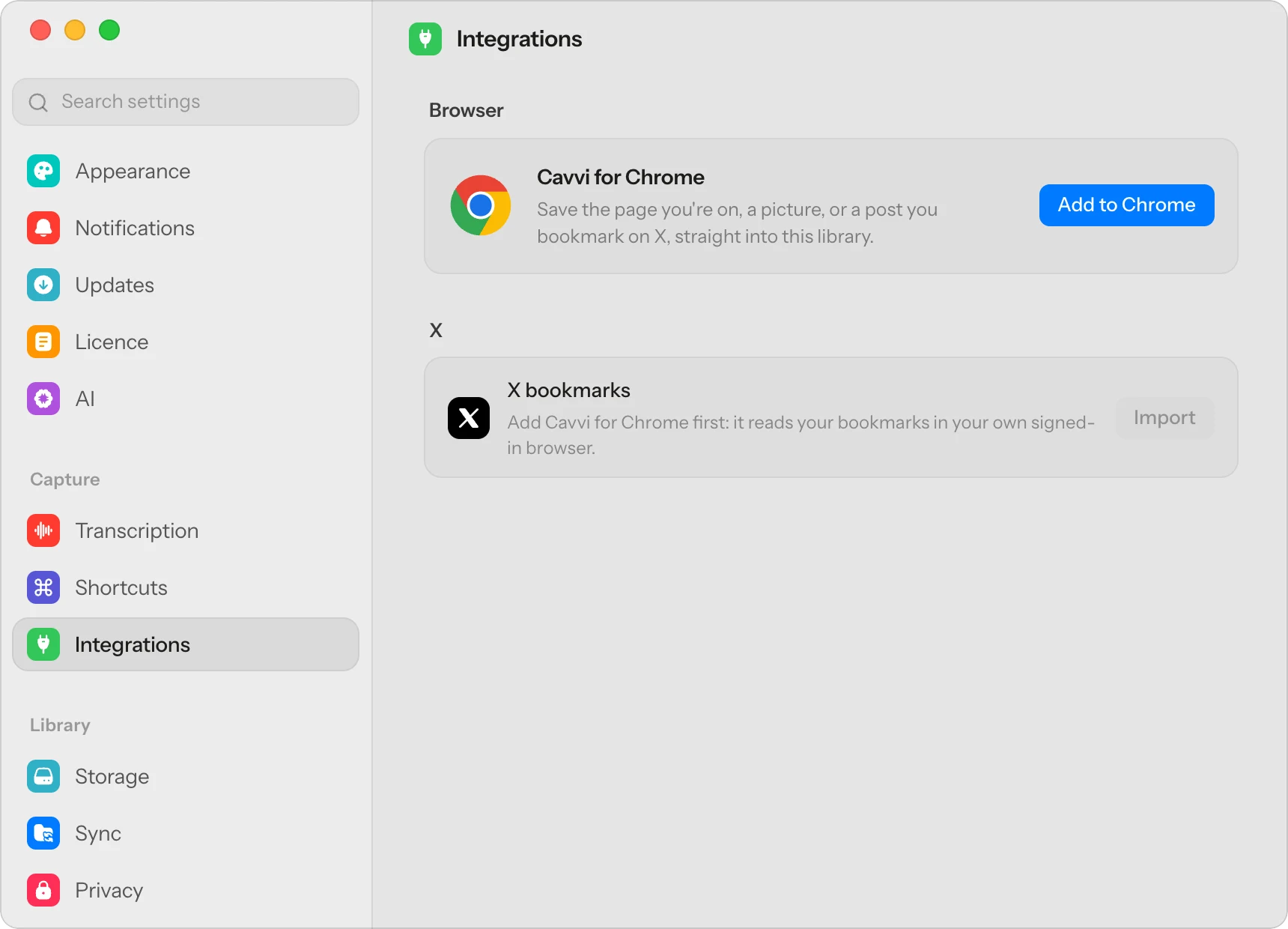
Cavvi for Chrome works in Arc today and keeps working in Chrome, Brave or Edge after you switch. Add it from Settings › Integrations in Cavvi, then go through your Spaces and save each page you want with the Cavvi button, or ⌥⇧S.
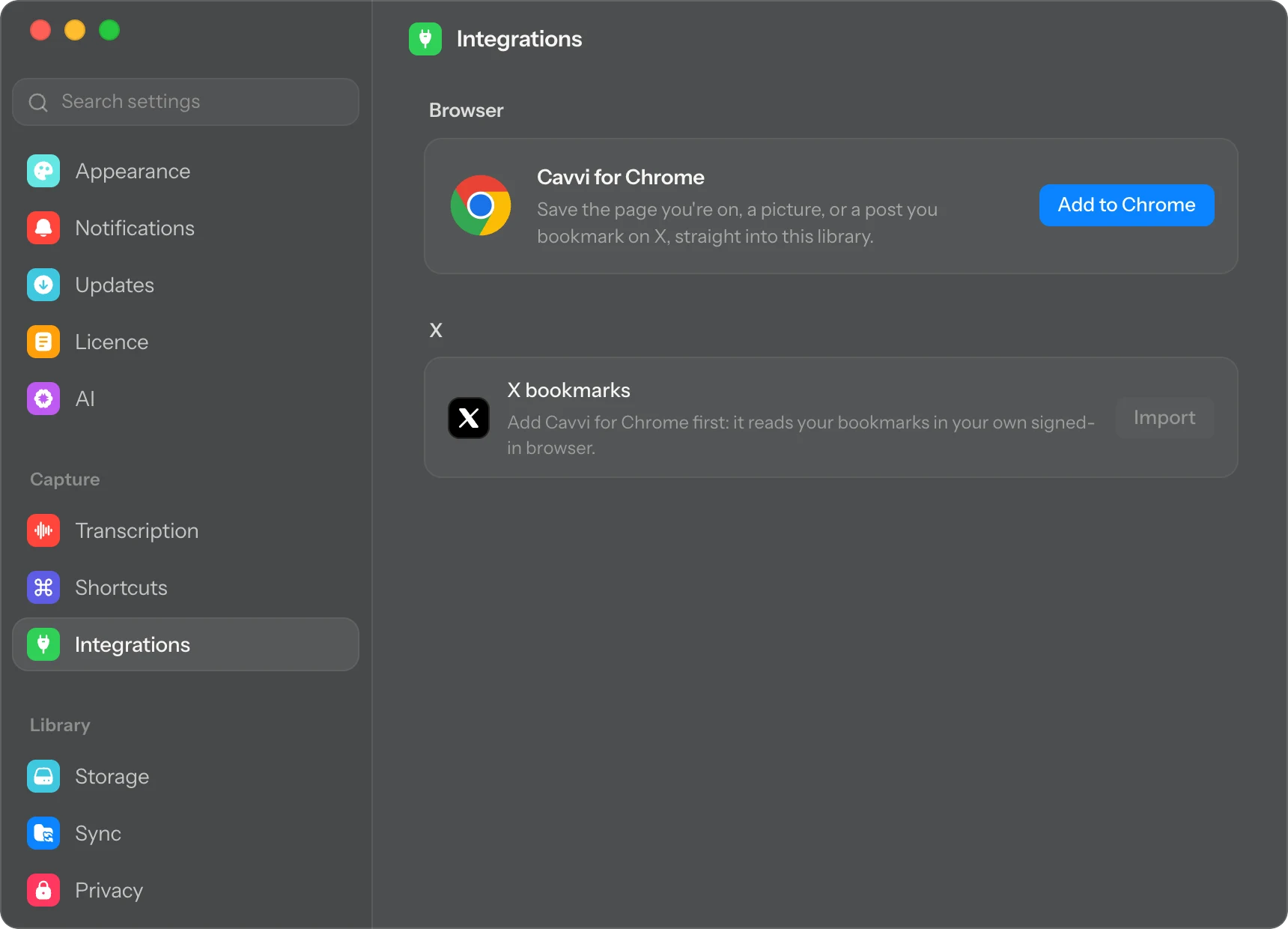
Each save keeps the page's text, so you can search it later, and articles open in a clean reader. Make a collection for each Space if you want to keep the groups you had in Arc.

About
Ten principles for good design
Dieter Rams asked of every object he designed whether it was good design. His answers became ten principles, and they still read as fresh as the day he wrote them.
Good design is innovative. It makes a product useful. It is aesthetic, understandable, unobtrusive and honest.

Sent to Cavvivitsoe.com
Once you've moved to another browser, add Cavvi for Chrome there and keep saving. Your library stays where it is, as a folder of ordinary files on your Mac, and it syncs with Cavvi on your iPhone or iPad through your own iCloud Drive or Google Drive.
Cavvi can't read Arc's export file, so save the pages from Arc while it still opens. Every device starts with 10 free saves, then Cavvi is $39 once, with no subscription. Arc is shutting down has the steps in one place.
Questions
When does Arc stop working?
On 22 December 2026, on both Mac and Windows. You can't open it to reach your tabs after that.
Will I lose my pinned tabs when Arc shuts down?
Yes, unless you import them into Dia or export them as a list of links before 22 December.
Can I export Arc's pinned tabs as bookmarks?
Arc exports a Markdown file of links, not a bookmarks file. Community tools can convert Arc's sidebar into one, or you can open the links and bookmark them yourself.
Does Dia keep my Spaces?
Yes. Each Space becomes a profile in Dia, with its tabs in the same order. Folders become pinned tab groups.
Can Cavvi import my Arc tabs?
No. Save the pages you want to keep with the Cavvi button while Arc still works, and they're in your library from then on.
Keep reading

How to
How do I plan a trip from the reels and TikToks I saved?
Pull the places out of your saved reels, put them on a map, and keep the whole plan in one collection you can share. A plain way to turn travel saves into a trip.

How to
Why won't my old X bookmarks load?
With thousands of bookmarks, X stops loading before you reach the old ones, and its data archive leaves them out. How to get them back and keep a copy you can search.

How to
Why won't my old Instagram saved posts load?
Instagram's Saved grid gives up after a few thousand posts. How to get a list of every post you've saved, reach the old recipes, and keep the ones you'll use.