
BlogHow to
Why won't my old Instagram saved posts load?
Instagram's Saved grid gives up after a few thousand posts. How to get a list of every post you've saved, reach the old recipes, and keep the ones you'll use.
 Benaiah, founder4 min read

Cover art by Pixeljad
Instagram's Saved page is one long grid, newest first, with no way to sort it or jump back to a year. With a few thousand saves, the app stops loading before you reach the bottom. To get to the old ones, download your saved posts from Accounts Centre. The file has a link to every post you've saved, oldest included.
What people report
From r/Instagram:
"there's no realistic way to find old saved posts that are not in any collection."
u/Efficient-Read-9389 on r/Instagram, January 2026
In the same thread, one person scrolled for 40 minutes before the app closed itself, and another left a computer scrolling for half an hour and still couldn't get past February. Someone else was trying to reach old recipes:
"I've saved so many posts that my old ones won't load … I really want to access recipes from the old ones"
u/EdenAndItsIssues on r/Instagram, October 2026
Get a list of every post you've saved
- In Instagram, open Accounts Centre, then Your information and permissions, then Download your information. Some versions call it Export your information.
- Choose to download some of your information, and tick only Saved.
- Set the date range to all time and pick HTML, so the file opens in a browser.
Instagram emails you when the file is ready. It lists every saved post with a link, sorted by date, so you can open old recipes straight from it without scrolling.
While you wait, try instagram.com on a computer. Its Saved page sometimes loads further back than the app.
Can you search your saved posts?
Not for most people. Saved has no search box, so a post you remember only by its caption has to be found by scrolling or through a collection. In October 2026, a post on r/Instagram, citing app researcher Ahmed Ghanem, reported a search option inside Saved. Instagram hasn't announced it, so check whether you have a search bar at the top of Saved.
Search wouldn't help with a reel whose recipe is only spoken in the video, because there are no words to find.
Keep the ones you'll use where you can find them
If a post is something you want to cook or visit, keep a copy where you can search it. A post saved only on Instagram disappears if the account that posted it deletes it.
I make Cavvi, which does this. On your phone, tap the share button on a post, then the option that opens your phone's share sheet, and choose Cavvi. You don't need to open Cavvi to save.
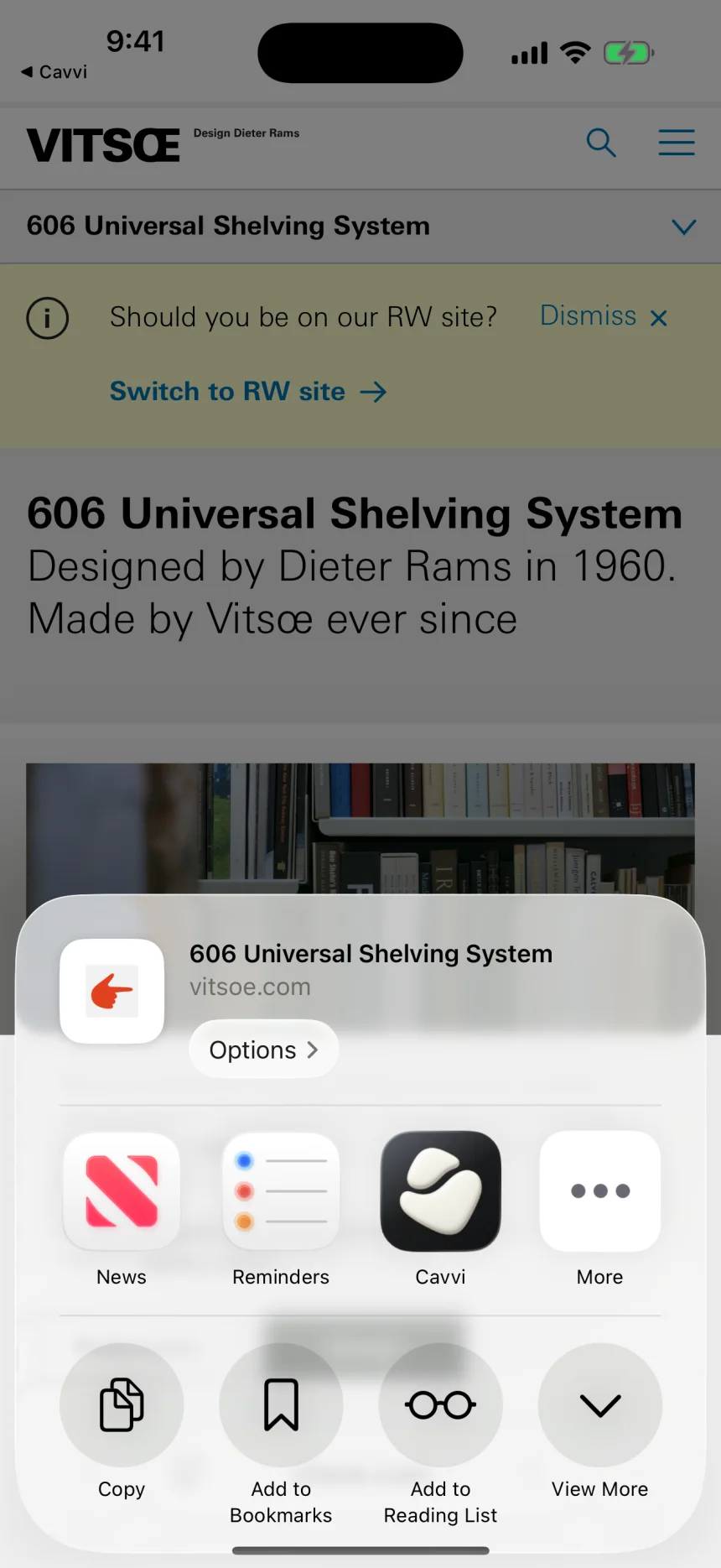
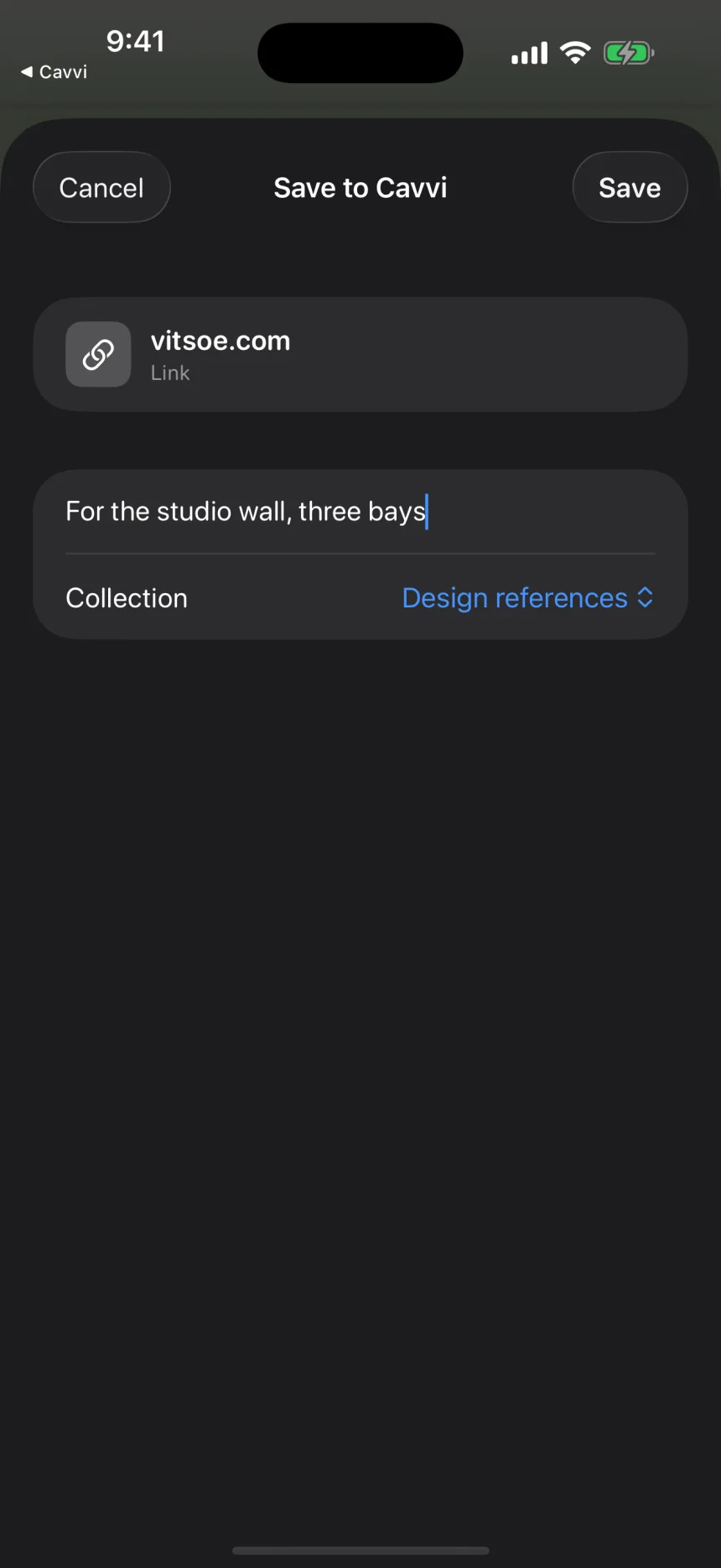
On a Mac, a Cavvi button sits beside each post's bookmark on instagram.com in Chrome. Either way, you can find the post again by the words in its caption or, with Library AI and your own key, by describing what was in the picture.
A reel that shows how to make a dish becomes a recipe you can cook from, with amounts that scale and timers for its steps. When the post leaves part of the recipe out, Cavvi fills it in and says so on the page.
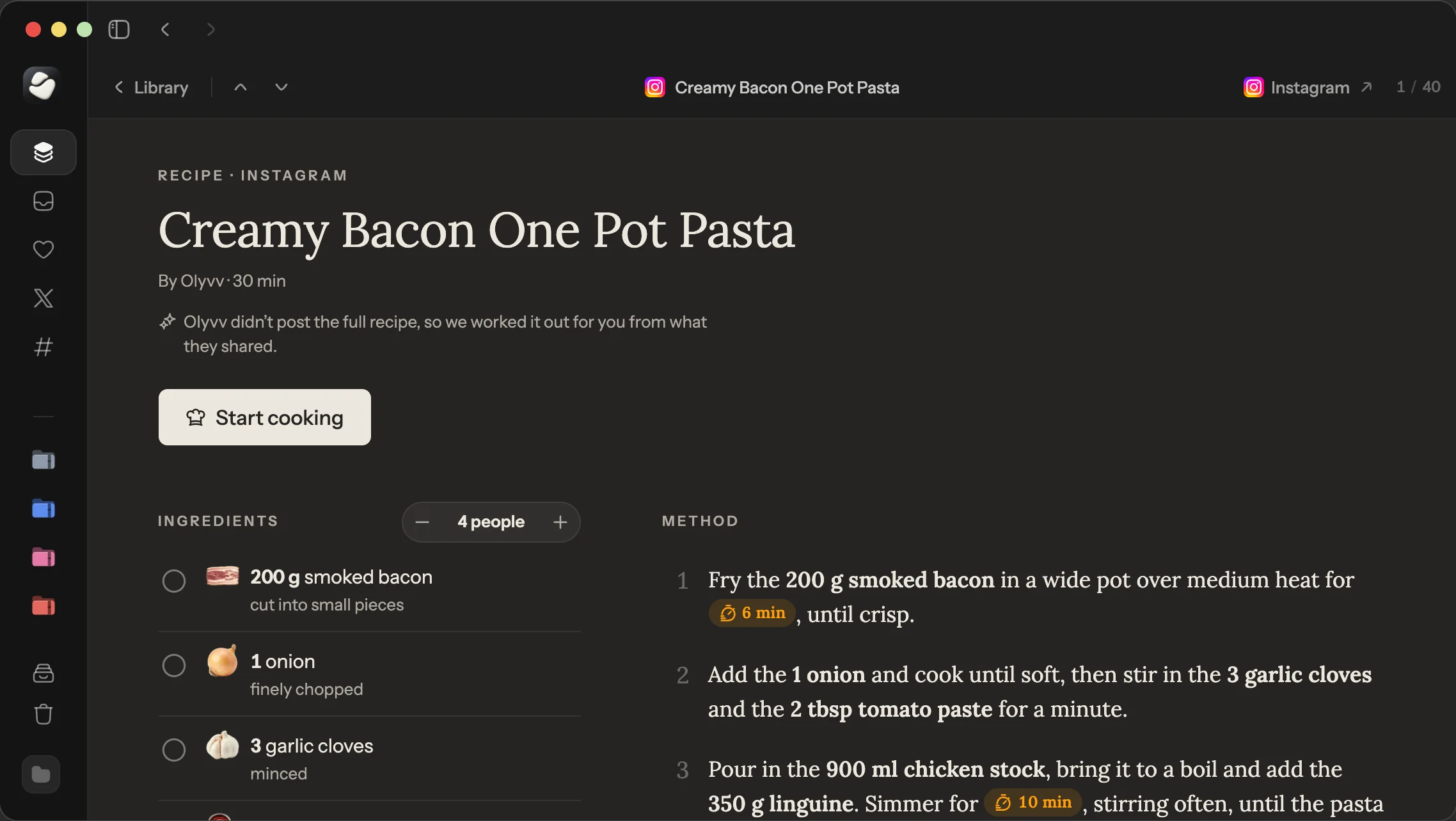
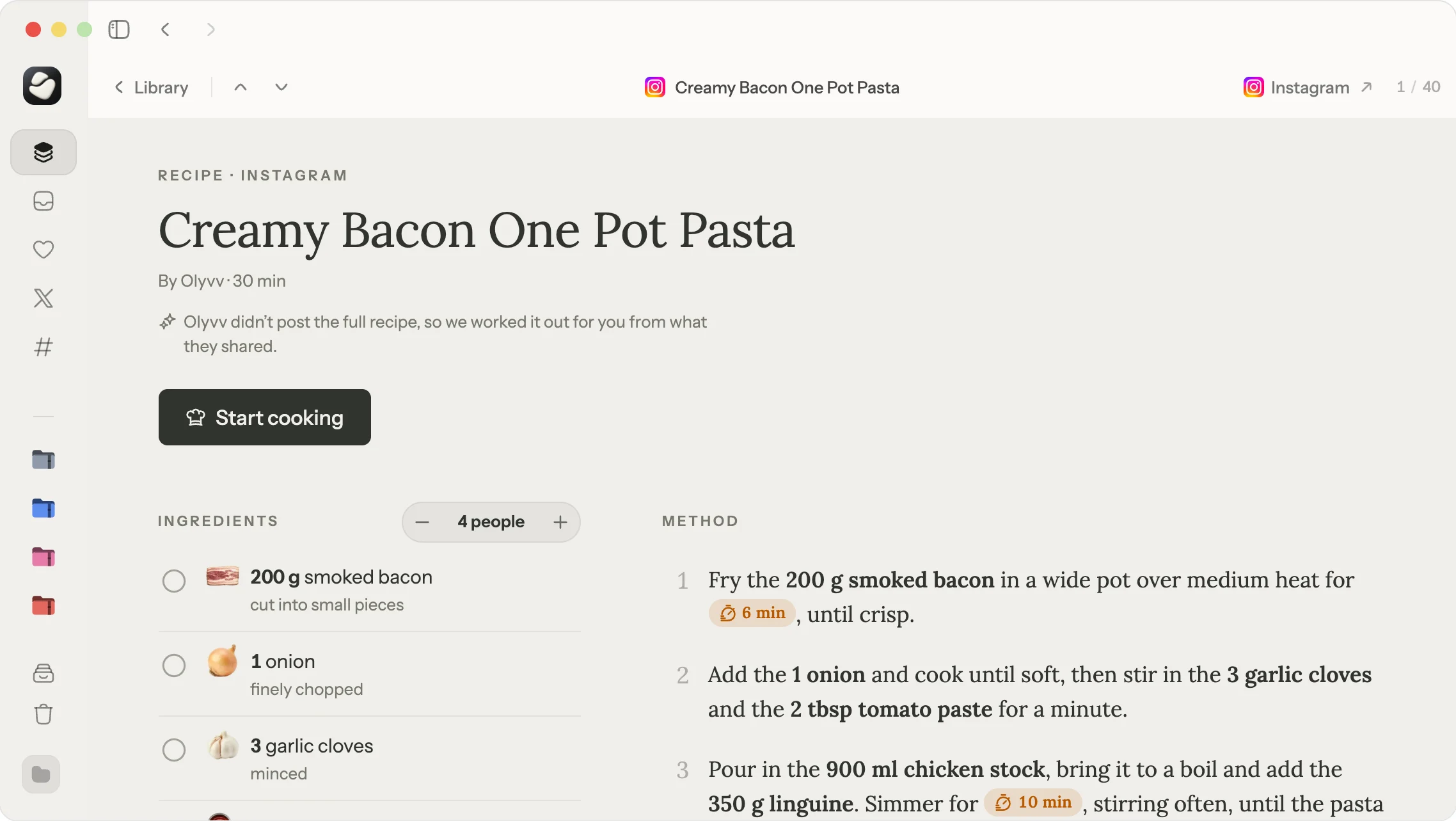
Cavvi keeps a link to each post with its details. It isn't a video downloader, and it can't import Instagram's download file, so open your old saves from the file and share the ones you want to keep. Cavvi runs on iPhone, iPad, Android and Mac, with 10 free saves on each device, then $39 once.
Questions
Why can't I see my old saved posts on Instagram?
With thousands of saves, the app stops loading before it reaches the oldest. Try instagram.com on a computer, or download your saved posts from Accounts Centre to get a link to every one.
Is there a limit to how many posts you can save on Instagram?
Instagram doesn't publish one. People with thousands of saves find the app stops loading the older ones, so the practical limit is how far it will scroll.
Can people see what you save on Instagram?
No. Your saved posts are private, and the person who posted isn't told. Creators with a professional account can see how many people saved a post, but not who.
How do I download all my saved posts on Instagram?
Open Accounts Centre, then Your information and permissions, then Download your information. Choose only Saved, set the range to all time, and Instagram emails you the file.
Why did a saved post disappear from my Instagram?
Its owner deleted or archived it, or made their account private when you don't follow them. Your save points to their post, so it goes too.
Keep reading
How to
How do I plan a trip from the reels and TikToks I saved?
Pull the places out of your saved reels, put them on a map, and keep the whole plan in one collection you can share. A plain way to turn travel saves into a trip.
How to
Why won't my old X bookmarks load?
With thousands of bookmarks, X stops loading before you reach the old ones, and its data archive leaves them out. How to get them back and keep a copy you can search.

How to
What happens to my tabs when Arc shuts down?
Arc stops working on 22 December 2026, and your pinned tabs go with it. What Dia brings over, how to export the rest, and where to keep pages for good.