



BlogHow to
How do I download a video from X for free?
X only lets paying subscribers download videos, and only some. The free ways are a downloader site, a command-line tool, or an app that keeps the video.
 Benaiah, founder5 min read

Cover art by Pixeljad
X has a Download video button, but only for paying subscribers, and only on videos whose poster allows it. For free, you can paste the post's link into a downloader website, use the free tool yt-dlp on a computer, or save the post to an app that keeps a copy of the video for you.
Can you download X videos without Premium?
Not in X itself. According to X's help page on videos (checked November 2026), downloading is for X Premium subscribers and people on the Plus, Premium, Super and Ultra plans of The X Subscription. Even then it only works on some videos:
- The video was posted on or after 25 July 2023. Older videos can't be downloaded.
- The person who posted it left Allow video to be downloaded on.
- Their account isn't under 18. For those accounts the setting is off and can't be turned on.
When all three are true, a subscriber taps the three dots at the top right of the video and chooses Download video. X describes it as a way to watch offline or remix the video, and not everyone expects that. One person who paid for Premium hoped to send videos on:
"Thought I could save videos to my gallery and share with friends on iMessage."
u/wildgoat on r/Twitter, October 2026
What people use instead
Most people search for a downloader website and paste the post's link in. They work, more or less, but they're paid for with ads:
"There are loads of apps out there, but they all contain so many freaking ads."
u/Vivid_Trainer_5002 on r/Twitter, March 2026
People have asked this on X in almost the same words for over a decade. "how do i download a video from a twitter post", posted in June 2024, was seen 17,000 times.
A downloader website
- On X, tap the share button on the post and choose Copy link.
- Open a downloader site in your browser and paste the link.
- Pick a size, and the video downloads to your phone's or computer's downloads folder.
Sites like these come and go, and some fill the page with pop-ups, so don't install anything a downloader site offers you.
yt-dlp, on a computer
yt-dlp is a free, open-source program that downloads videos from X and many other sites, with no ads. It runs in Terminal on a Mac, or the command line on Windows and Linux. Once it's installed, you give it the post's link:
yt-dlp "https://x.com/someone/status/1234567890"
The video lands in the folder you ran it from. It's the cleanest option if you're comfortable typing a command.
Screen recording
On iPhone, the Screen Recording button in Control Centre records whatever is playing. It works on any video, but you lose quality and record X's buttons along with it.
Keep the video with the post
All of these give you a loose file with no link back to the post, its words or who made it. If what you want is to watch it again later, it helps to keep the video with the post.
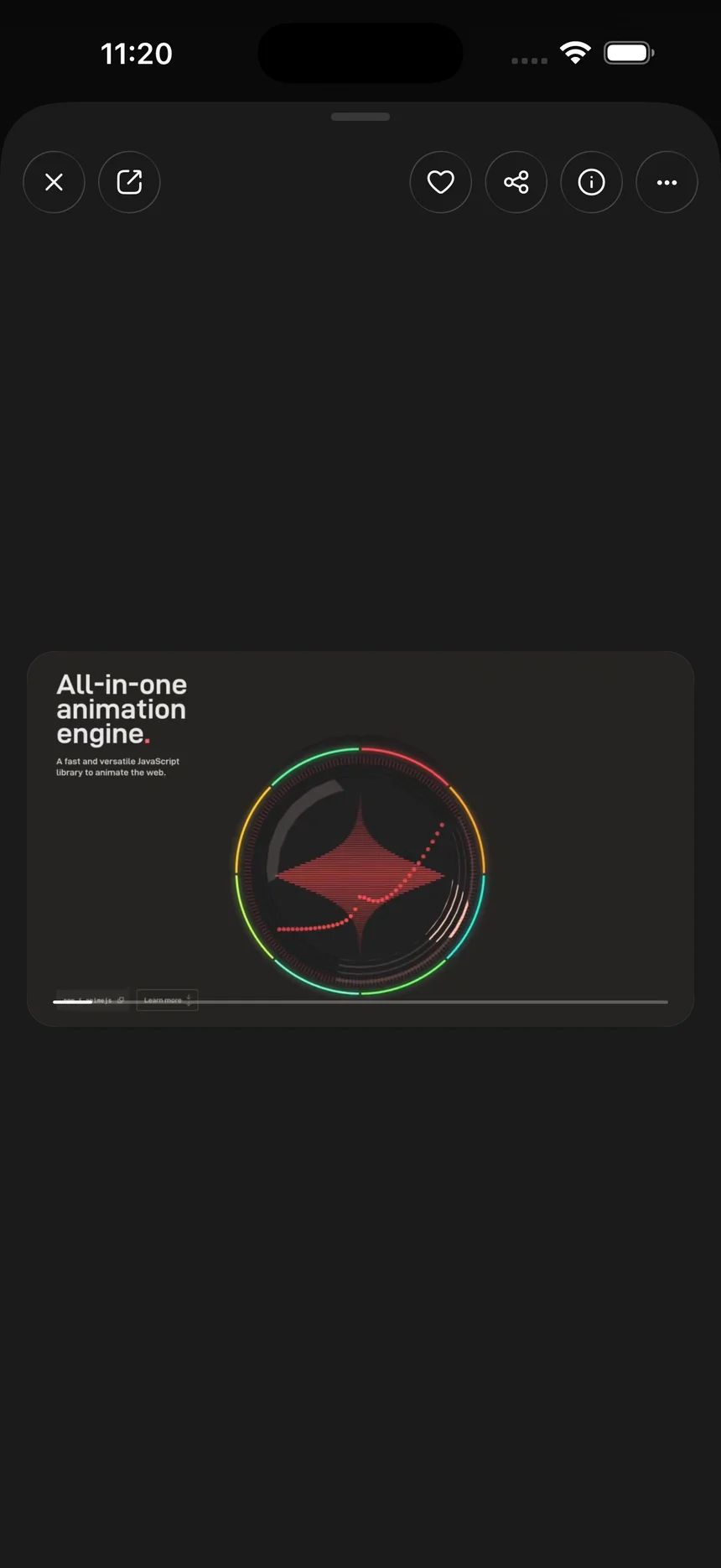
I make Cavvi, an app for keeping what you save. When you save an X post with a video, Cavvi downloads the video and keeps it with the post. It plays in Cavvi on your Mac and iPhone without a connection, and it's still there if the post is deleted or the account is suspended.
To save a post on your phone:
- Tap the share button on the post in X, then the option that opens your phone's own share sheet.
- Choose Cavvi, add a note or a collection if you like, and tap Save.
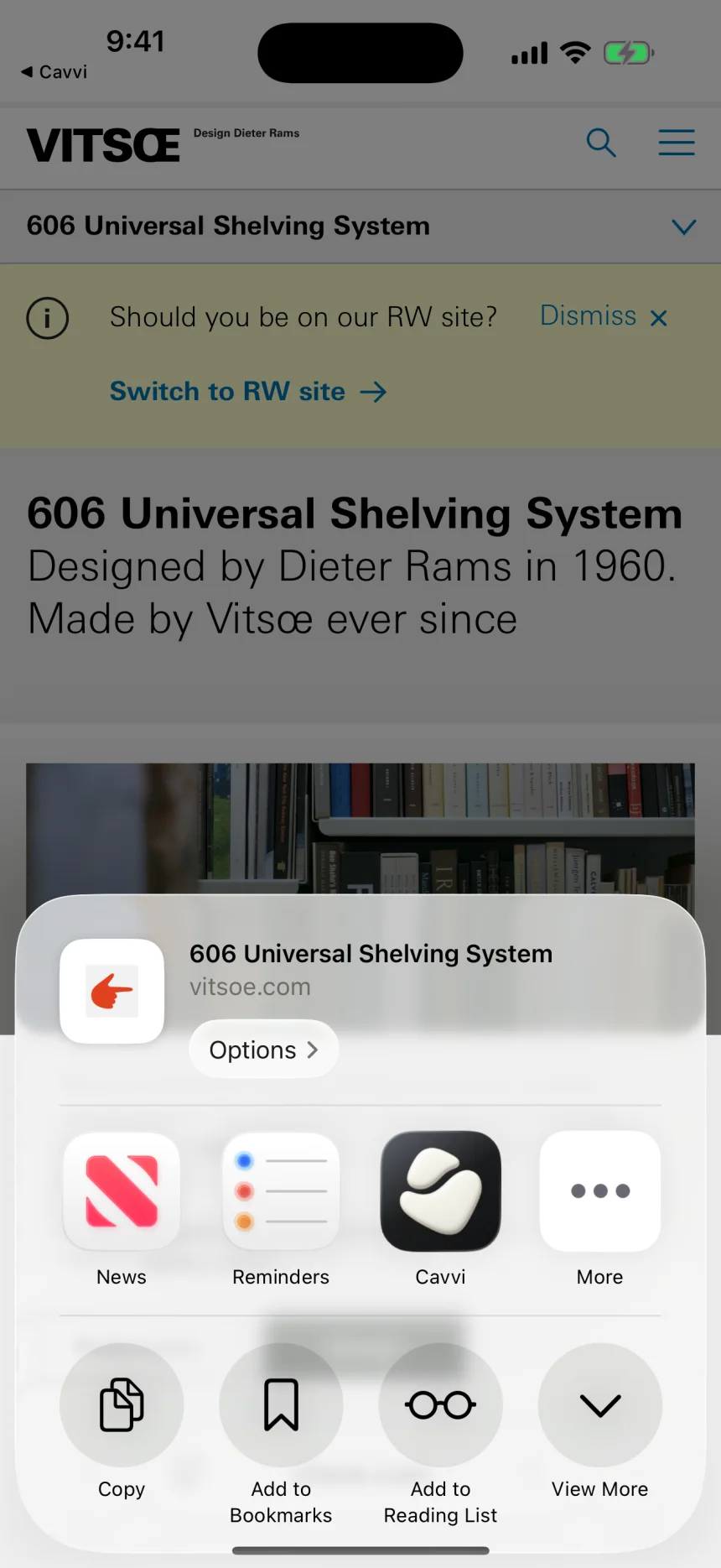
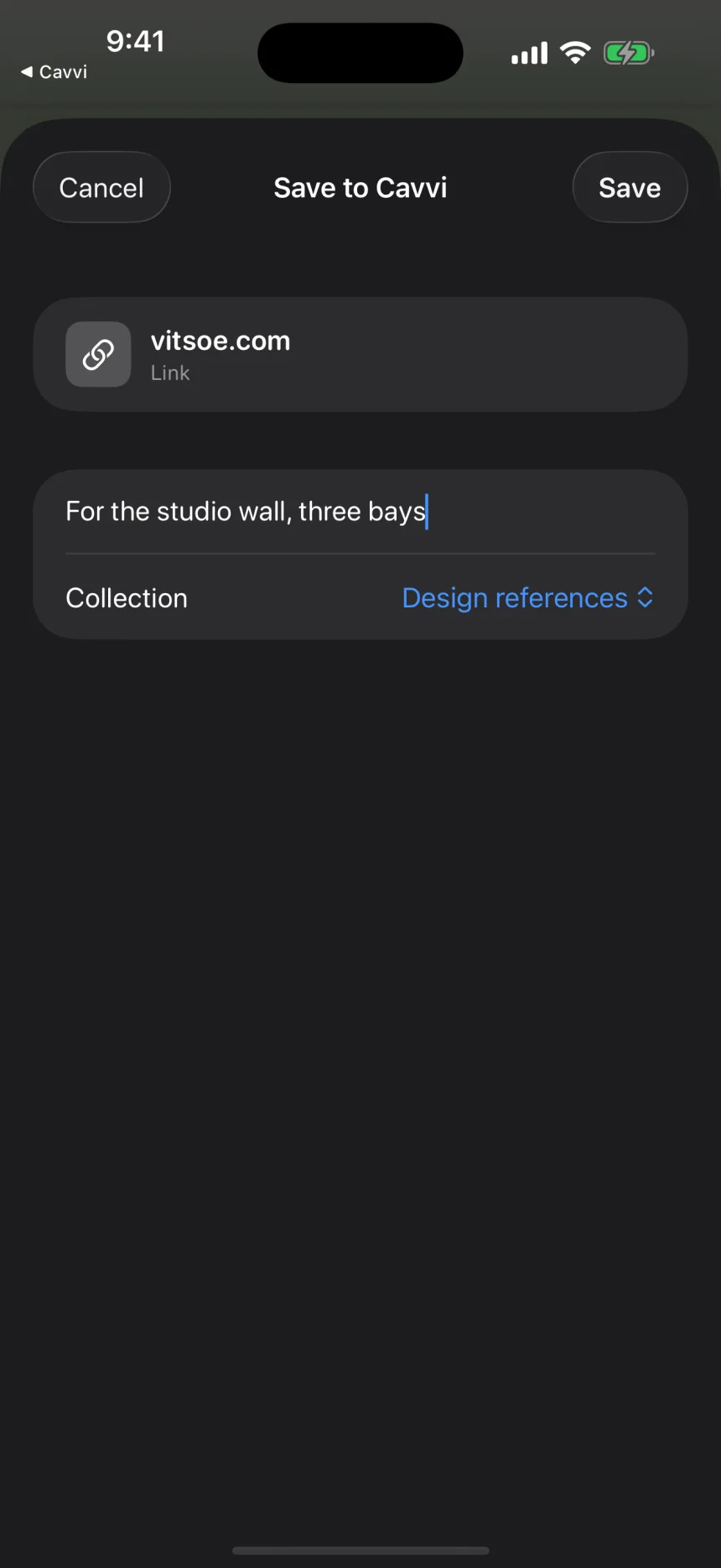
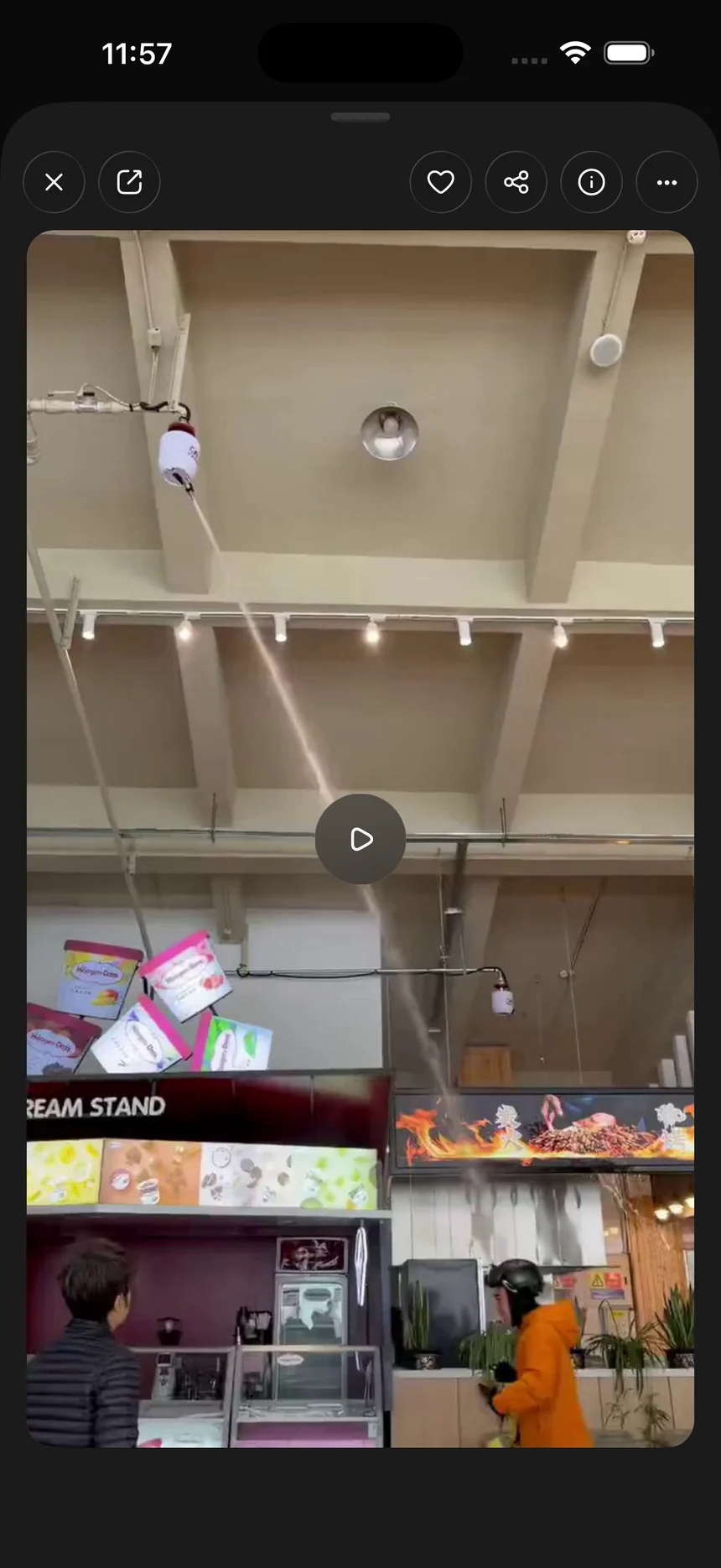
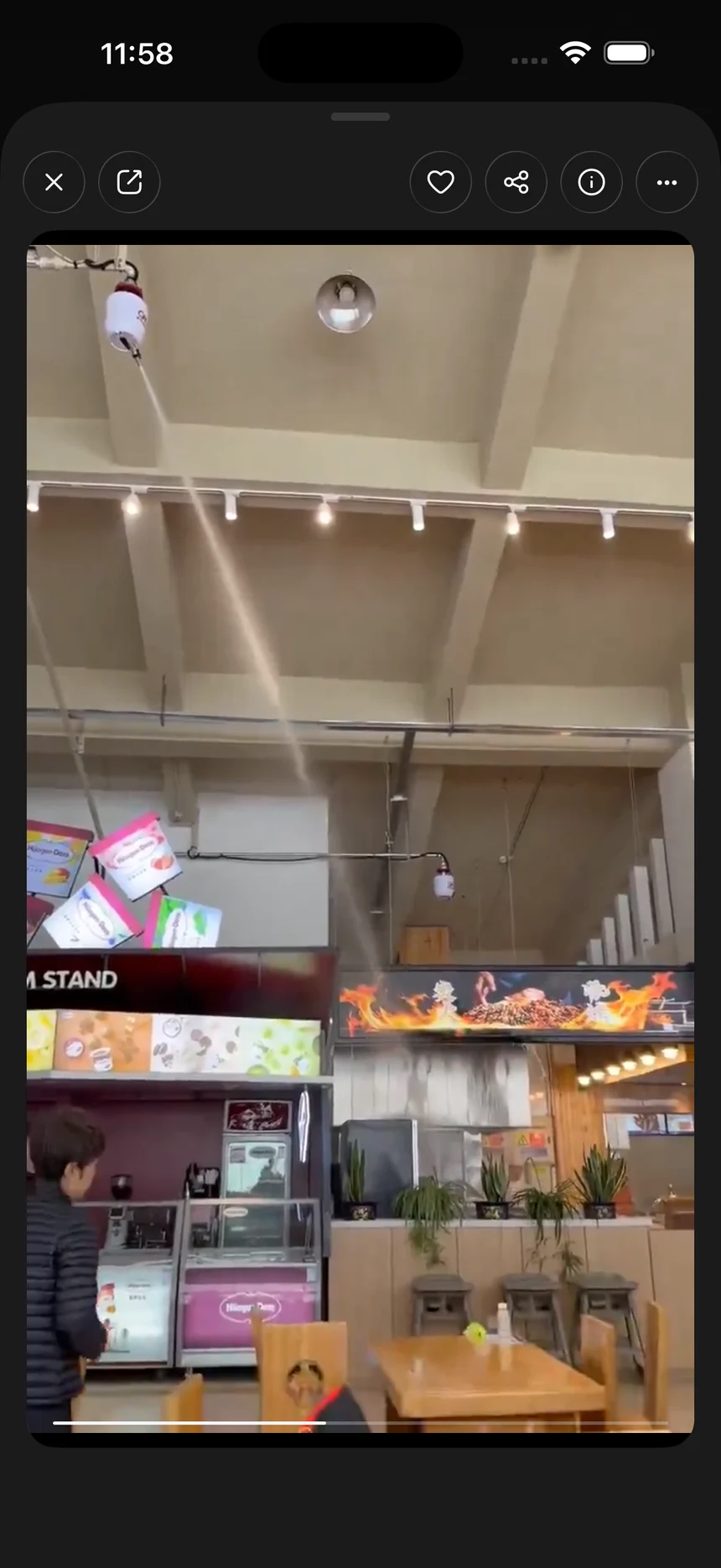
- Open the save in Cavvi, and the video plays from the copy kept with it.
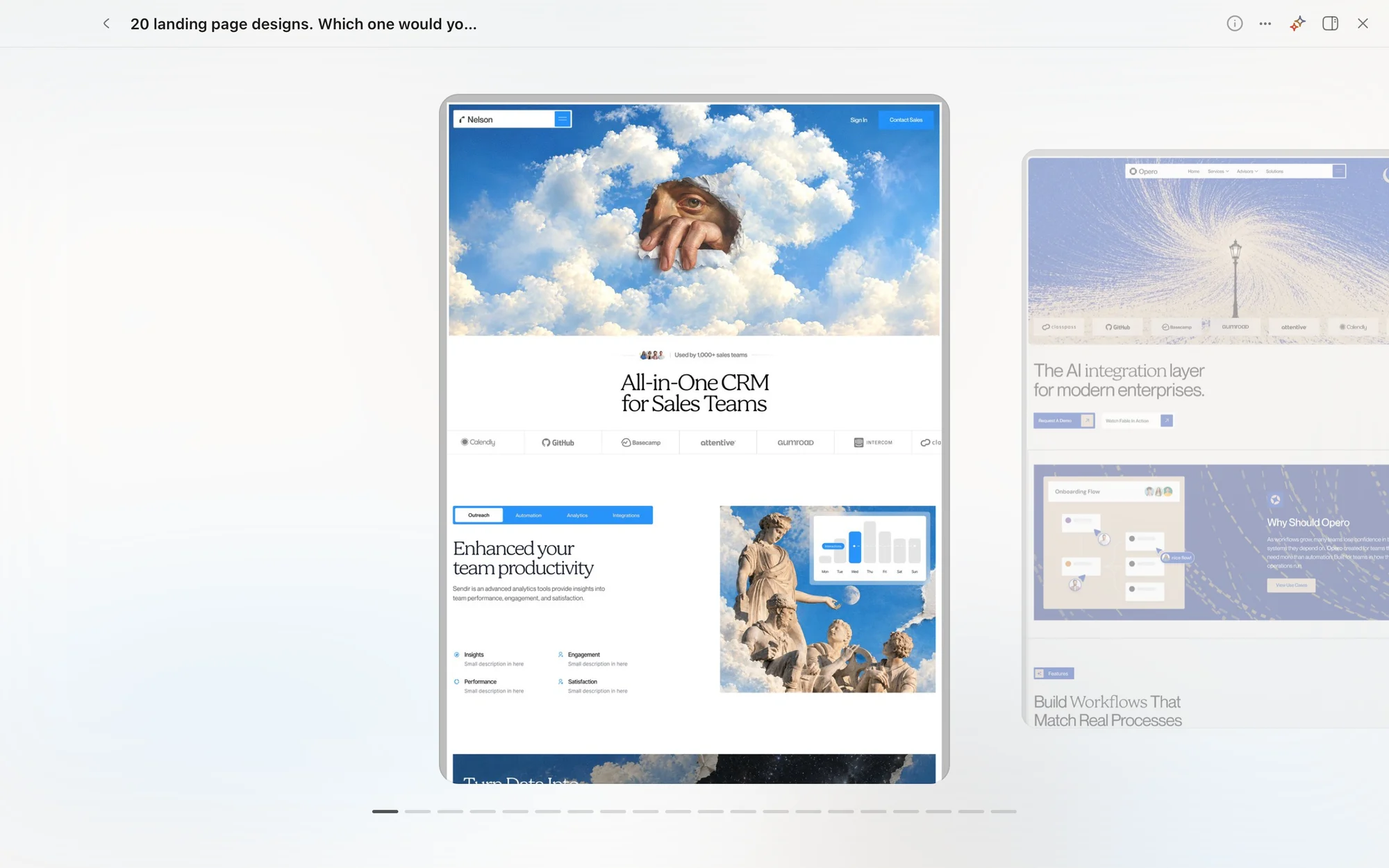
On a Mac, Cavvi for Chrome puts a button beside each post on x.com, and bookmarking a post saves it to Cavvi too. You can also copy the post's link and press ⌘V in Cavvi. A post with several pictures and videos keeps all of them, side by side.
You can take a video out again too. On iPhone:
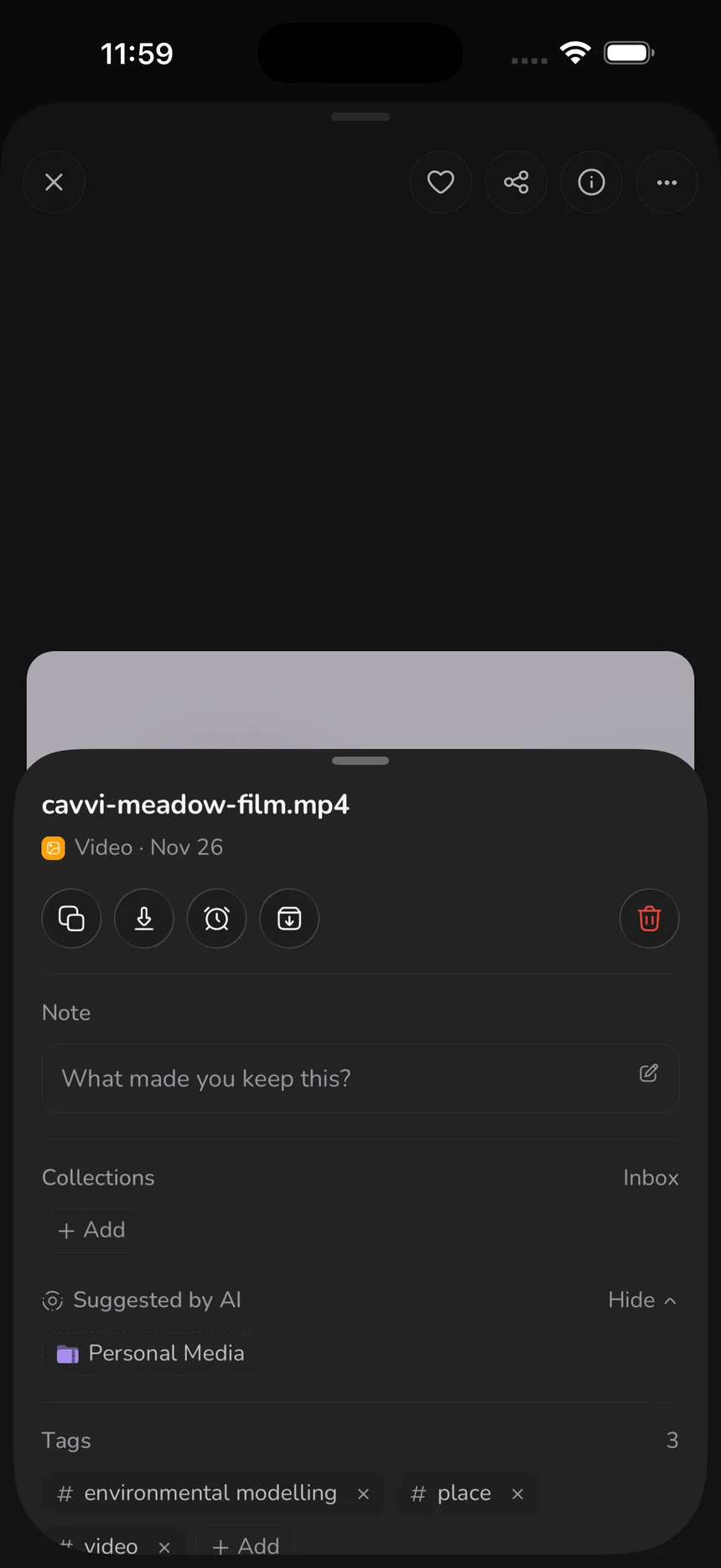
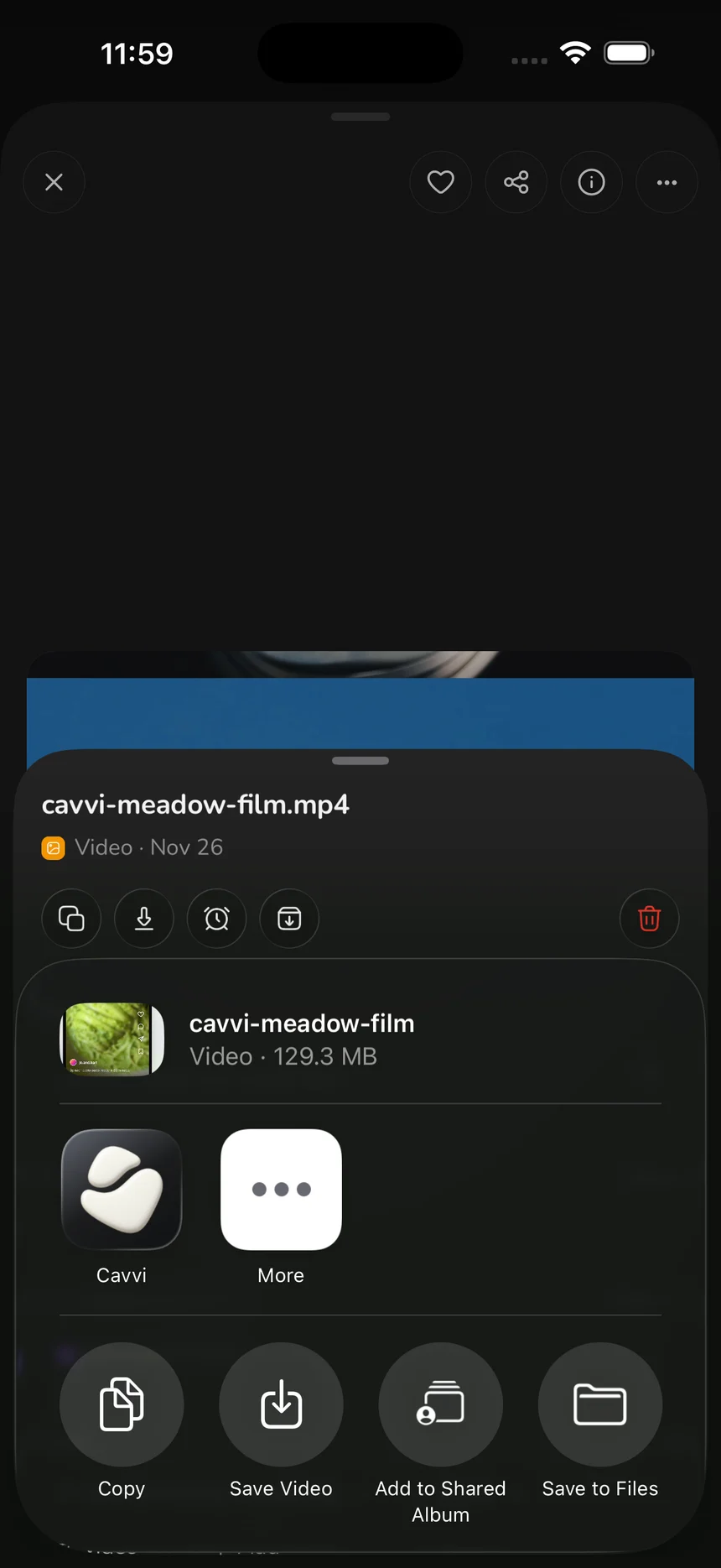
- Open the post in Cavvi and tap ⋯ at the top right.
- Tap the download button.
- Choose Save Video to put it in Photos, or Save to Files.
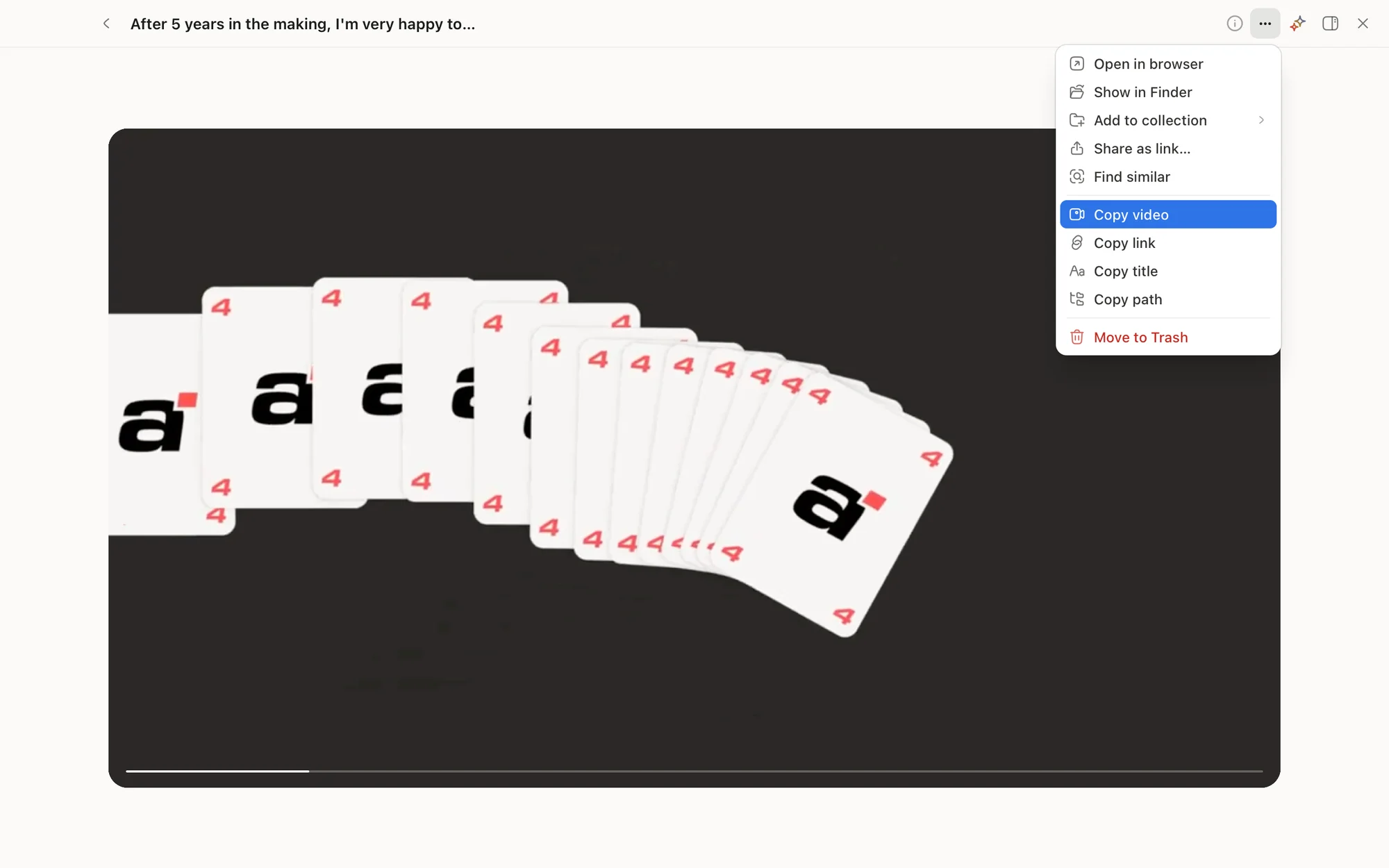
On the Mac, open the post, click ⋯ at the top right, choose Copy video, and paste it into a message or a Finder window. If the post has several videos, you get the one in the middle.
If you've imported your X bookmarks, their videos download the first time you press play.
What Cavvi doesn't do
Videos over 50 MB open on X instead, and posts from protected accounts can't be reached. Cavvi keeps each video at 720p, so one posted in higher quality is kept smaller.
Cavvi gives you 10 free saves on each device, then it's $49 once. The steps are in Keep videos from X, Instagram, TikTok and Pinterest, and if your X bookmarks have stopped loading, see Why won't my old X bookmarks load?.
Questions
Can you download X videos without Premium?
Not with X's own button, which needs a paid subscription. A downloader website, yt-dlp or a screen recording works without one.
Why is there no download option on an X video?
Either you don't have a paid subscription, the poster turned off downloads, the video was posted before 25 July 2023, or the poster's account is under 18.
Where do X videos go when you download them with Premium?
X says downloads are for watching offline and for remixing. If you need a file to send, a downloader site or yt-dlp gives you one, and on iPhone Cavvi can put a saved post's video in Photos.
Can I still watch an X video after the post is deleted?
Only if you kept a copy before it went. Cavvi keeps one when you save the post, so it still plays after the post is gone.
Does yt-dlp work on iPhone?
No. It runs on a computer: in Terminal on a Mac, or the command line on Windows and Linux.
Keep reading

How to
How do I download a video from Pinterest?
Pinterest doesn't let anyone download video Pins, not even their own. What works instead, and how to keep a Pin's video as a file you can put in Photos.

How to
How do I save Instagram reels to watch offline?
Saved reels need a connection and vanish when they're deleted. How to download a reel with Instagram's own button, and how to keep reels that last.

How to
Can you still watch a TikTok after it's deleted?
No. A deleted TikTok stops playing everywhere, your Favorites included. The only copy left is one you kept before it went. How to keep the ones you care about.