



Save · All guides
Save
Keep videos from X, Instagram, TikTok and Pinterest
The video in a post you save is kept with it, so it plays in Cavvi without a connection and stays if the post is deleted.
- Mac
- iPhone
- iPad
When you save a post with a video from X, Instagram, TikTok or Pinterest, Cavvi downloads the video and keeps it with the save. It plays in Cavvi without a connection, and it stays in your library if the post is deleted later.
Save a post with a video
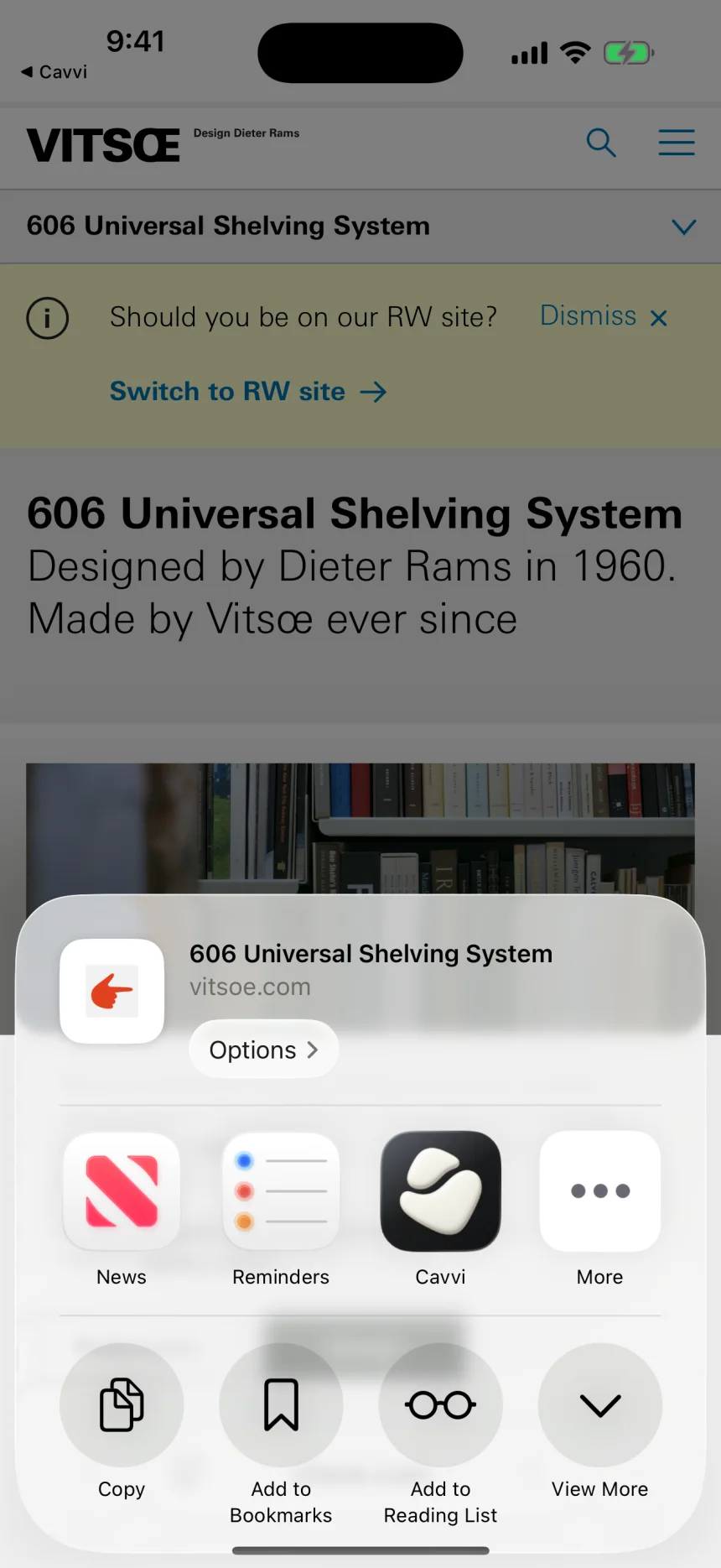
On iPhone and iPad:
- Tap the share button on the post, then the option that opens your phone's own share sheet.
- Choose Cavvi, add a note or a collection if you like, and tap Save.
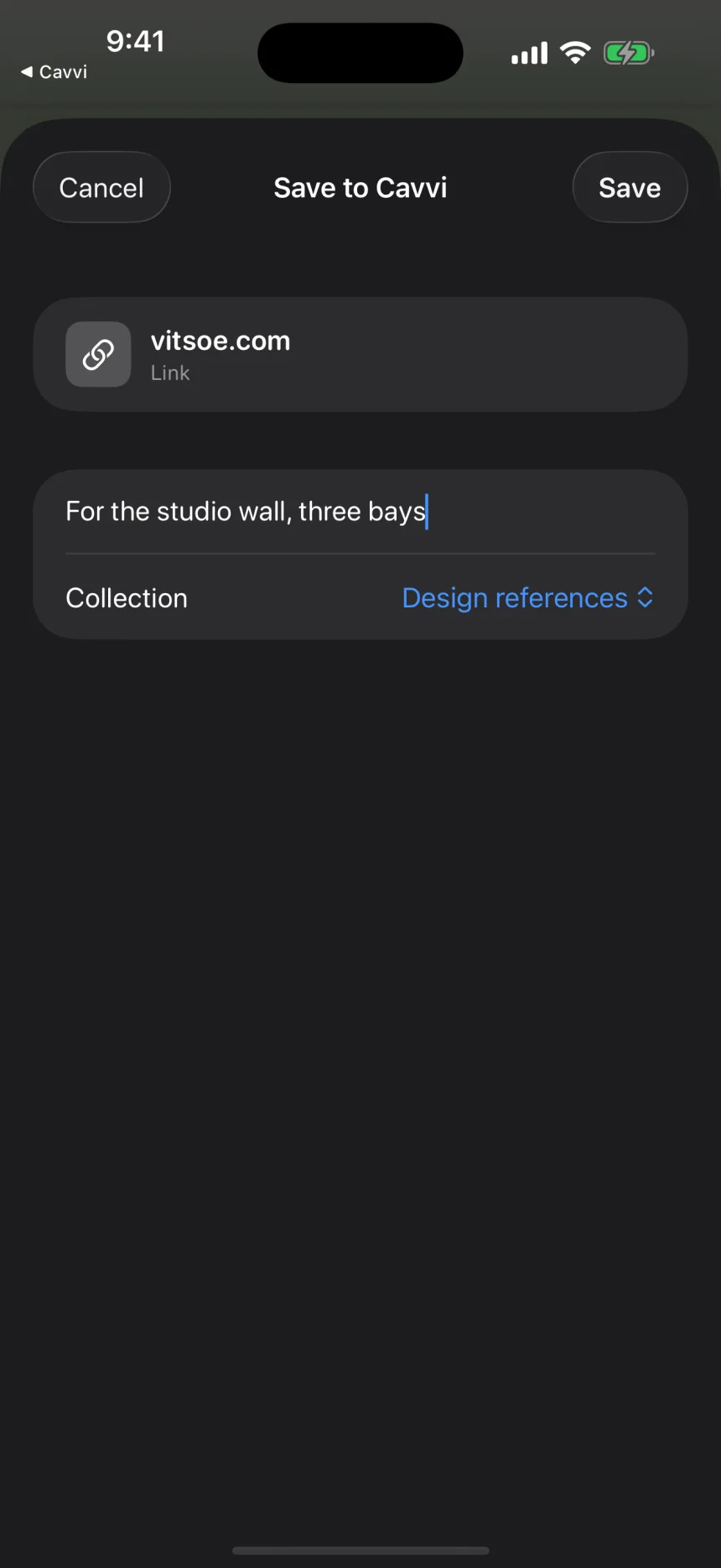
On the Mac, click the Cavvi button beside a post on x.com or instagram.com in Chrome. For a post from any of the four sites, you can also copy its link and press ⌘V in Cavvi. See Save from Chrome.
New saves download their video soon after they reach your library.
Watch it
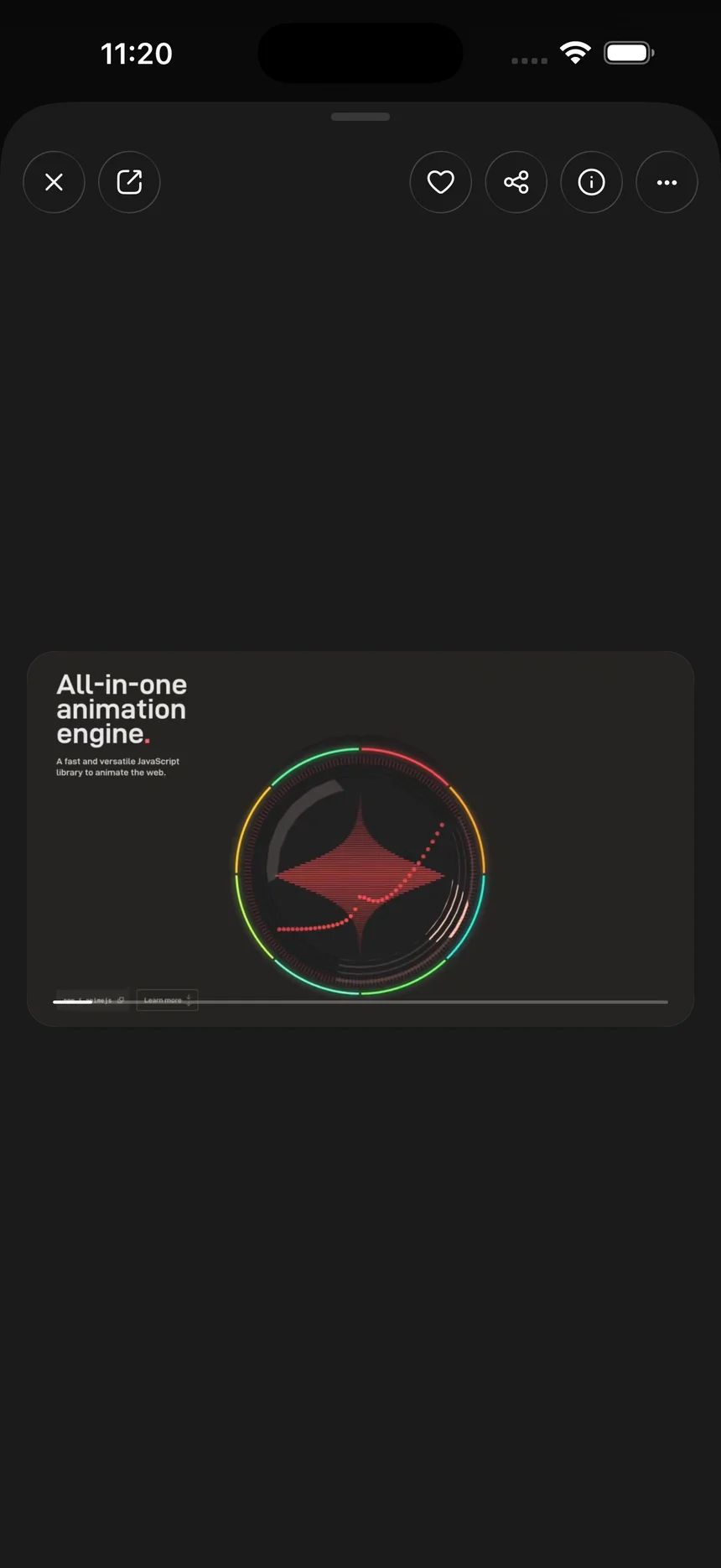
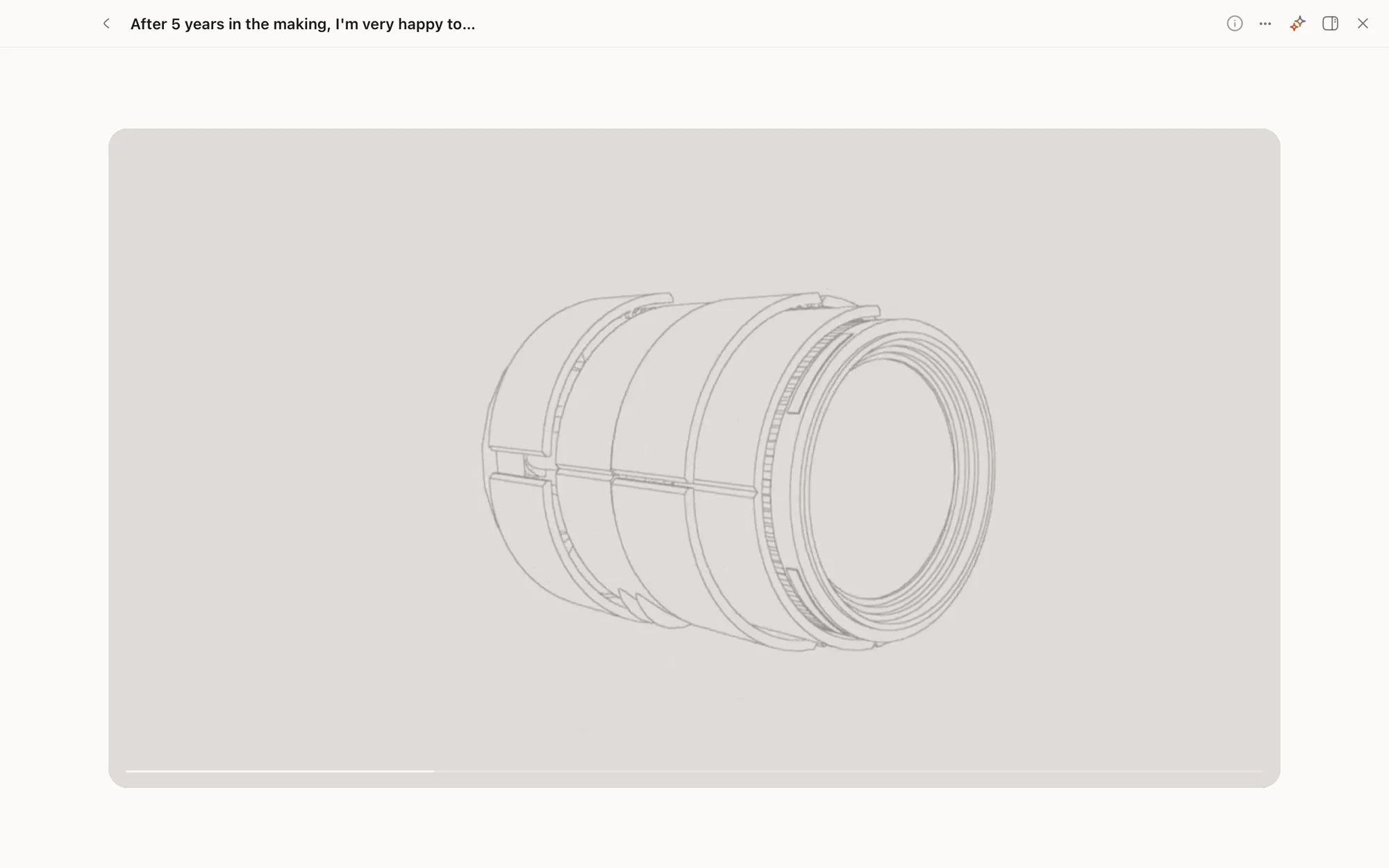
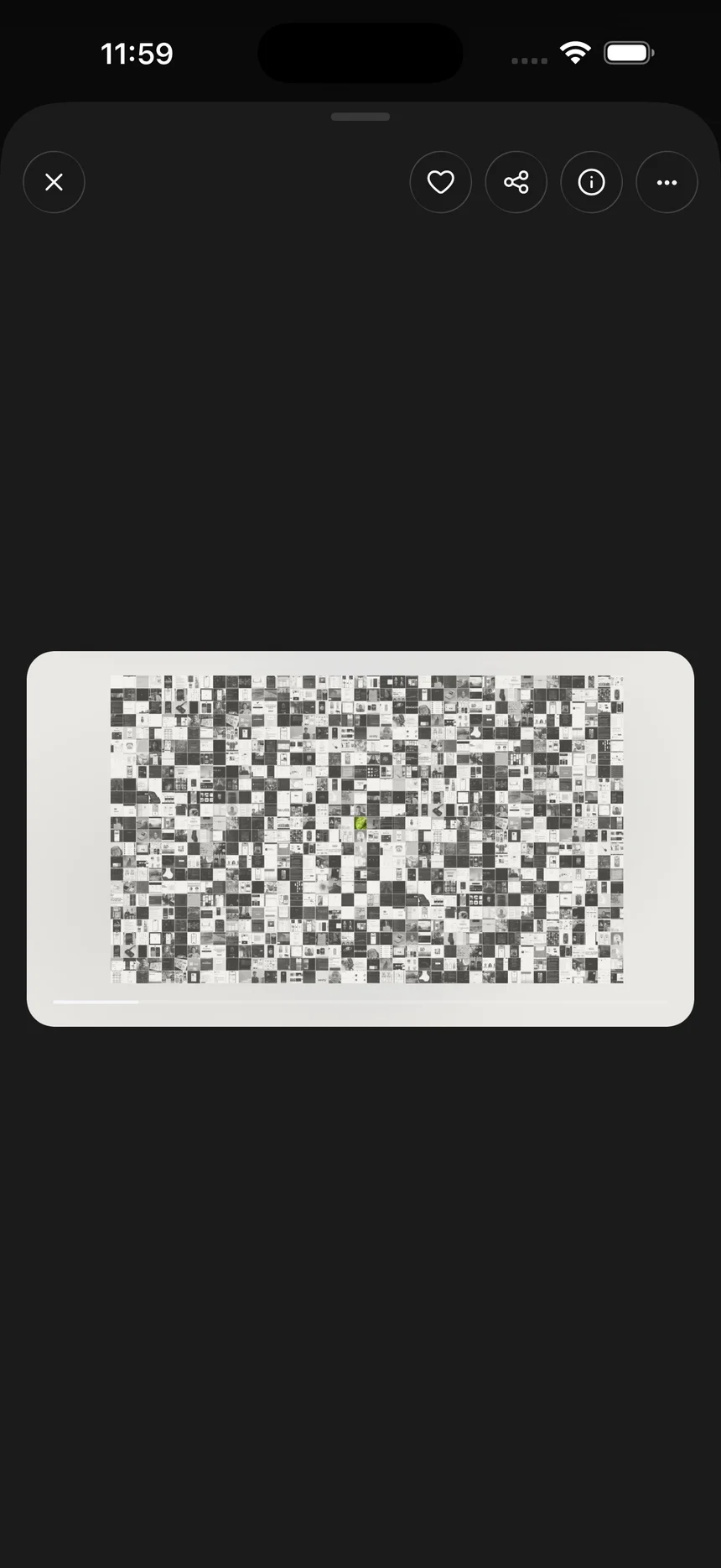
Open the save and the video starts playing on a loop, with a thin line along the bottom showing how far along it is. On iPhone, tap it for the time, speed and sound.
On the Mac, move the pointer over the video for the time, speed and sound.
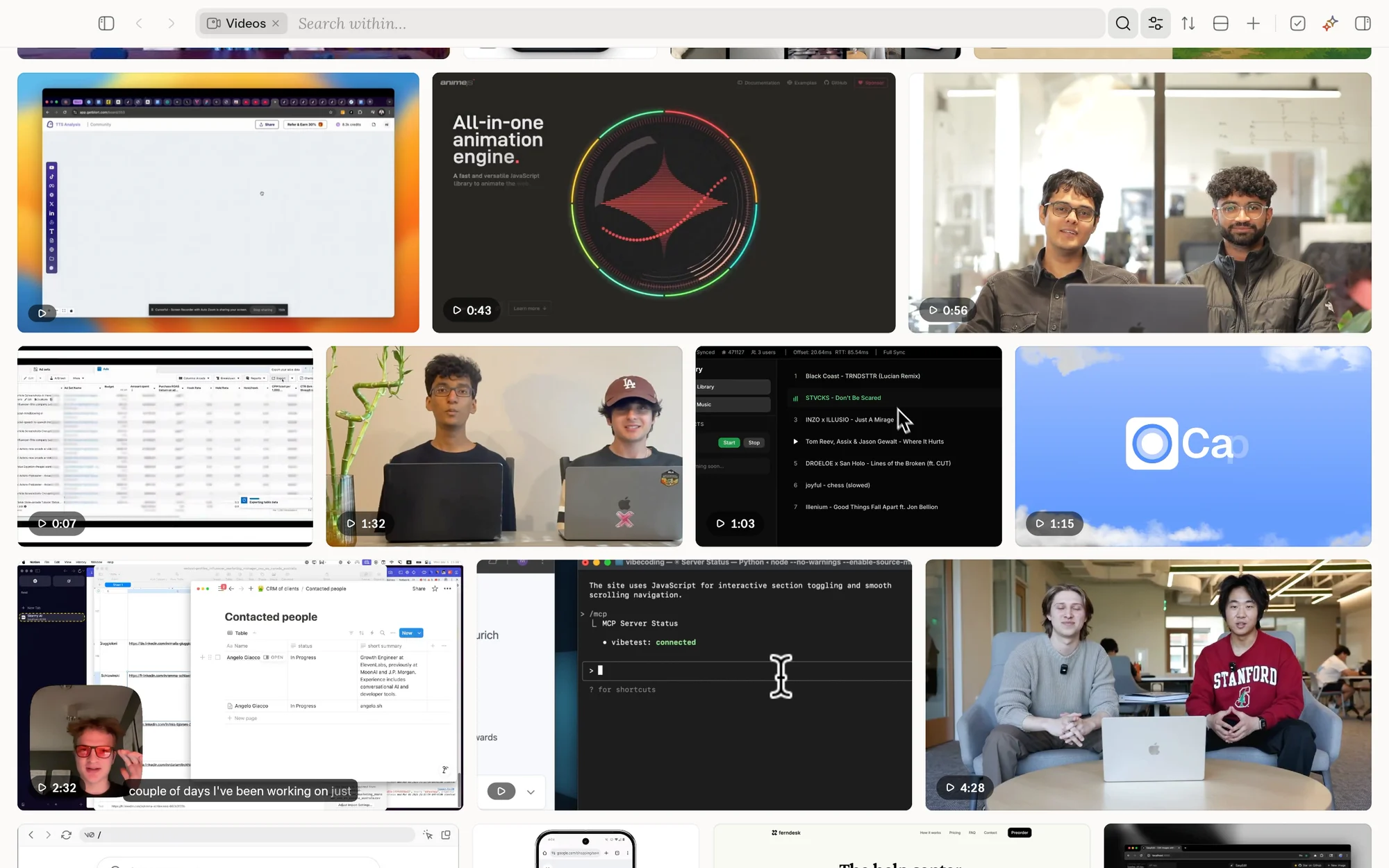
In your library, videos show their length and play silently while they're on screen. Choose Videos under Filters to see only videos, the ones kept from posts included.
Posts with several pictures or videos
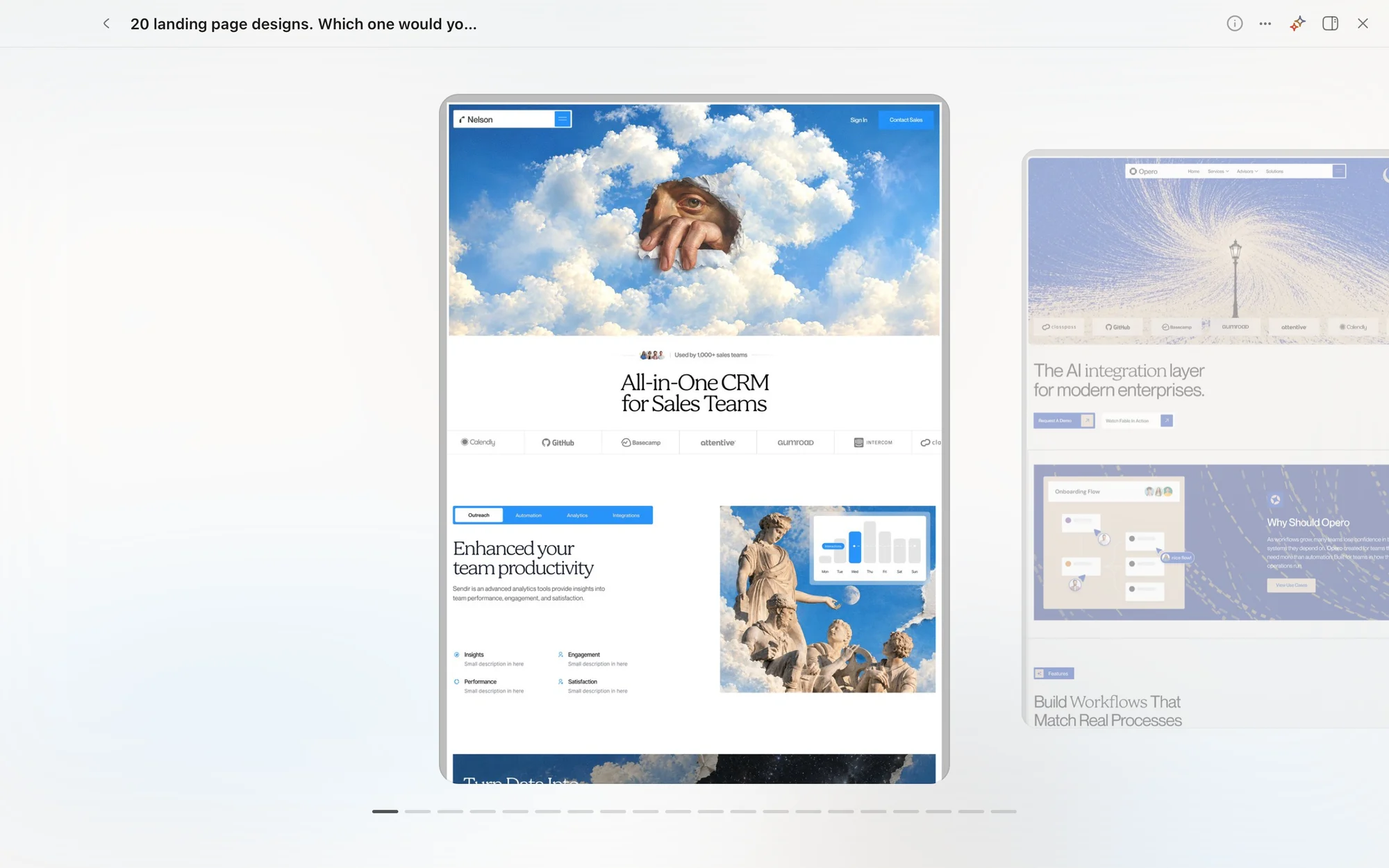
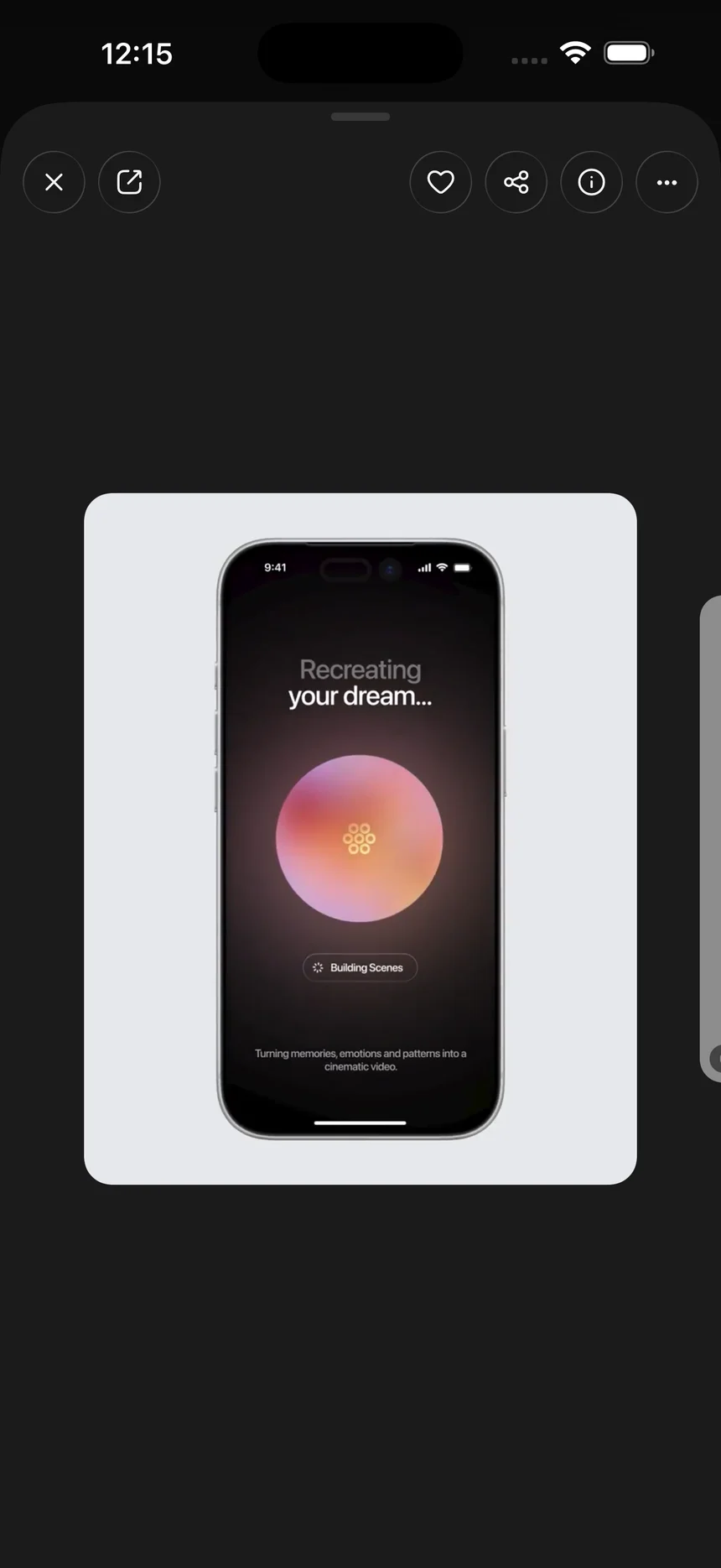
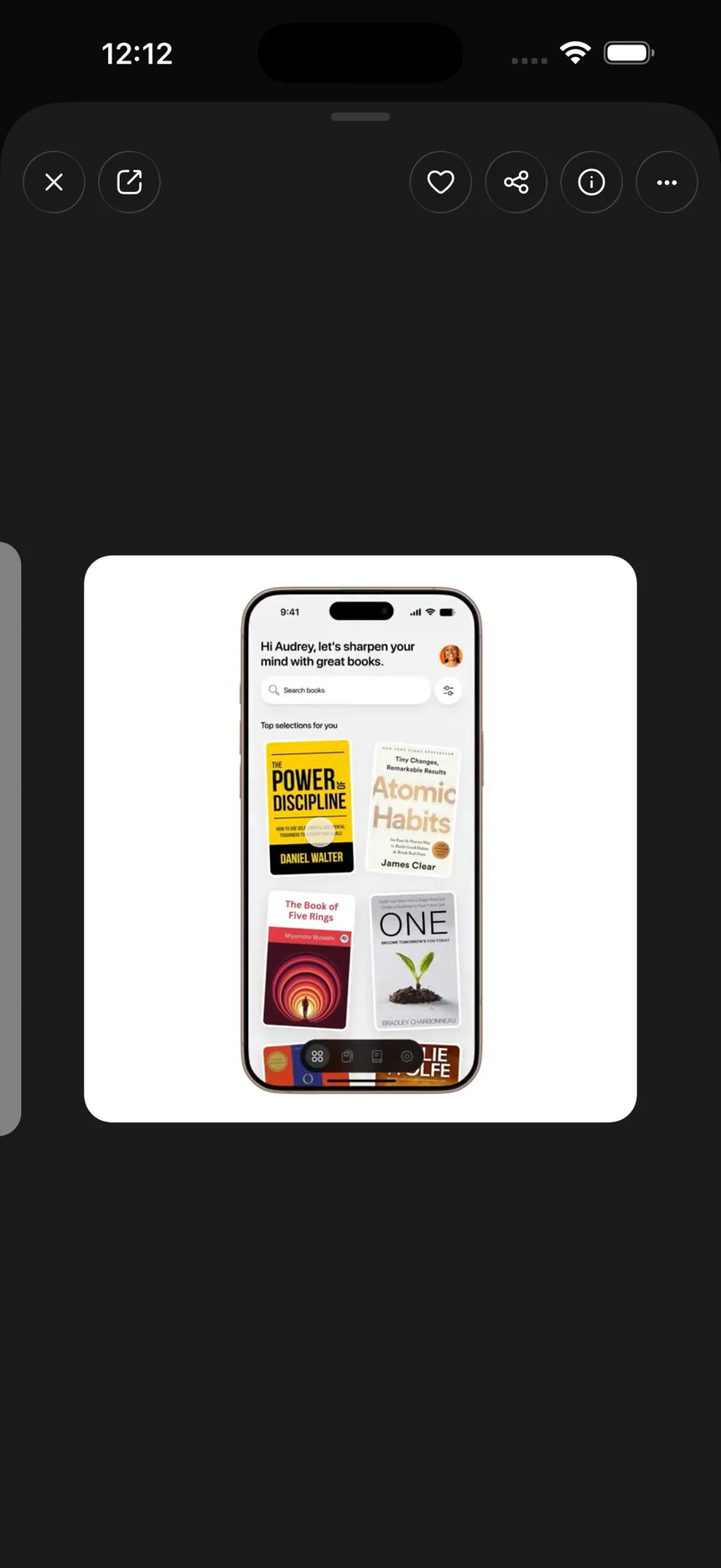
An X post with more than one picture or video shows them side by side, with a bar for each under them. On the Mac, drag the row or click the bars to move between them. Click one to see it full-window, where the arrow keys move between them.

On iPhone, swipe between them. A video plays once it's in the middle, and a tap pauses it.
Posts you saved earlier
Posts saved before Cavvi kept videos show their cover with a play button:
- Press the play button.
- Cavvi downloads the video while the button spins.
- The video plays, and from then on it's kept like any other.
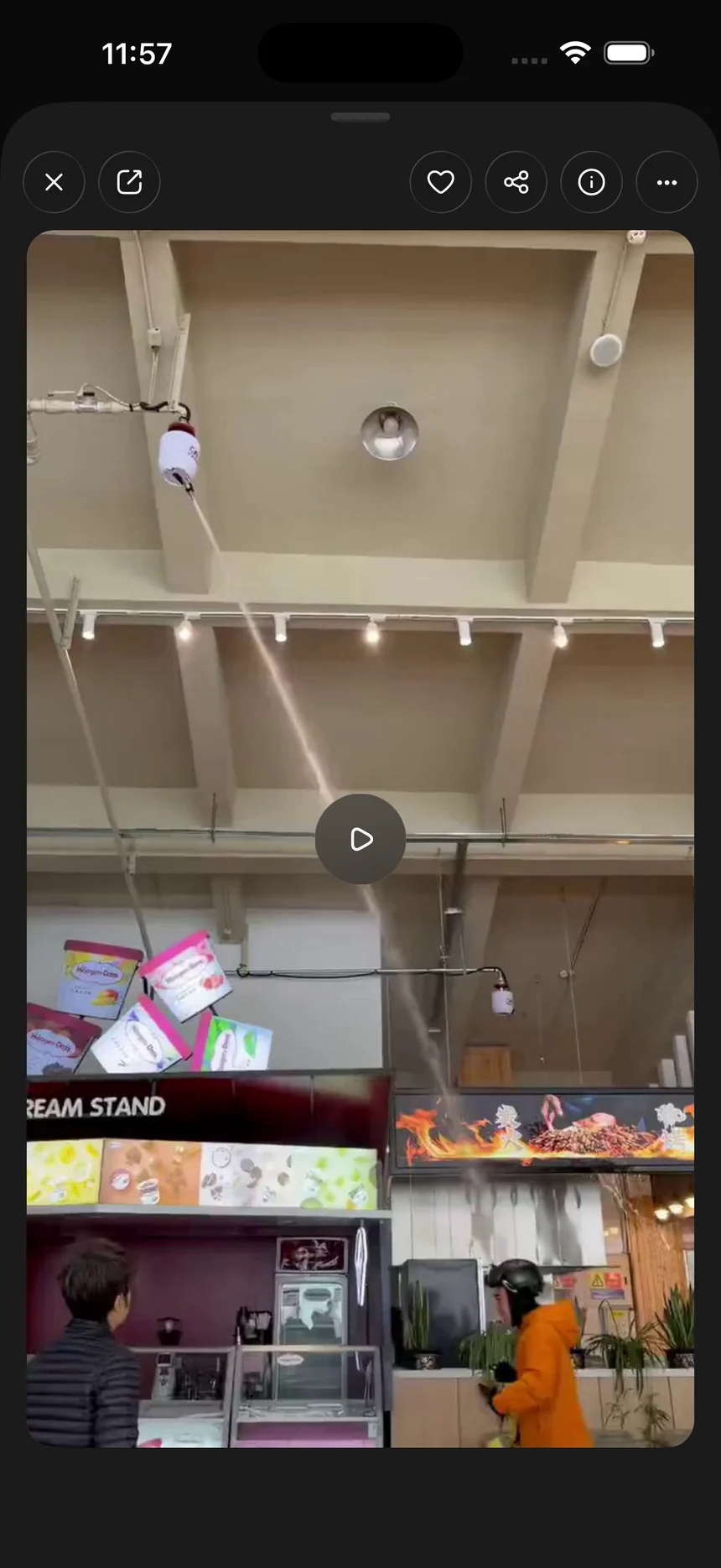
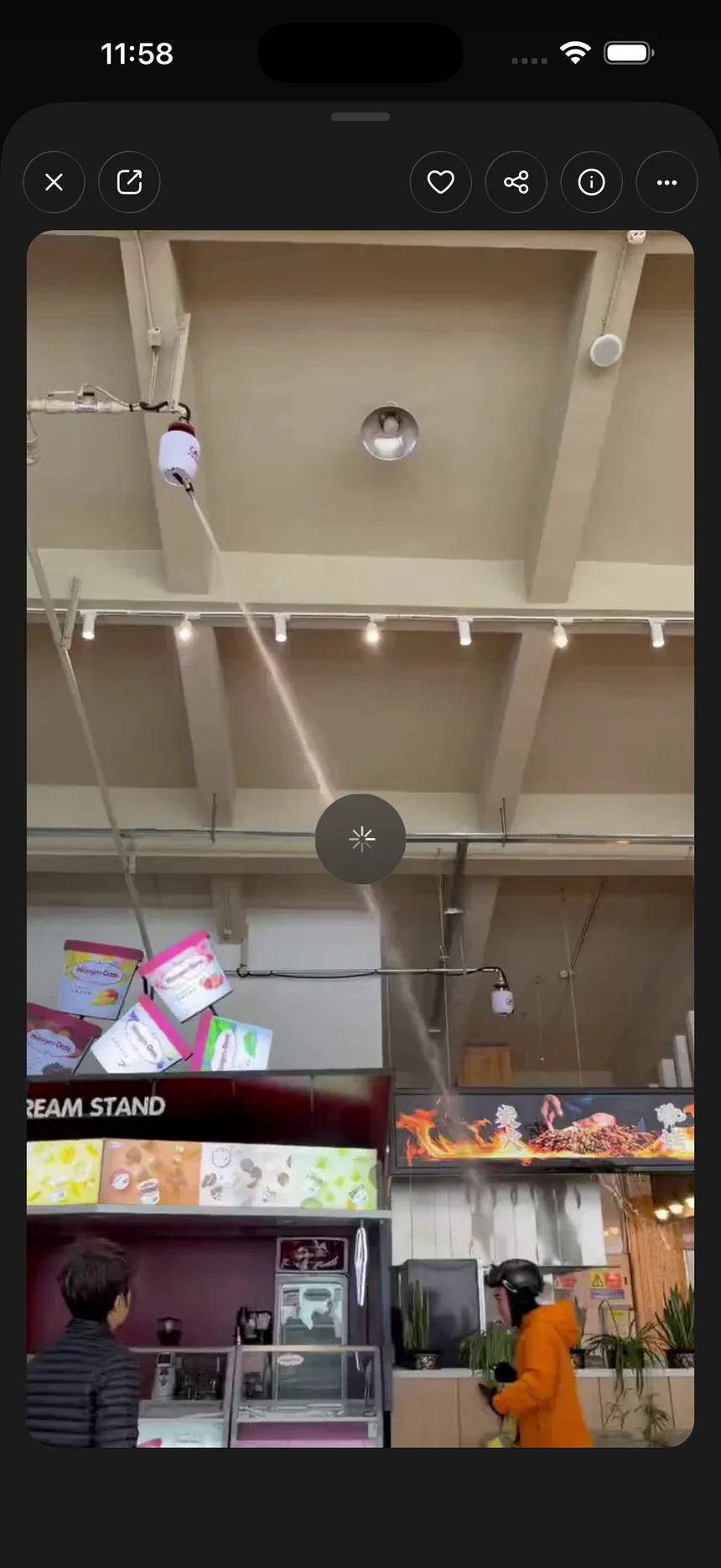
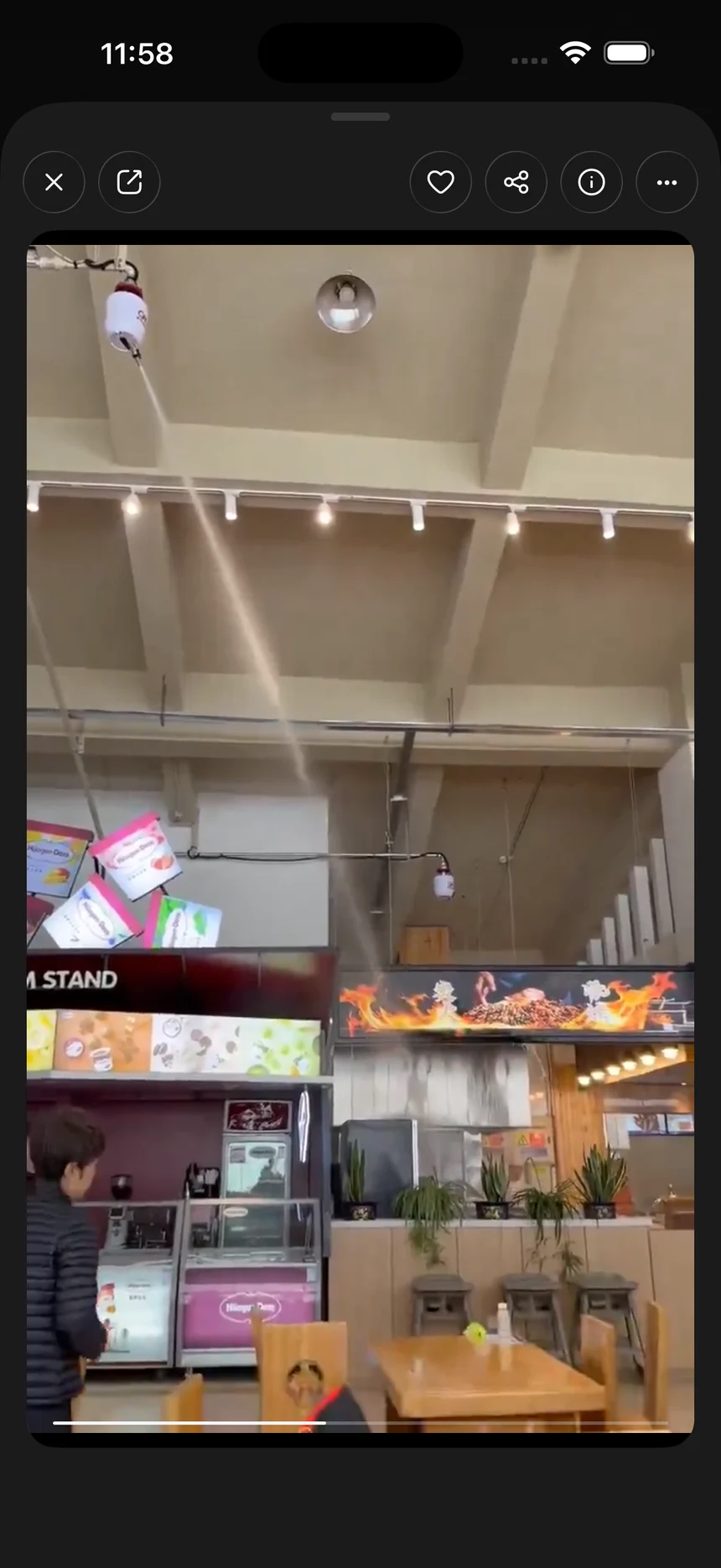
If the video can't be downloaded, for example because the post was deleted, it says Couldn't get this video.
Copy a video on the Mac
- Open the save and click ⋯ at the top right. In your library, you can right-click the save and choose Copy instead.
- Choose Copy video.
- Paste it where you want it, such as a message or a Finder window.
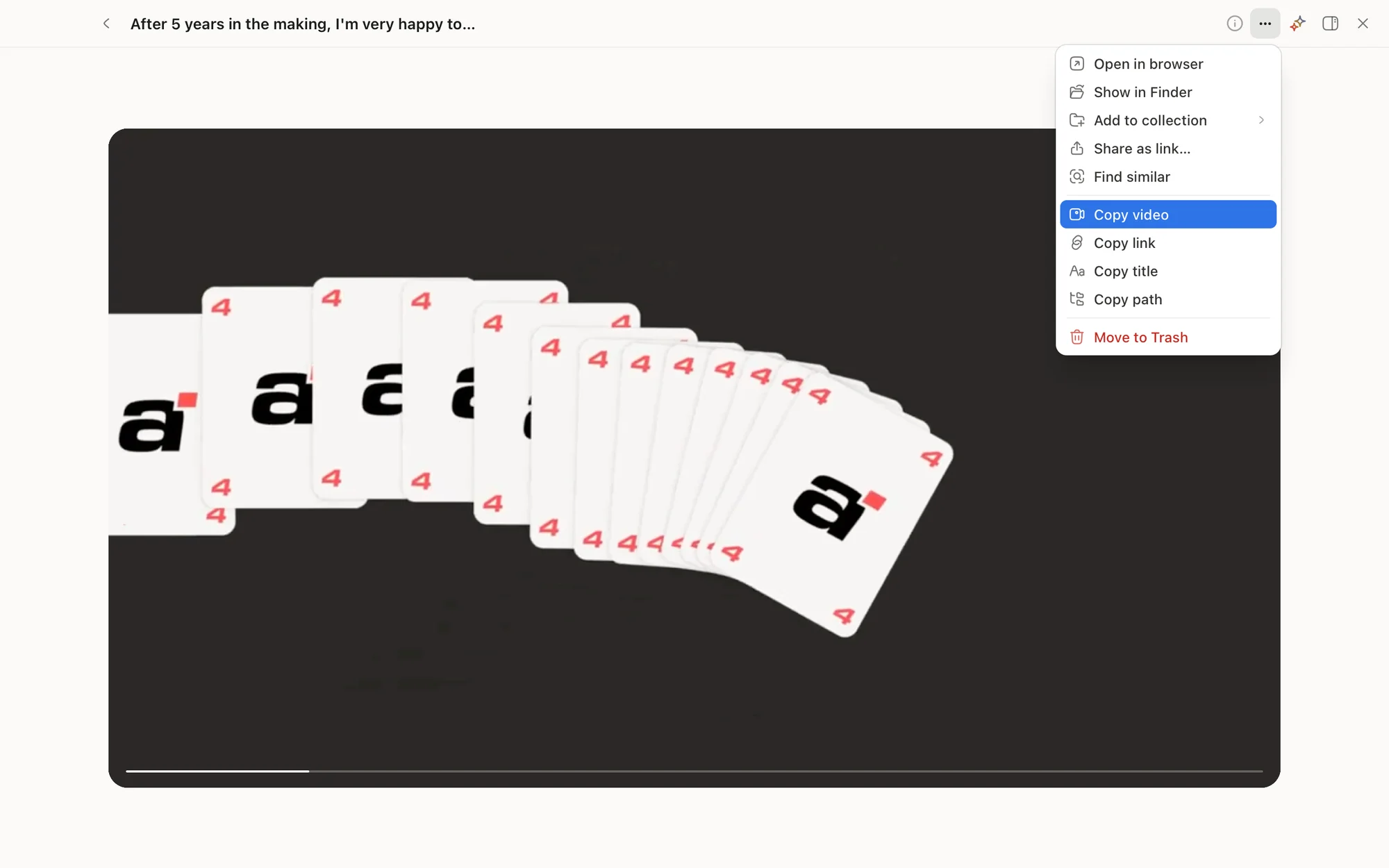
Copy image does the same for a picture. In a post with several, both copy the one in the middle, and the full-window view has its own copy button, or press ⌘C.
Save a video to Photos on iPhone and iPad
A video kept with a post, or saved as a file like a Pinterest video Pin, can go to Photos:
- Open it and tap ⋯ at the top right.
- Tap the download button.
- Choose Save Video, or Save to Files.
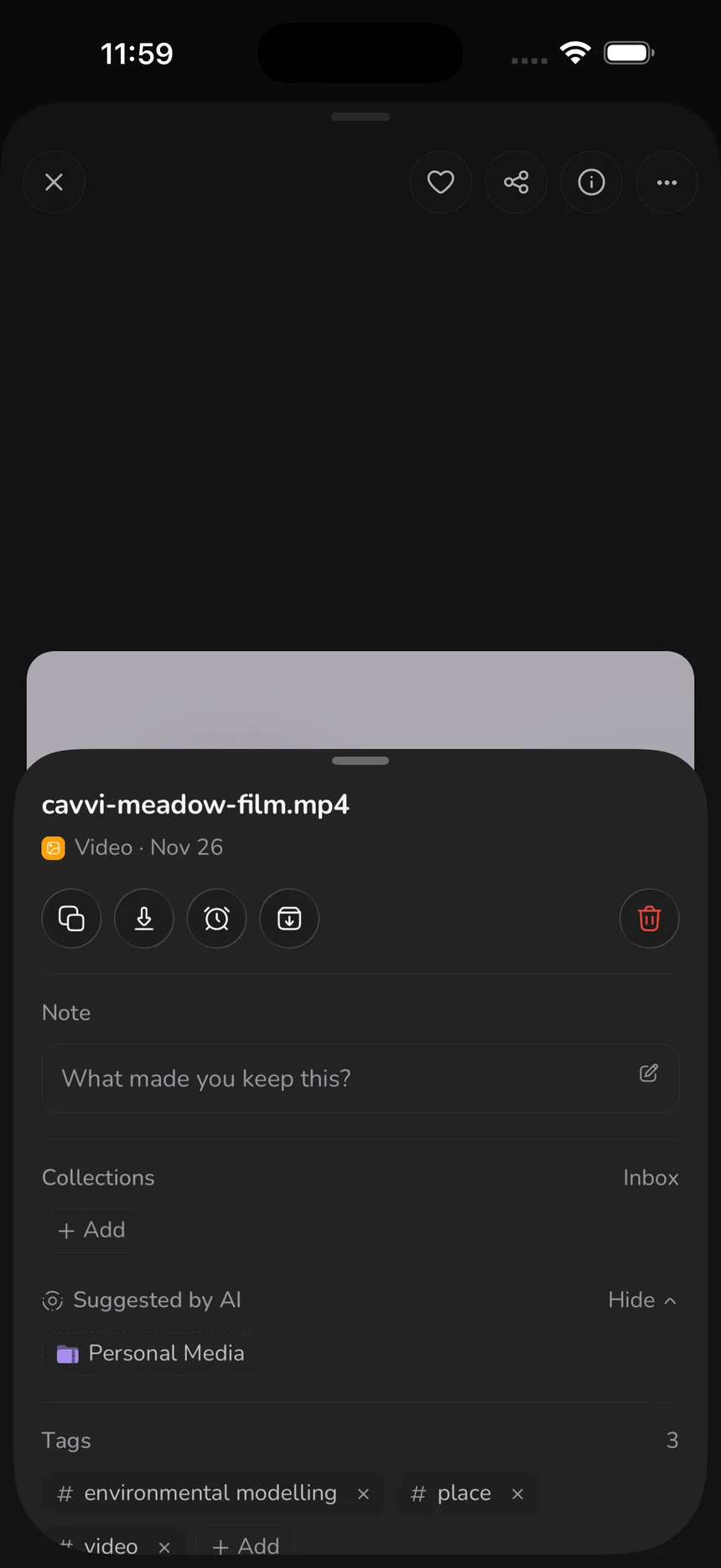
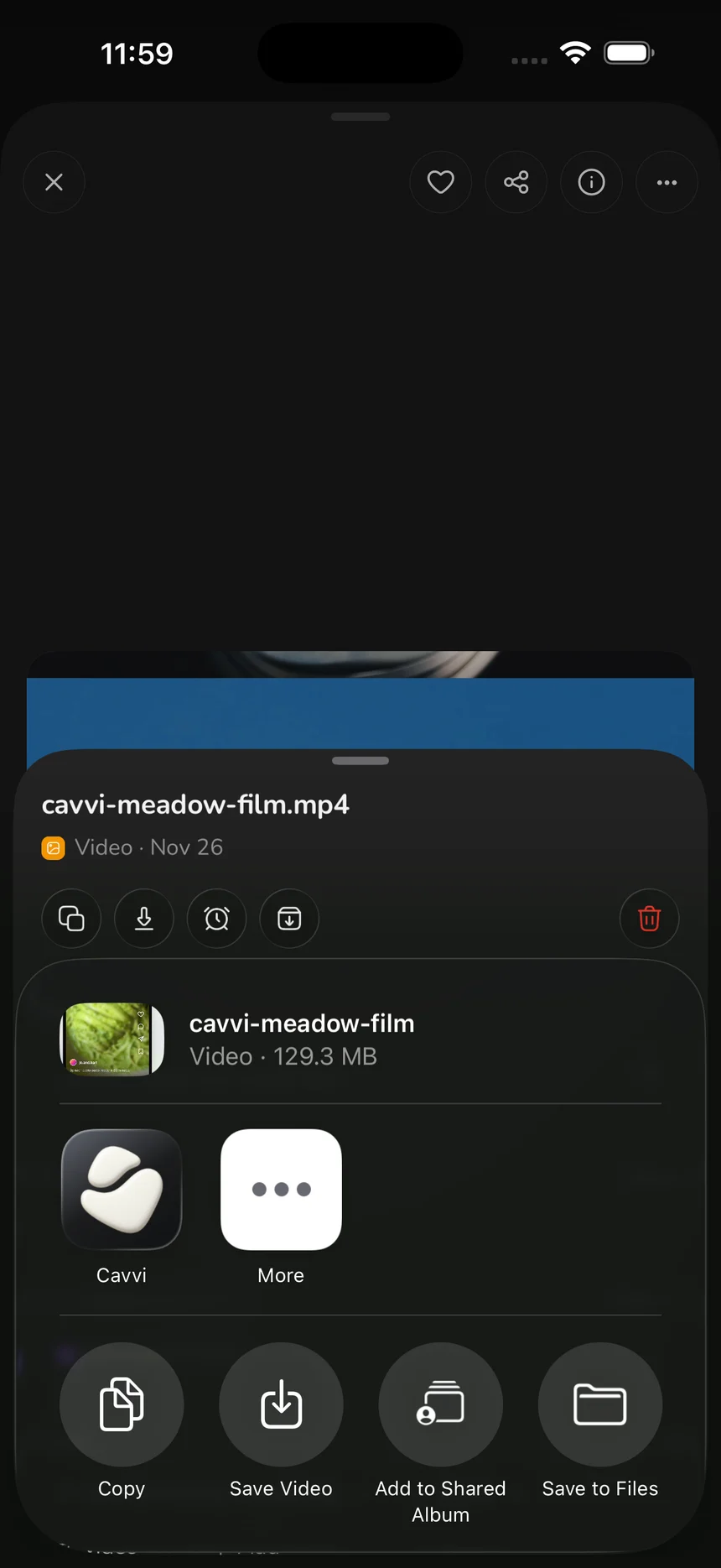
A post's picture goes to Photos the same way, with Save Image. In a post with several, the download button and Copy image take the one in the middle.
What isn't kept
- Videos over 50 MB. They open on their site instead.
- LinkedIn videos, which play on LinkedIn.
- Videos only signed-in people can see, such as posts from private accounts.
- A cooking video that Library AI turns into a recipe. Cavvi keeps the recipe.
When you share a save or a collection as a link, the link shows a video's cover and opens the post. The video itself is never uploaded.
Questions
Do I need to be online to watch?
Only while a video downloads. Once it's kept, it plays with no connection.
Do videos sync to my other devices?
Yes. With sync on, kept videos go to your other devices through your own iCloud Drive or Google Drive, like everything else in your library.
How much space do they take?
Cavvi keeps a 720p copy of each video. A clip of under a minute is usually a few megabytes, and no video over 50 MB is kept. Settings › Storage shows how much your library takes.