
Save · All guides
Save
Save links, posts and photos from any app on iPhone or iPad
Tap Share in Safari, Instagram, TikTok, YouTube or Photos and choose Cavvi, without opening Cavvi.
- iPhone
- iPad
Cavvi for iPhone and iPad is coming soon. Until then, save from your Mac and from Chrome.
Share to Cavvi
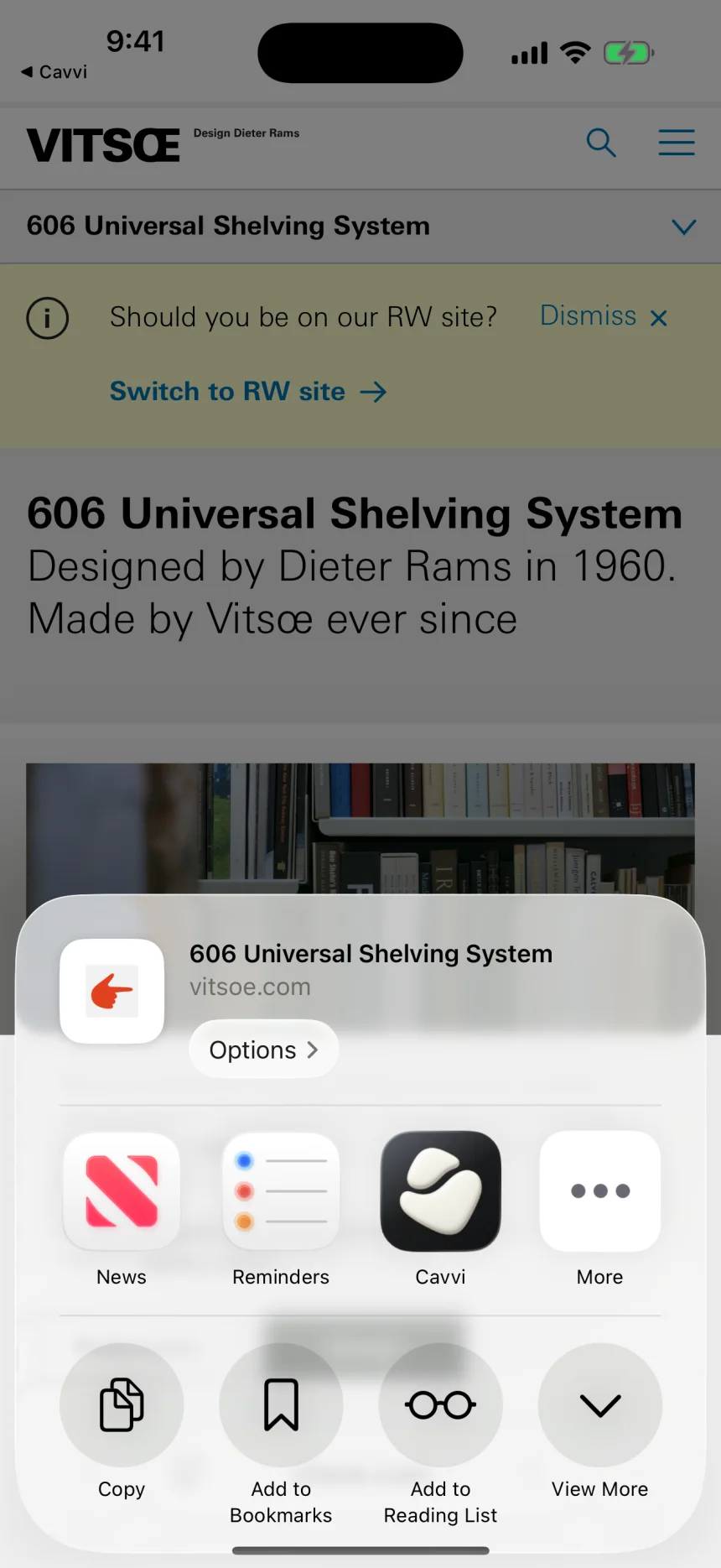
- In any app, tap the share button.
- Choose Cavvi. If it isn't in the row of apps, scroll to the end and tap More.
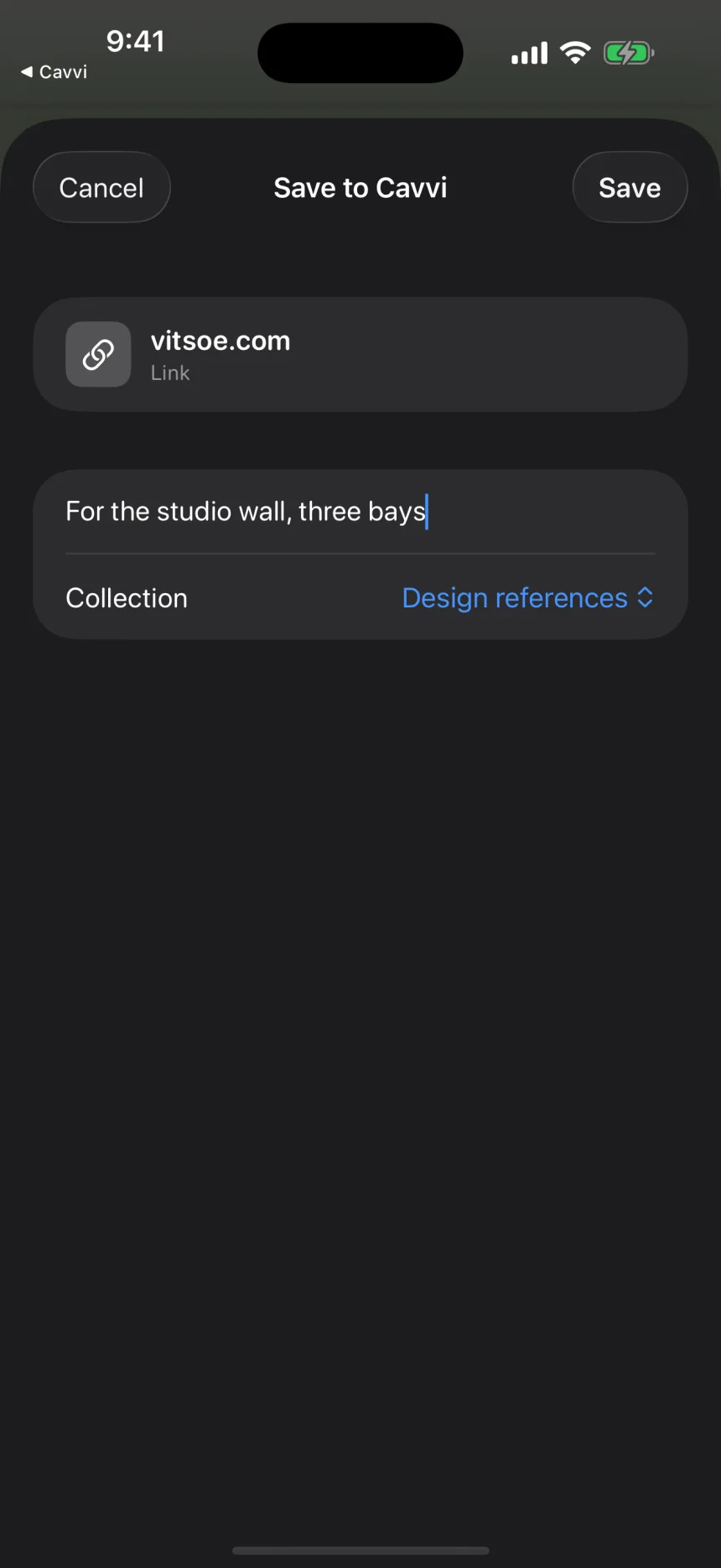
- Add a note or choose a collection if you like, then tap Save.
You don't need to open Cavvi. The save is in your library the next time you do.
What you can share
A link, some text, or up to 20 photos, videos or files at once. Each one becomes its own item.
Questions
It says Cavvi can't save this
The app shared something Cavvi can't read. Try sharing the link instead, or save the photo or file first and share that.
It says I've used my free saves
Open Cavvi to activate it. See Free saves and licences.