
Find and read · All guides
Find and read
Search everything you saved, by words or by description
Find a save by its words, or describe it, like "curved building", and let Cavvi find it by meaning.
- Mac
Search
- Click Search at the top right of Cavvi.
- Type what you're looking for.
Cavvi looks through titles, your notes, summaries, the text of what you saved and tag names. Searching from Library also finds your X bookmarks. Anywhere else, such as a collection, it searches just that.
Press Esc to close search.
Describe it
With AI turned on, you can describe what you're after instead of remembering its words. Type "curved building" and get the photo, or "that pasta with lemon" and get the recipe. A coloured line under the field shows Cavvi is searching by meaning.
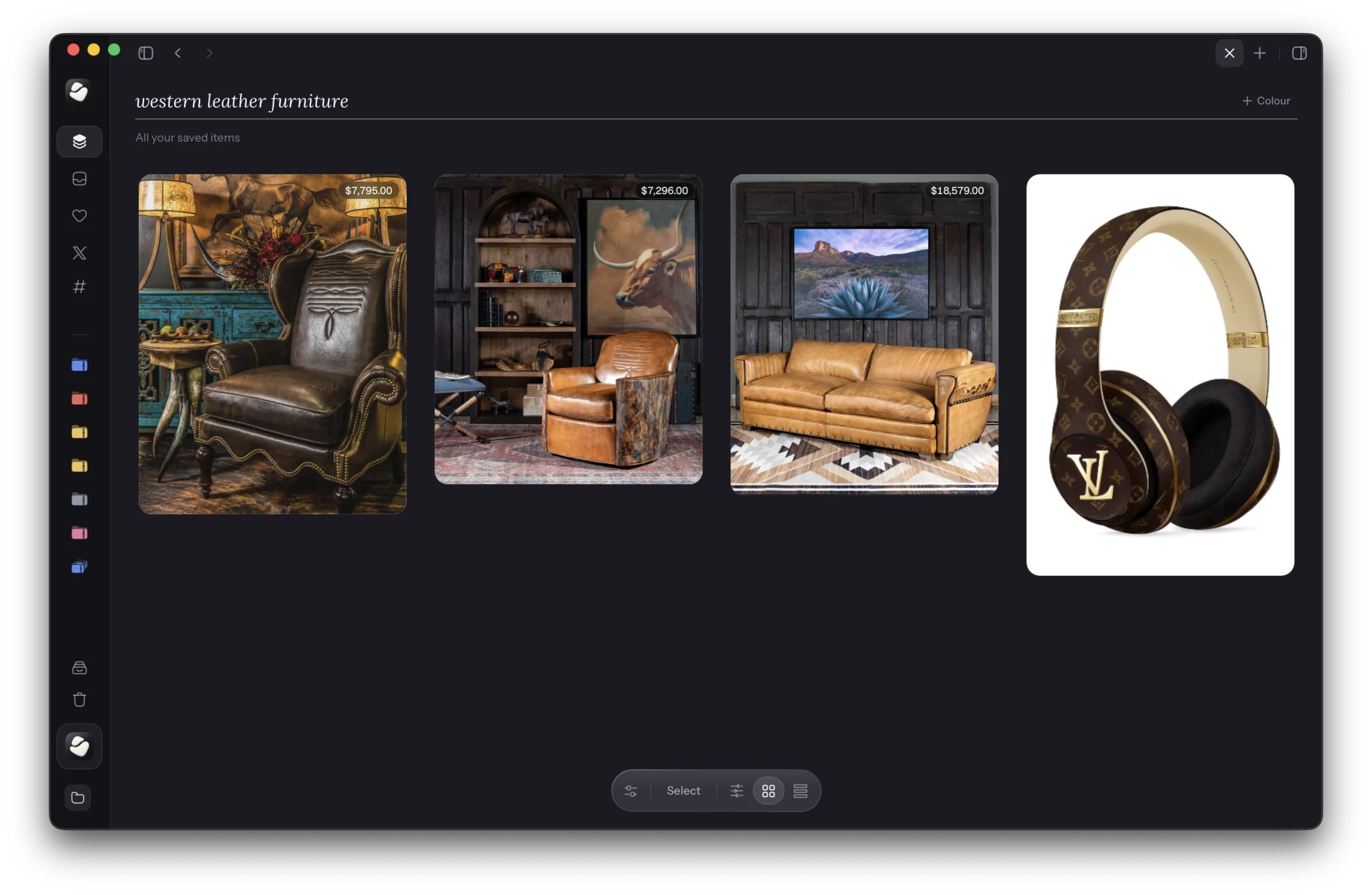
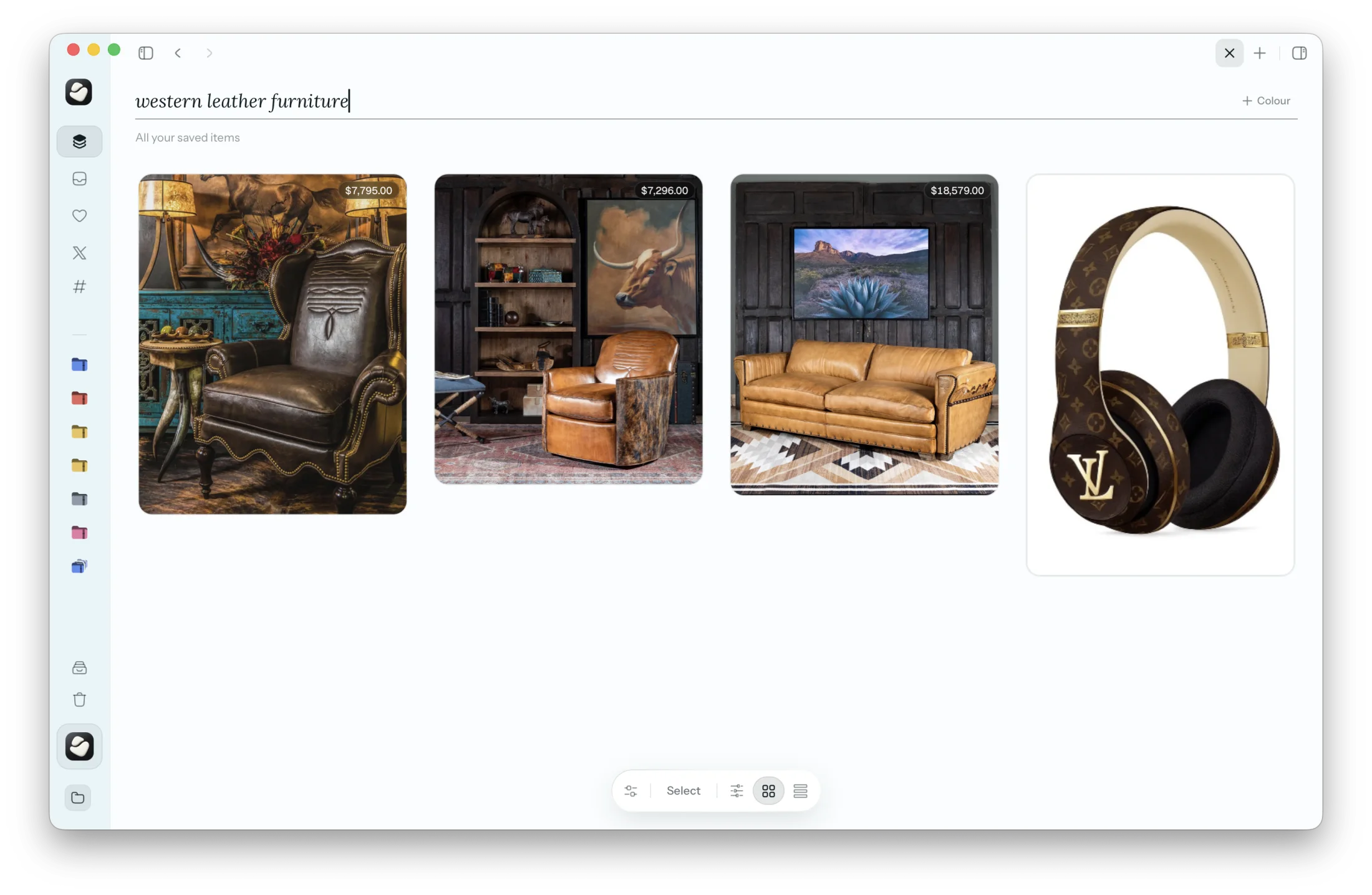
Searching by meaning needs a connection. Offline, Cavvi matches your words instead.
Turn words into filters
Type a word and press Return to make it a filter:
#travelfilters by the tag travel.booksorvideosfilters by kind.last weekfilters by when you saved it.
Press ⌫ in the empty field to remove the last filter. For more ways to narrow things down, see Filter your library.