
Find and read · All guides
Find and read
Read and watch in Cavvi
Open articles in a clean reader, play videos in place and read PDFs without leaving Cavvi.
- Mac
Double-click any item, or select it and press Return, to open it. Use ← and → to go to the previous or next item, and Esc to go back to your library.
Articles
Articles open in a reader, with no ads or pop-ups. It shows the author and reading time, and while you read, how many minutes are left.
To open the original page, right-click the item and choose Open in browser.
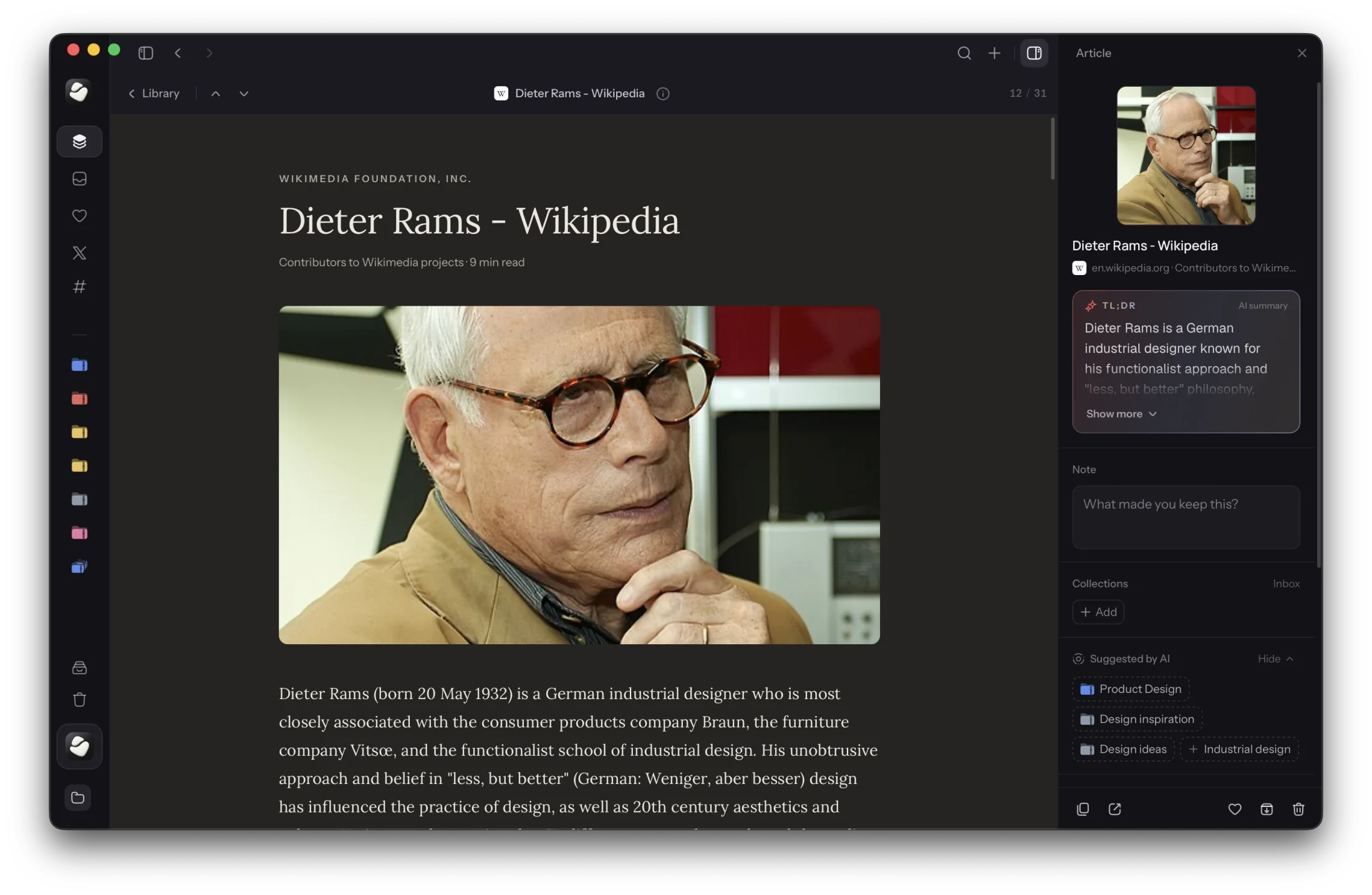
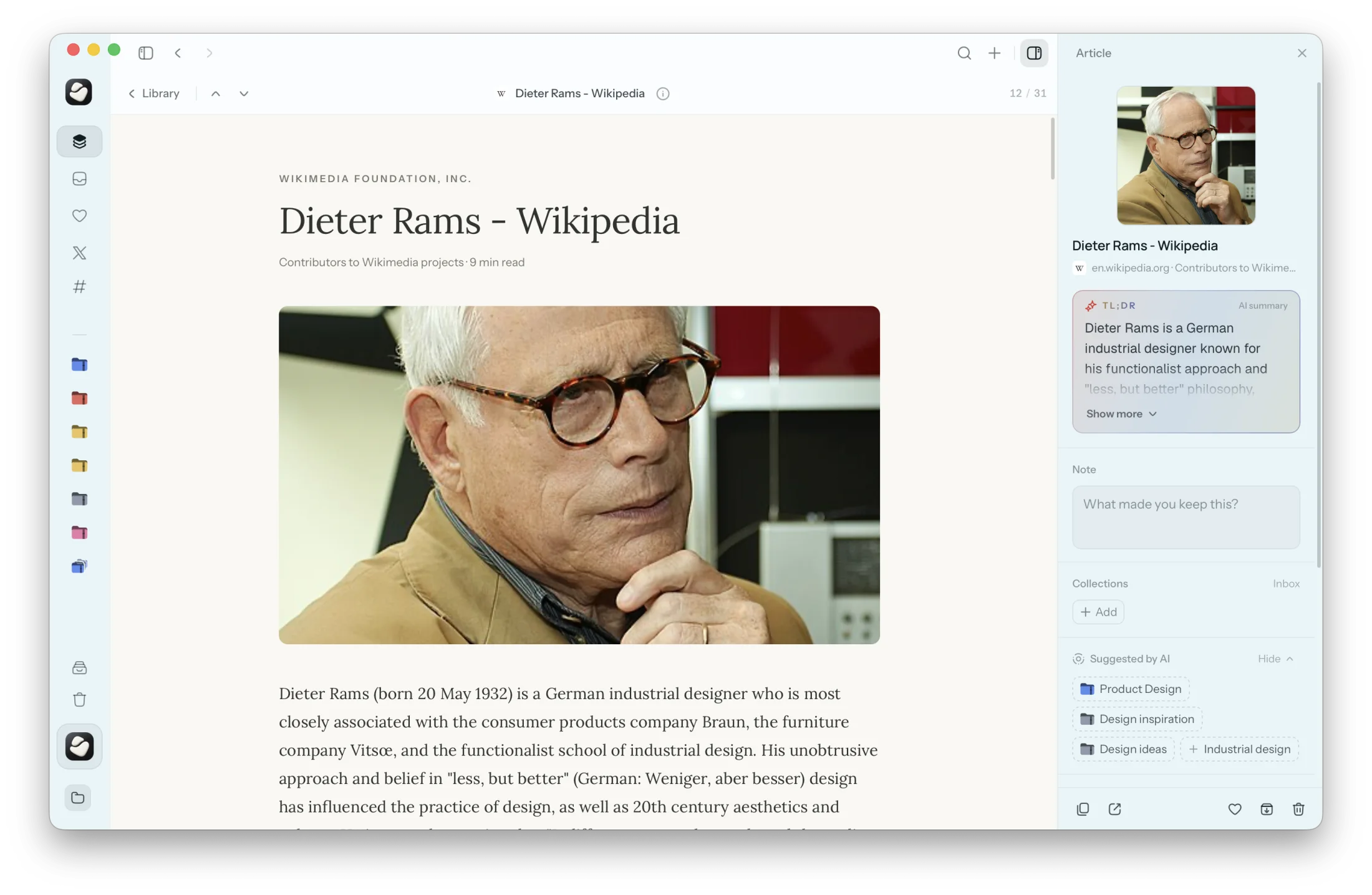
Cavvi turns a page into an article with AI turned on. Without it, a page is kept as a link, with a button to open it in your browser.
Summaries
With AI turned on, articles, recipes, products and books get a short TL;DR at the top of the inspector. Click Show more for the rest of it.
Videos
YouTube videos play right in Cavvi: click the play button on the picture. Video files you saved play in Cavvi's own player. Press Space to play or pause and F for full screen.
PDFs
PDFs open in a reader, with buttons to zoom in, zoom out and fit to the width of the window.
Other files
Other files have Open, which opens them in their usual app, and Show in Finder.