



BlogHow to
How do I save Instagram reels to watch offline?
Saved reels need a connection and vanish when they're deleted. How to download a reel with Instagram's own button, and how to keep reels that last.
 Benaiah, founder4 min read

Cover art by Pixeljad
Saving a reel on Instagram only keeps a link to it, so it needs a connection and disappears if the creator deletes it. To watch offline, download it with Instagram's own Download button, which works for reels from public accounts and adds a watermark, or save it to an app that keeps the video for you.
What happens to saved reels
Instagram's Saved tab holds links to other people's posts. When a creator deletes a reel, archives it or makes their account private, it goes from your saves too. People with big collections notice it most:
"I have collections, I have DMs to myself, I have screenshots. And then I open it when I'm actually about to film and it's just... a pile. … Half the videos are deleted or privated."
u/Significant_Fig7446 on r/Instagram, March 2026
Sometimes saves come back. In a thread from February 2026, several people's saved reels vanished and returned about a day later. Not everyone got theirs back:
"my old reels dissappeared and they did not come back"
u/Impossible-Brush-227 on r/Instagram, June 2026
Download a reel with Instagram's button
- Open the reel and tap the share button (the paper plane).
- Tap Download.
The reel goes to your phone's photo library, where it plays offline like any video. According to Instagram's help page on reel downloads (checked November 2026):
- Only reels from public accounts can be downloaded, and a creator can turn downloads off.
- For accounts under 18, downloads start off.
- Downloaded reels include an Instagram watermark, the creator's username and the audio credit.
- They can't be used for commercial purposes.
If Download isn't there, the account is private or the creator turned it off. A screen recording still works, at lower quality and with Instagram's buttons in the picture.
Keep reels with their captions
A downloaded reel sits in your camera roll among your own photos, with no caption or link, so you can't search for it later. For reels you want to come back to, such as recipes, workouts or places to visit, it helps to keep the video with the post.
I make Cavvi, an app for keeping what you save. Share a reel to Cavvi and it downloads the video and keeps it with the post's caption and a link back. It plays in Cavvi without a connection, on your iPhone and your Mac, and stays if the reel is deleted later.
- In Instagram, tap the share button on the reel, then the option that opens your phone's own share sheet.
- Choose Cavvi, add a note or a collection if you like, and tap Save.
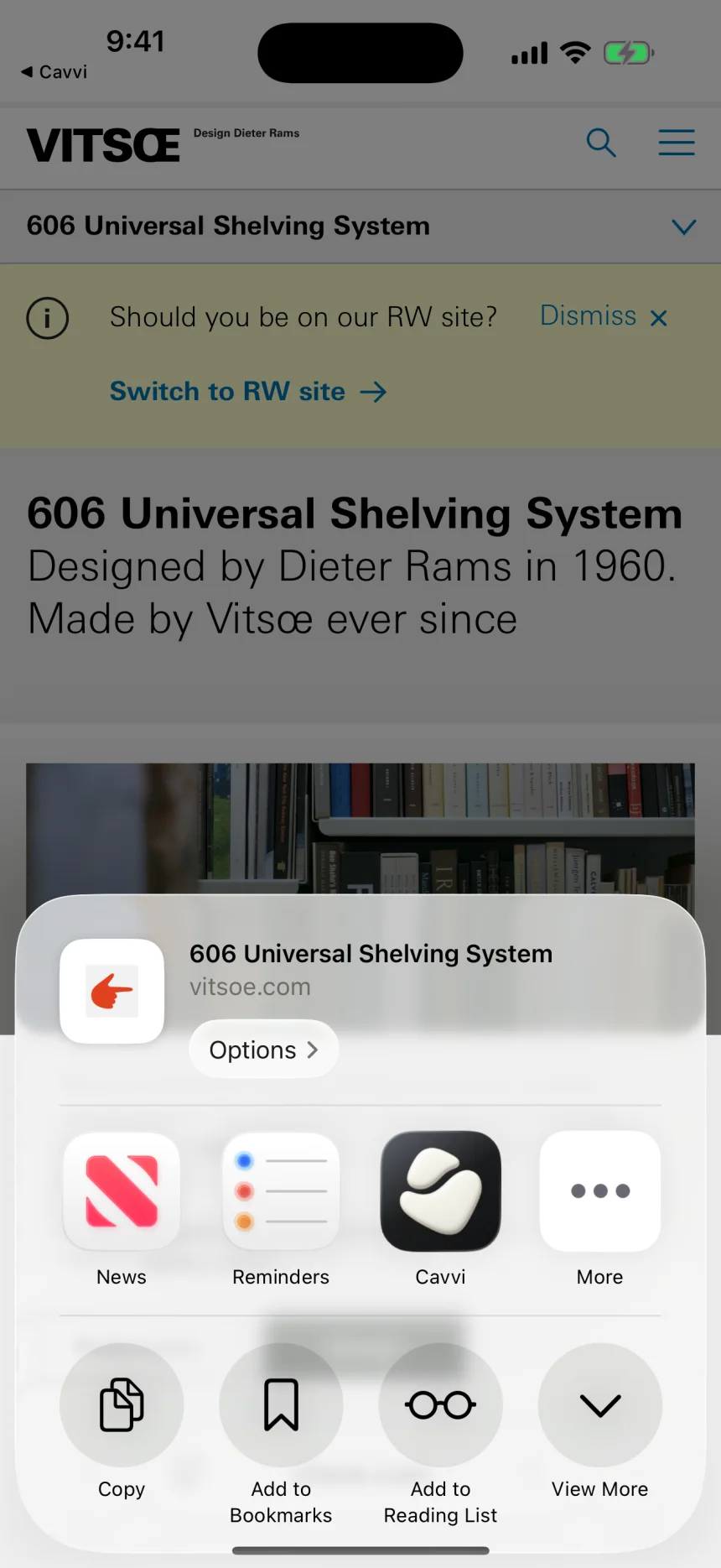

The video downloads soon after you save, and starts playing when you open the save. Search finds it by the words in its caption, and with Library AI on, by describing what's in it.
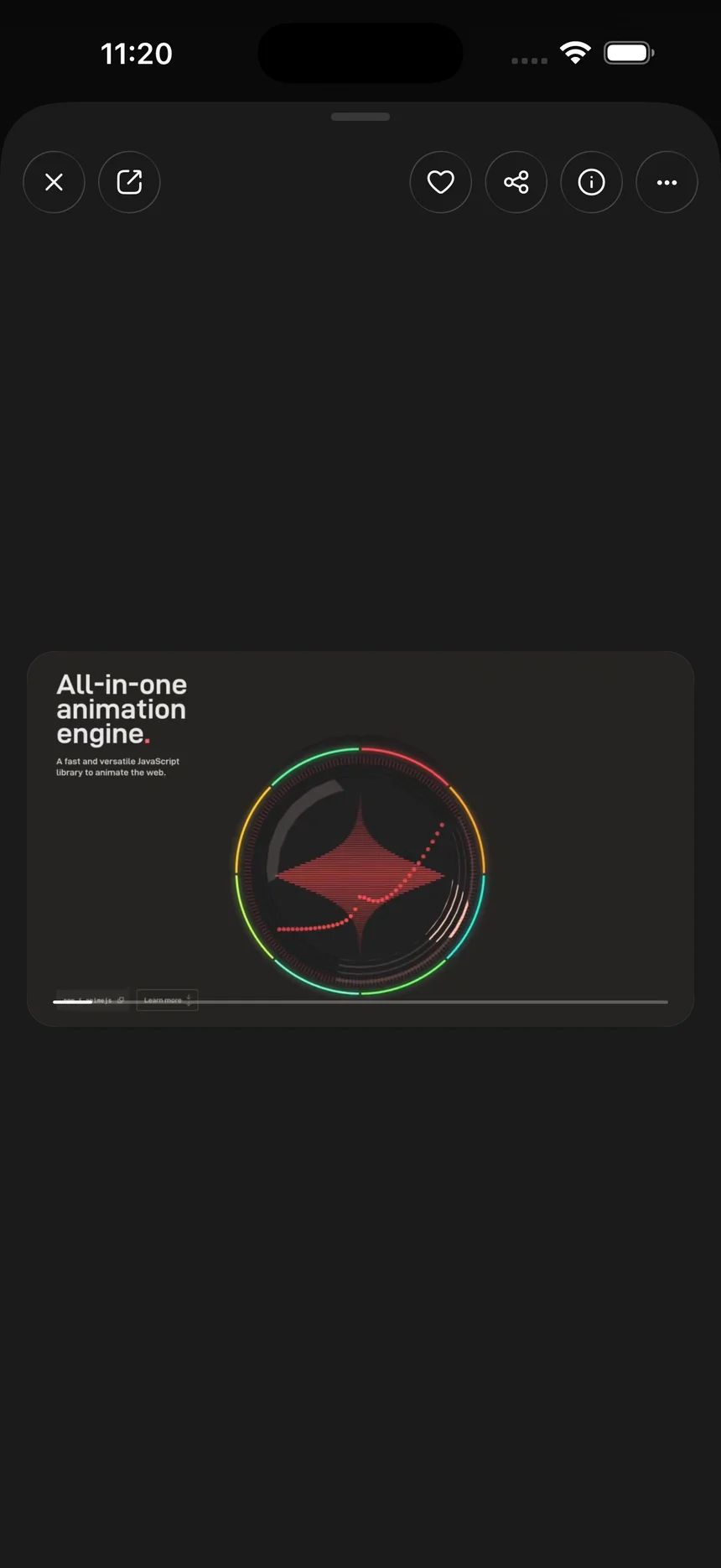
If you want a reel in Photos as well, open it in Cavvi, tap ⋯ at the top right, then the download button, and choose Save Video.
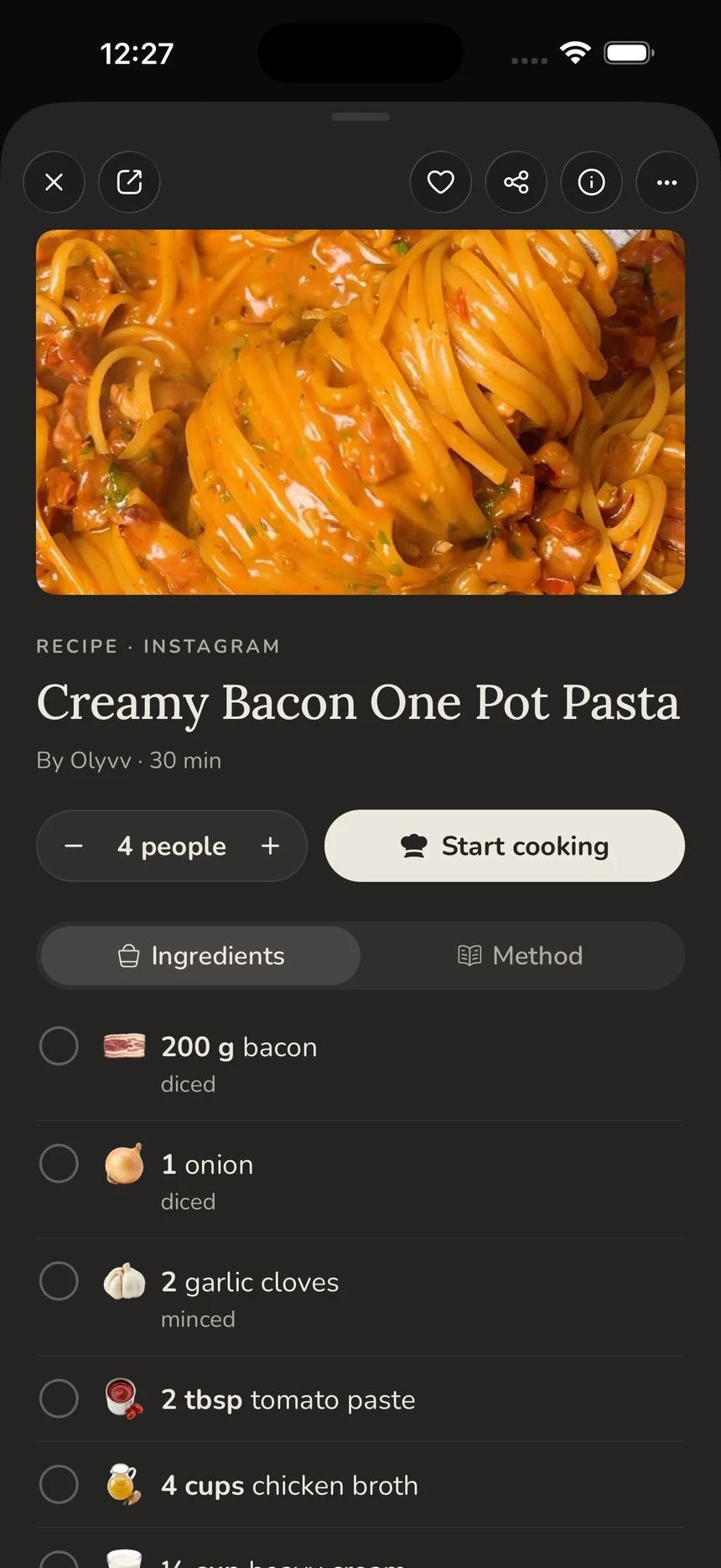
A reel that shows how to make a dish can become a recipe instead, with Library AI and your own key: ingredients that scale, steps with timers, and a note when the creator left part of the recipe out. When that happens, Cavvi keeps the recipe and doesn't keep the video.

What Cavvi doesn't do
Cavvi only reaches reels anyone can see, so a reel from a private account is saved as a link, without its video. Videos over 50 MB open on Instagram instead. Cavvi can't import Instagram's download file or your whole Saved list at once, so share the reels you want one at a time.
Cavvi has 10 free saves on each device, then it's $49 once. The steps are in Keep videos from X, Instagram, TikTok and Pinterest. If your old saves won't load at all, see Why won't my old Instagram saved posts load?.
Questions
Can you watch saved reels offline on Instagram?
No. The Saved tab needs a connection. Download the reel, or keep it in an app that stores the video.
Why did my saved reels disappear?
The creator deleted or archived them, or made their account private. Sometimes saves vanish for a day and come back, so wait before assuming they're gone.
Why can't I download some reels?
The account is private, the creator turned off downloads, or the creator is under 18 and hasn't turned them on.
Do downloaded reels have a watermark?
Yes. Instagram adds its watermark, the creator's username and the audio credit.
Can I download a reel from a private account?
Not with Instagram's button, and not with Cavvi. Only the account's followers can see it.
Keep reading

How to
How do I download a video from Pinterest?
Pinterest doesn't let anyone download video Pins, not even their own. What works instead, and how to keep a Pin's video as a file you can put in Photos.

How to
How do I download a video from X for free?
X only lets paying subscribers download videos, and only some. The free ways are a downloader site, a command-line tool, or an app that keeps the video.

How to
Can you still watch a TikTok after it's deleted?
No. A deleted TikTok stops playing everywhere, your Favorites included. The only copy left is one you kept before it went. How to keep the ones you care about.