
BlogHow to
How do I let Claude search my bookmarks and saved posts?
Claude remembers your chats, not what you've saved. Connect your library with MCP and ask in plain words. What it can reach, what stays private, and the setup.
 Benaiah, founder3 min read

Cover art by Pixeljad
Claude can't see your bookmarks, saved posts or notes until you connect them. The usual way is MCP: you add a small server that searches your library to the Claude app, and Claude uses it whenever a question needs it. With Cavvi, setting that up means pasting one snippet and restarting Claude.
Claude's own memory is separate. It's on by default and remembers what you've told it in past chats (Anthropic), but it knows nothing about the article you saved last spring or the thread you bookmarked on X.
The "second brain" guides on X
There have been plenty of guides on X this year about building a "second brain" for Claude. Most of them export your notes and bookmarks into a folder and let Claude read it, so you can ask about years of saves you'd otherwise never open.
"luckily bookmark rot is an easy problem to fix now"
Ole Lehmann on X, June 2026
An export only has what you'd saved by the day you made it. Anything newer stays out of Claude's reach until you export again, while a library connected through MCP is always up to date.
Ways to give Claude your saves
| Way | What Claude can reach | Stays current |
|---|---|---|
| Paste or upload files to a Project | The files you uploaded, up to the Project's limit | No, you re-upload |
| A folder of exported notes in Claude Code | Whatever is in that folder | Only when you export again |
| An app with an MCP server | Everything in that app's library | Yes |
Readwise, Notion and Obsidian users can do the third with their own MCP servers. Readwise runs an official one for highlights and Reader documents (Readwise), and Obsidian has several made by its community.
"use Claude code to search through if I'm looking for something"
u/drewautomates on r/PKMS, January 2026
Connect Cavvi to Claude
I make Cavvi, which comes with an MCP server on the Mac. Through it, Claude can search your library, open what you saved and list your collections and tags. It can't change or delete anything.
- In Cavvi, press
⌘,, choose AI, and click Copy setup beside Connect with MCP. - In the Claude app on your Mac, open Settings, choose Developer and click Edit Config.
- Paste the setup into
claude_desktop_config.json, then quit Claude and open it again.
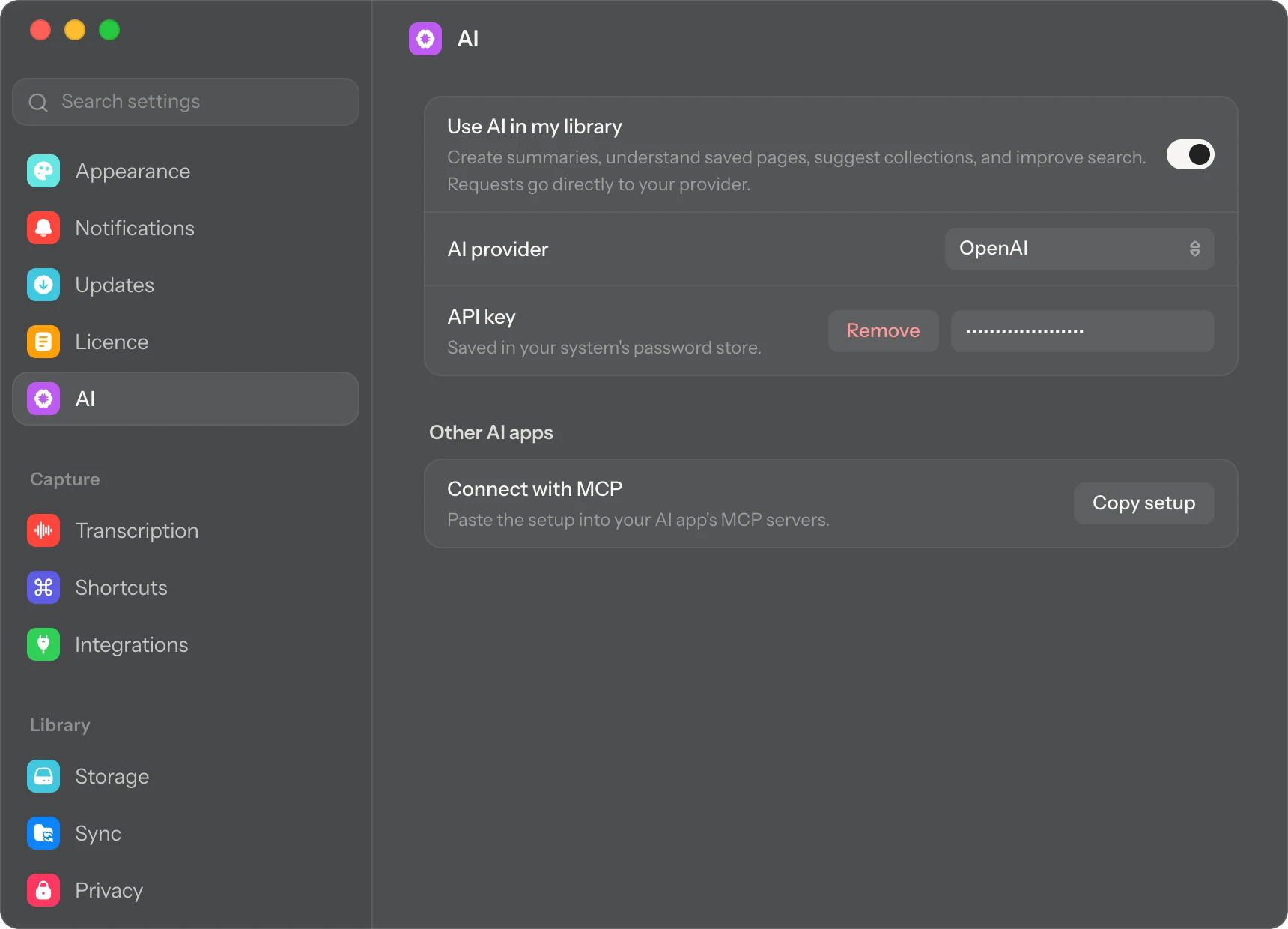
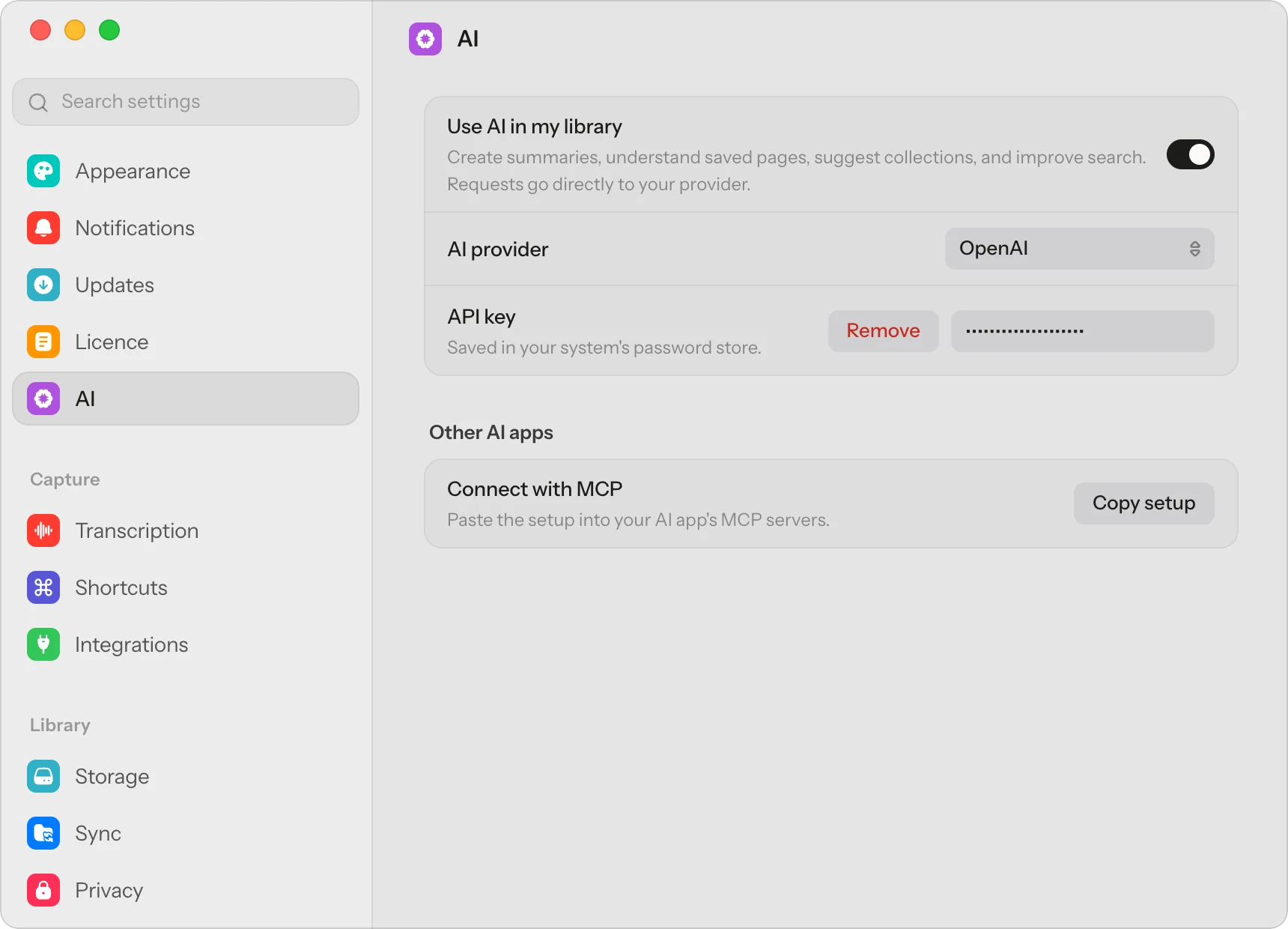
The setup looks like this, with your own name in the path:
{
"mcpServers": {
"cavvi": {
"command": "/Applications/Cavvi.app/Contents/MacOS/cavvi-mcp",
"args": ["/Users/you/Cavvi"]
}
}
}
In Claude Code, it's one line in Terminal:
claude mcp add cavvi -- /Applications/Cavvi.app/Contents/MacOS/cavvi-mcp ~/Cavvi
Cursor and most other apps that support MCP take the same setup. Let Claude, Cursor and other AI apps search your saves covers each one.
What to ask
Ask in your own words, for example:
- "What did I save about Japan?"
- "Search my Cavvi library for recipes with lemon."
- "What did I bookmark on X about pricing a product?"
- "Find the thread I saved about learning Rust."
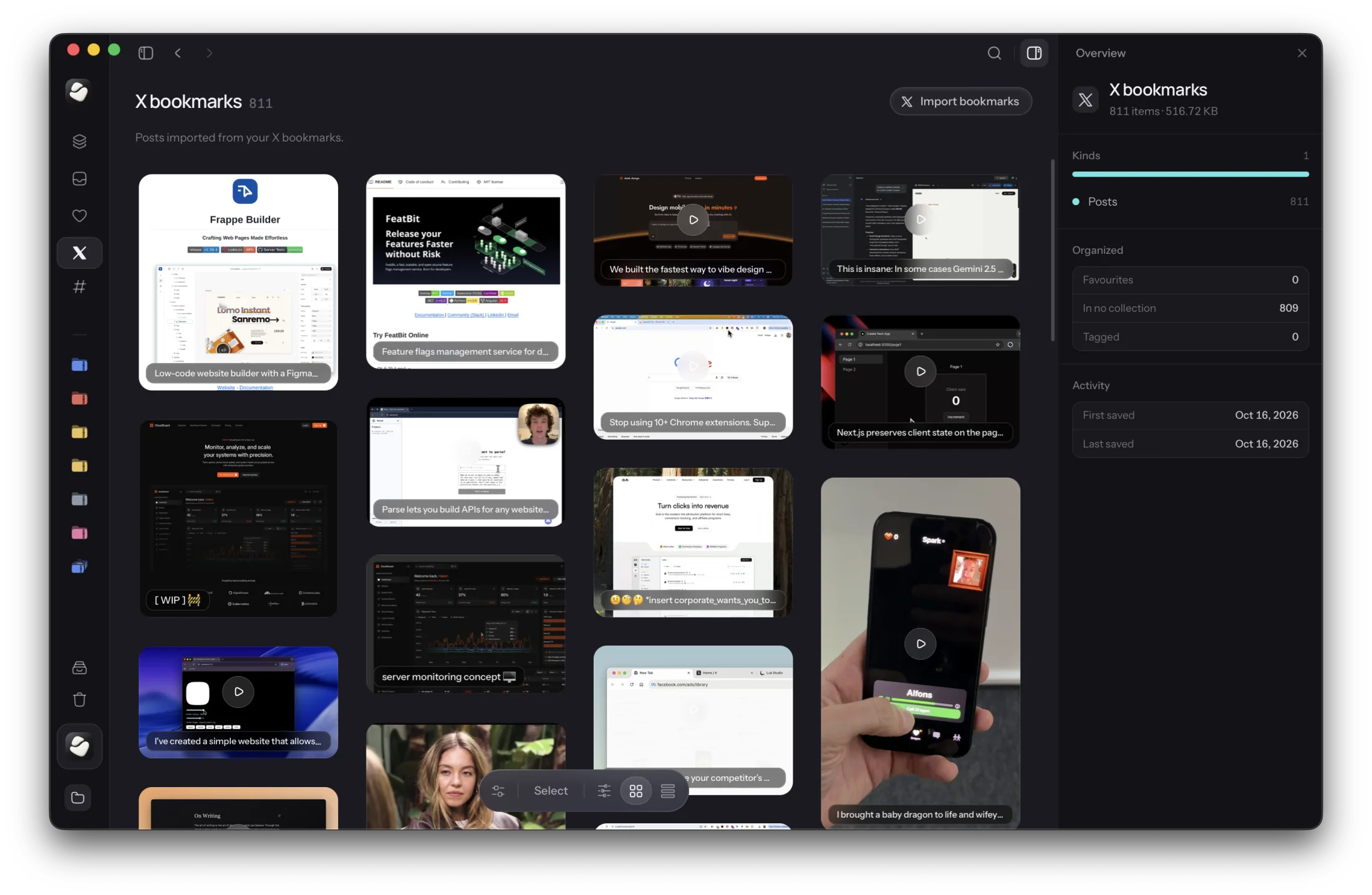
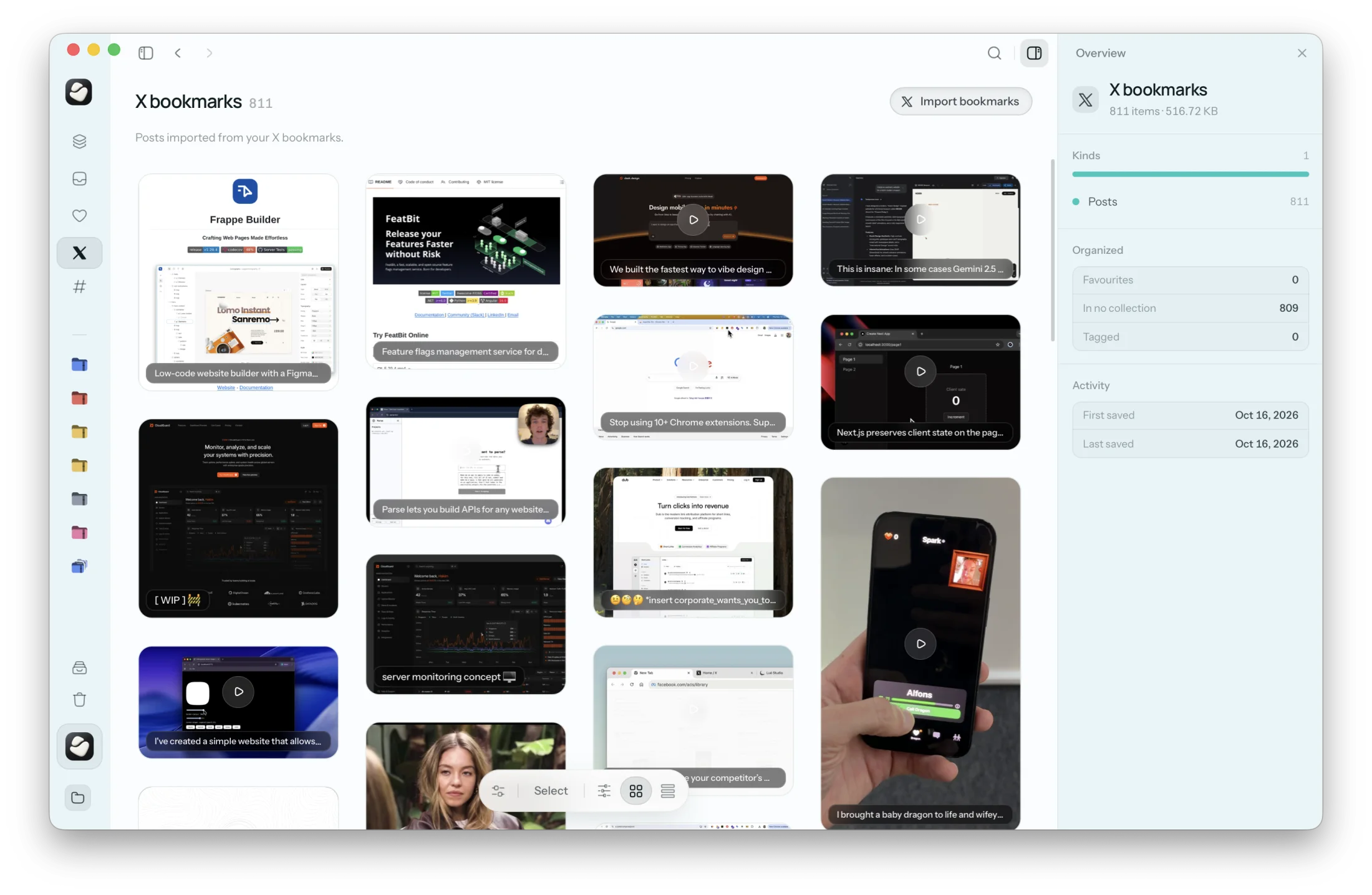
Your X bookmarks are included. Cavvi imports them with their text and photos, and Claude can search them on their own; see Ask Claude about your X bookmarks.
What stays private
Your library stays on your Mac. When Claude searches it, only what Claude reads to answer you is sent to Claude, the same as anything else you share in a chat.
Through MCP, Cavvi matches words rather than meaning, so Claude searches with words that would appear in what you saved. Asking about a topic usually works anyway, because Claude tries a few words of its own. The server also runs only on the Mac, so it works with the Claude app and Claude Code there, and not with Claude on your phone.
Every device starts with 10 free saves, then Cavvi is $39 once.
Questions
Can Claude search my bookmarks?
Yes, once they're in an app it can reach. Connect that app to Claude with MCP, or upload the bookmarks to a Project.
Does Claude's memory include things I've saved?
No. Memory covers your past conversations with Claude. Your saves need to be connected separately.
Can Claude change or delete anything in Cavvi?
No. Cavvi's MCP server only reads. Nothing can be saved, changed or deleted through it.
Does it work with Cursor and other AI apps?
Yes. Most apps that support MCP take the same setup from Settings › AI.
Does it search by meaning?
Not through MCP. Cavvi matches words there, while Cavvi's own search can find things by description with Library AI.
Keep reading

How to
How do I plan a trip from the reels and TikToks I saved?
Pull the places out of your saved reels, put them on a map, and keep the whole plan in one collection you can share. A plain way to turn travel saves into a trip.

How to
Why won't my old X bookmarks load?
With thousands of bookmarks, X stops loading before you reach the old ones, and its data archive leaves them out. How to get them back and keep a copy you can search.

How to
What happens to my tabs when Arc shuts down?
Arc stops working on 22 December 2026, and your pinned tabs go with it. What Dia brings over, how to export the rest, and where to keep pages for good.