
AI · All guides
AI
Let Claude, Cursor and other AI apps search your saves (MCP)
Connect your bookmarks, notes and saved posts to AI apps on your Mac through MCP. They can read, never change.
- Mac
- Settings › AI › Other AI apps
Cavvi comes with an MCP server, so AI apps on your Mac can search your library, open what you saved and list your collections and tags. It only reads: nothing can be saved, changed or deleted through it.
Copy the setup
- Press
⌘,to open Settings and choose AI. - Under Other AI apps, click Copy setup beside Connect with MCP.
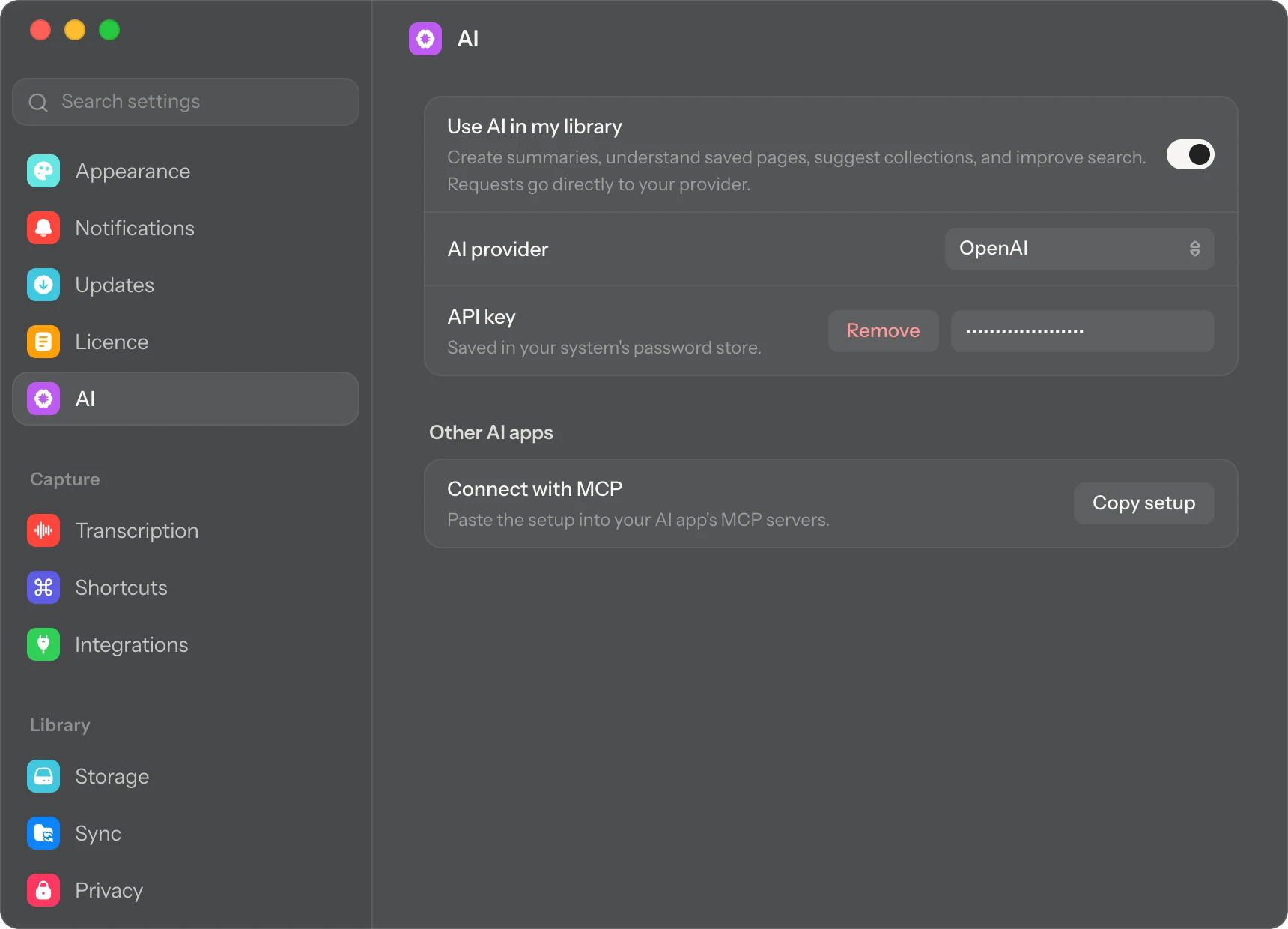
The setup tells your AI app where Cavvi's MCP server is and where your library is. With your own name in the paths, it looks like this:
{
"mcpServers": {
"cavvi": {
"command": "/Applications/Cavvi.app/Contents/MacOS/cavvi-mcp",
"args": ["/Users/you/Cavvi"]
}
}
}
Claude
- In the Claude app on your Mac, open Settings, choose Developer and click Edit Config.
- Open the file it shows,
claude_desktop_config.json, and paste the setup. If the file already hasmcpServers, add thecavvipart inside it. - Quit Claude and open it again.
Claude Code
Run this in Terminal:
claude mcp add cavvi -- /Applications/Cavvi.app/Contents/MacOS/cavvi-mcp ~/Cavvi
Cursor
- Open Cursor's settings and find MCP.
- Add a new MCP server. Cursor opens its
mcp.jsonfile. - Paste the setup and save the file.
Other apps
Most apps that support MCP have a place for MCP servers that takes the same setup. Look for MCP in the app's settings.
Try it
Ask your AI app something like "Search my Cavvi library for recipes with lemon" or "What did I save about Japan?"
Questions
It says Cavvi's library isn't set up yet
Open Cavvi once, then ask again.
I moved Cavvi to another folder
The setup includes where Cavvi is. Copy it again and paste it over the old one.
Can it search by meaning?
No. Through MCP, Cavvi matches words, so your AI app searches with words that would appear in what you saved.