
Sync and storage · All guides
Sync and storage
Where your library lives
Your library is a folder of ordinary files on your Mac. Find it, see what's inside and back it up.
- Mac
- Settings › Storage
Cavvi keeps your library in a folder called Cavvi in your home folder. Nothing you save is kept on Cavvi's servers.
Open the folder
- Press
⌘,to open Settings and choose Storage. - Click Show in Finder.
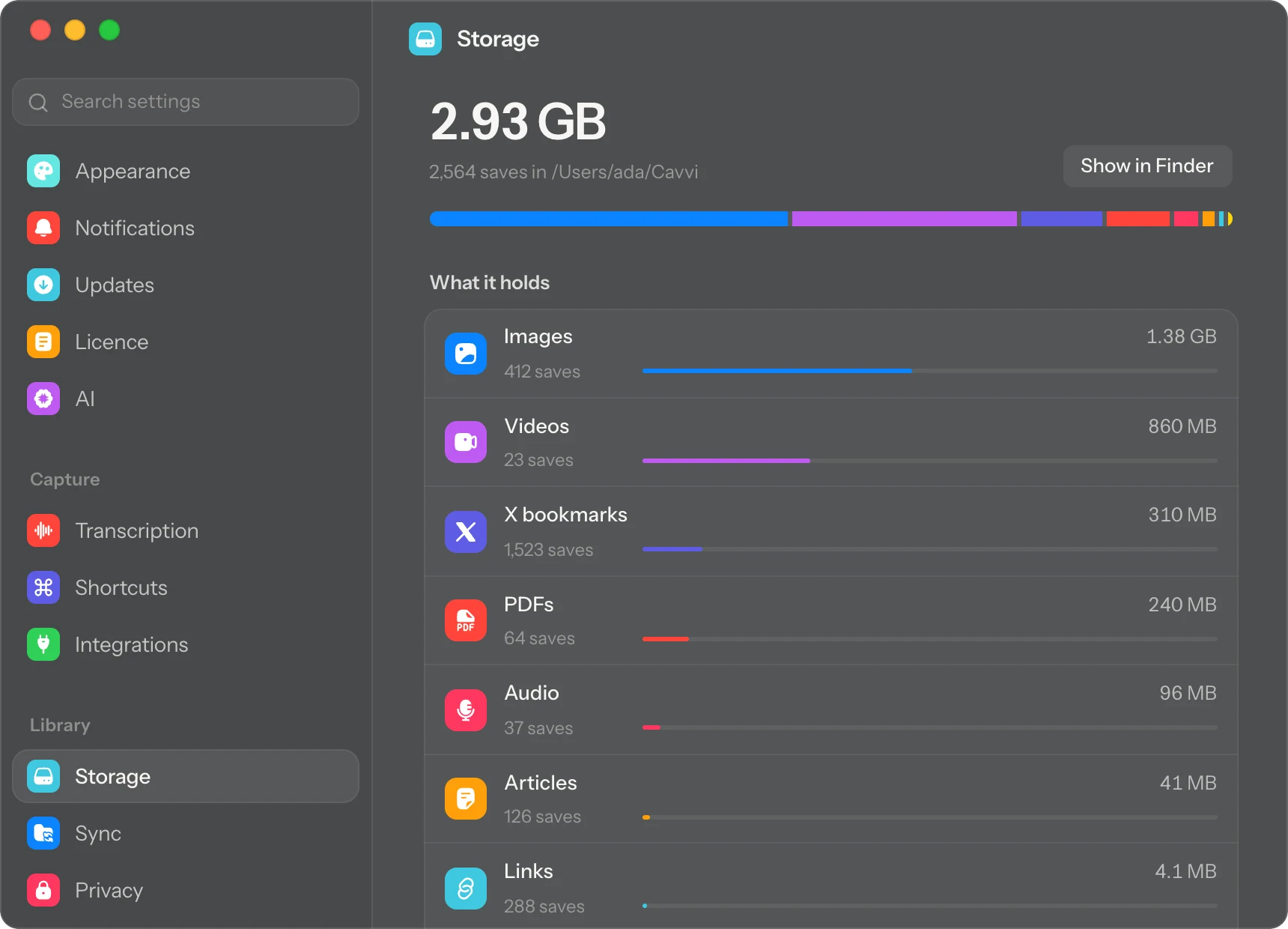
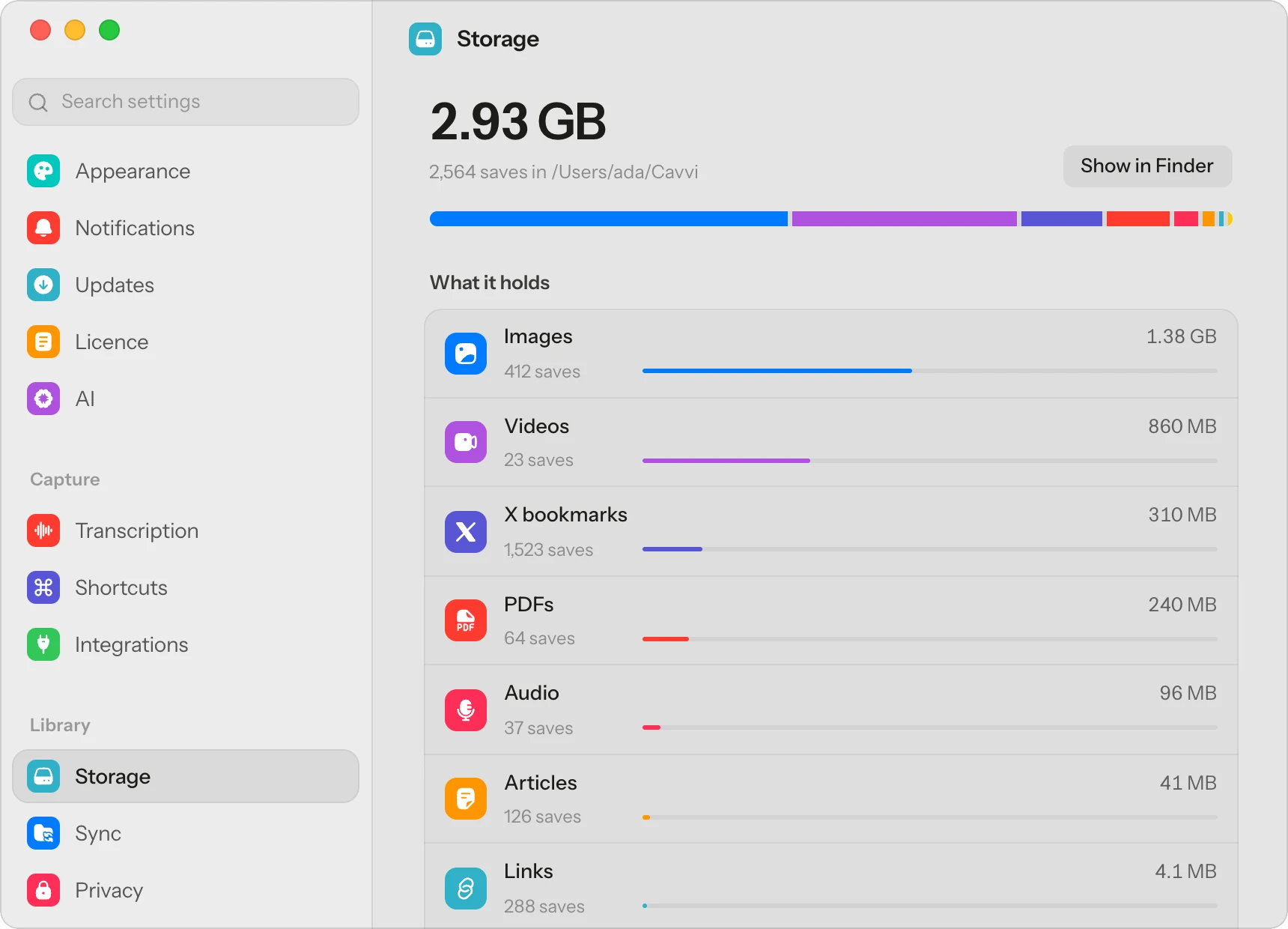
You can also click Your library at the bottom of Cavvi's sidebar and choose Show in Finder. Settings › Storage also shows how much space your library takes, kind by kind.
Back it up
It's all ordinary files, so Time Machine backs your library up with the rest of your home folder. You can also copy the folder anywhere you like.
Questions
Can I move the library somewhere else?
Not at the moment. Cavvi keeps it in your home folder.
What happens to my library if I stop using Cavvi?
It stays where it is. The files are yours, and they open in ordinary apps.