



AI · All guides
AI
Ask the agent about your saves
Ask Cavvi's agent to find, read and compare what you've saved, in your own words. It runs inside Cavvi on your own AI key, with nothing else to set up.
- Mac
- iPhone
- iPad
The agent answers questions about your library. It searches your saves, reads the ones that matter, and shows them in its reply so you can open them from there. It runs inside Cavvi on your own OpenAI or OpenRouter key, so there's no other app to install or connect.
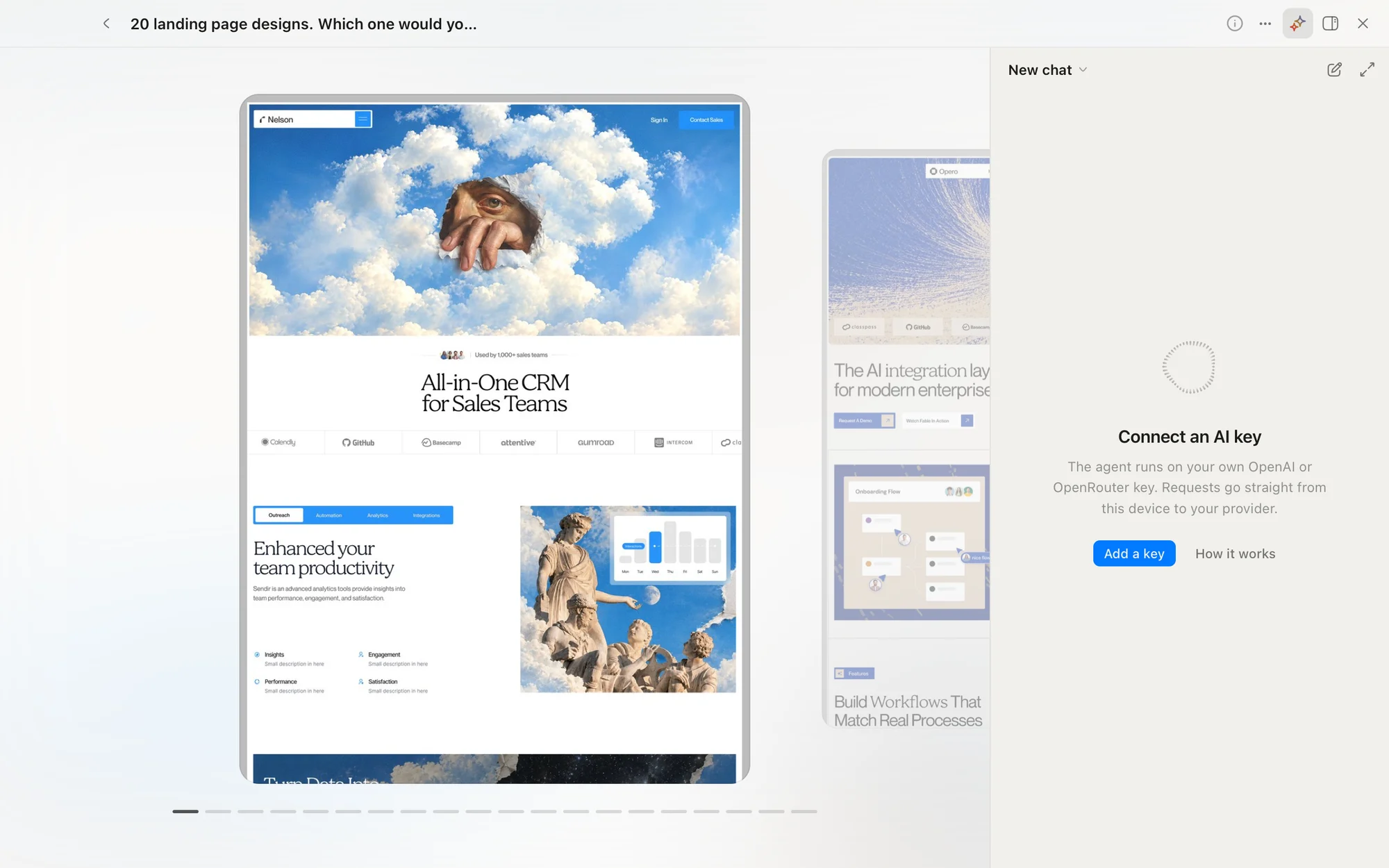
Open it
- Mac: click the sparkles button in the toolbar, or press
⌘J. It opens beside your library or the save you're looking at, where Info usually is. - iPhone and iPad: tap Ask in the tab bar.
The first time, it asks you to Add a key. See Turn on AI with your own key.
Ask
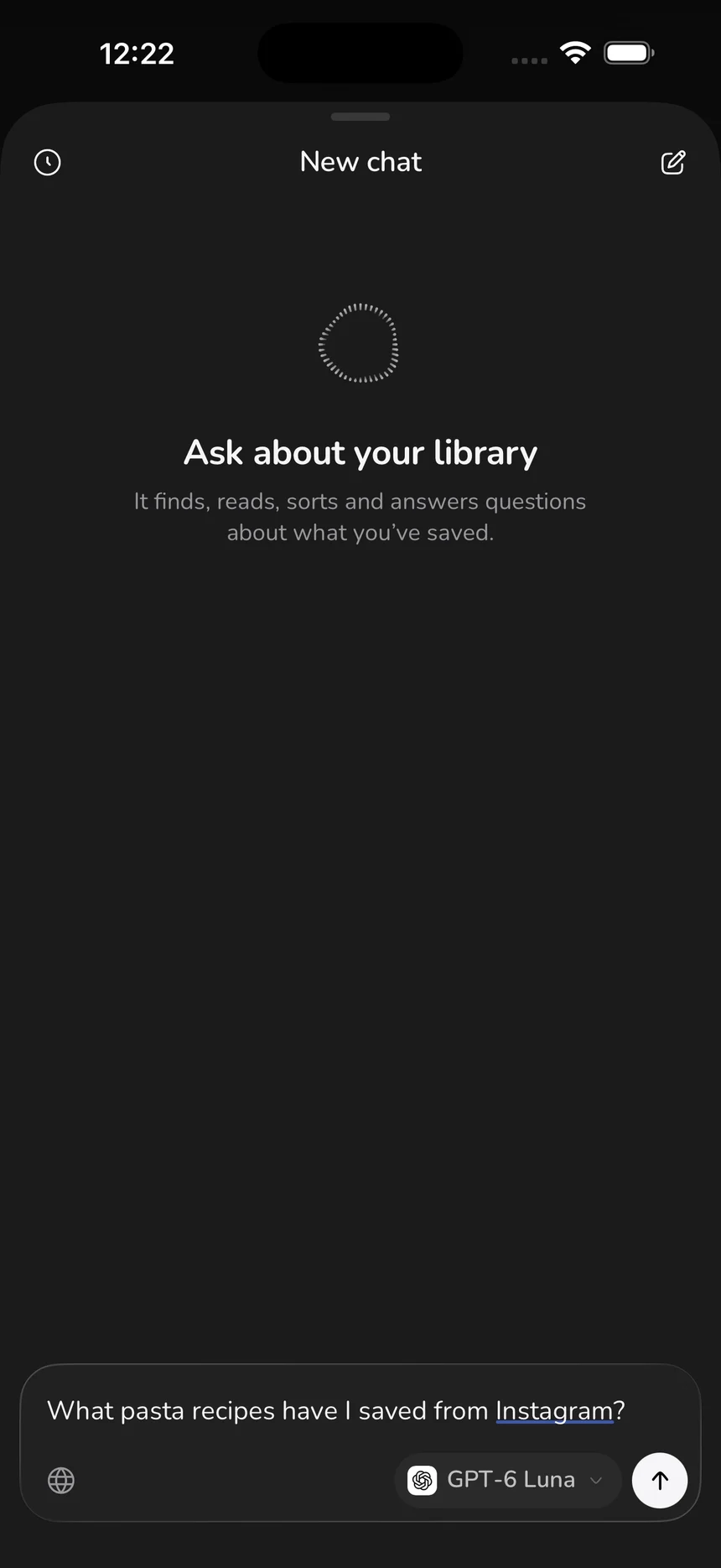
- Type a question in your own words and send it.
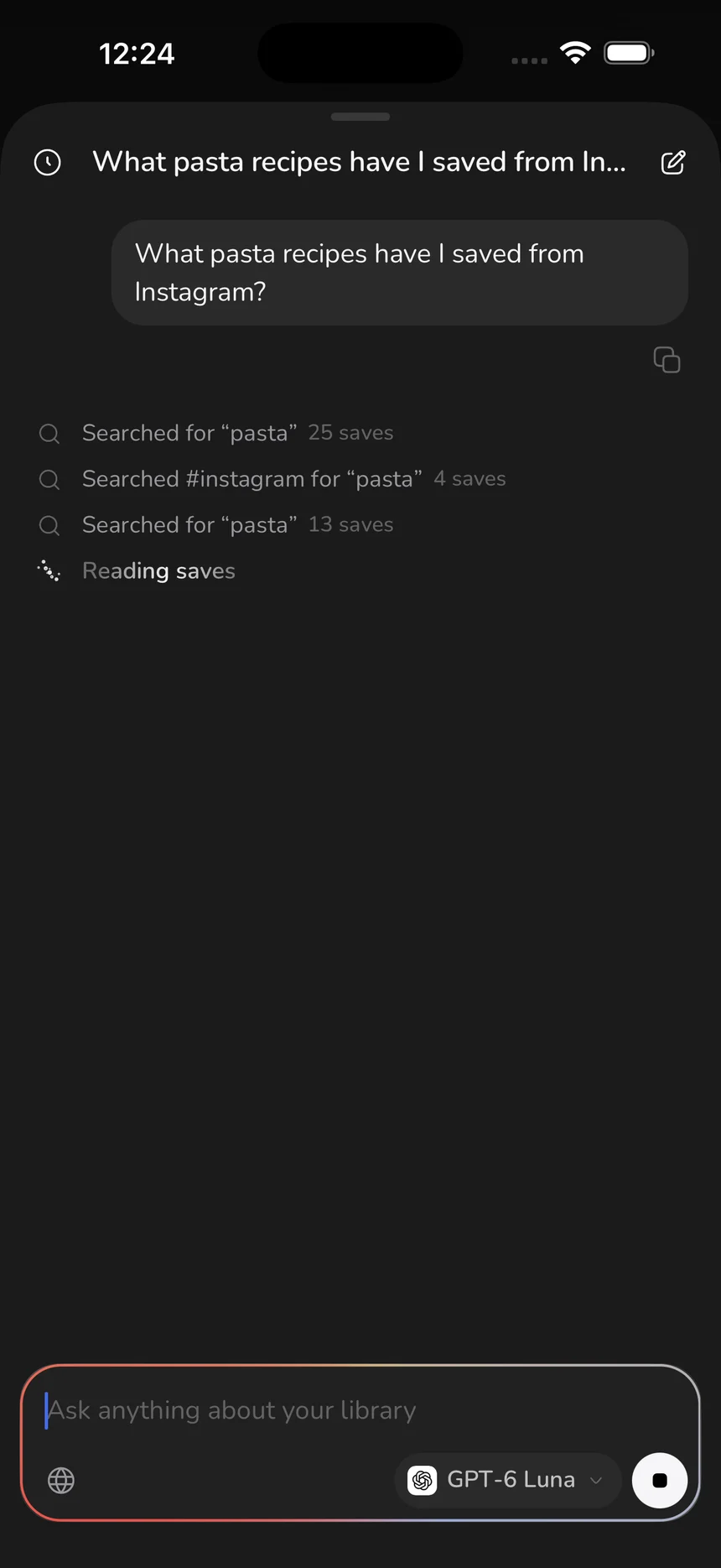
- While it works, a line shows each step, such as a search and how many saves it found.
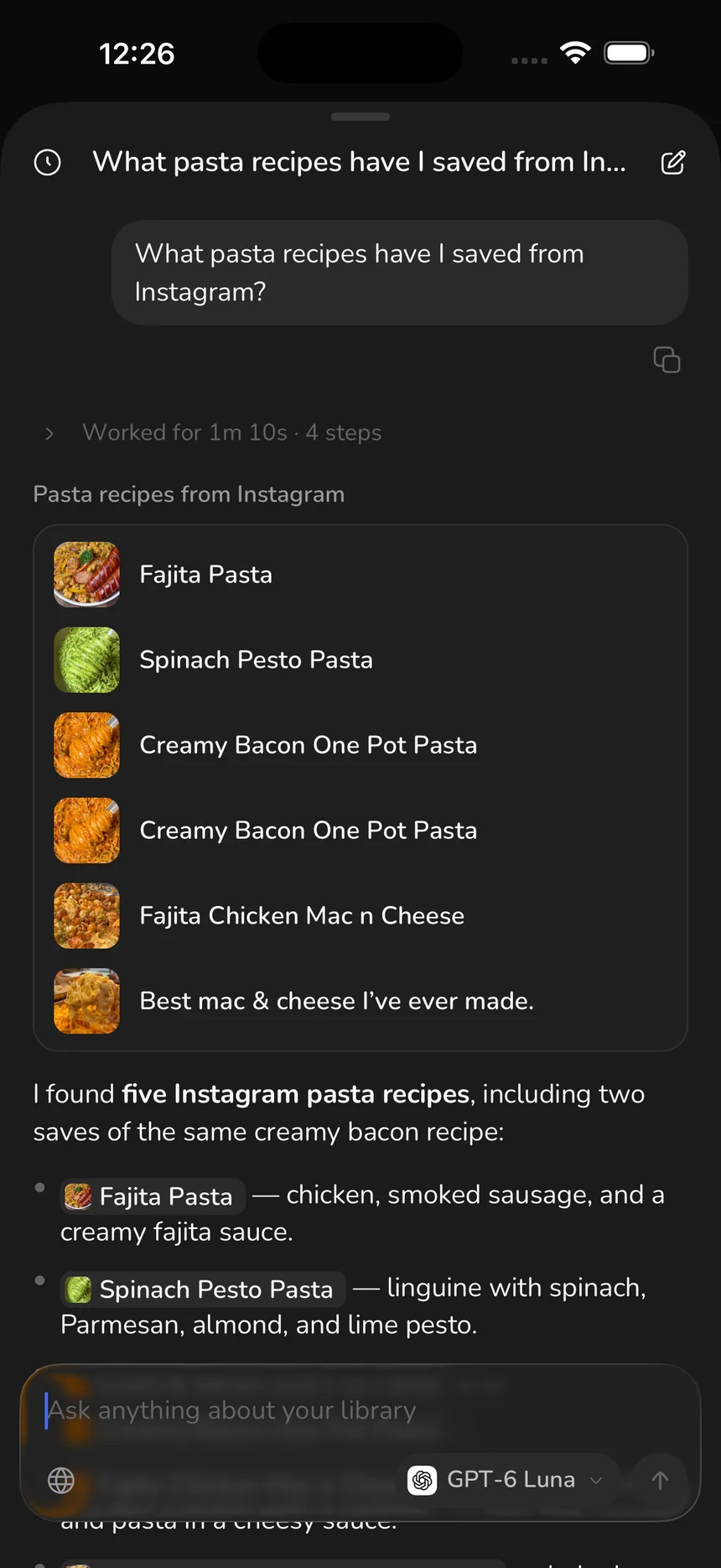
- It answers in a few sentences and shows the saves it means. Click or tap one to open it.
Some things to ask:
- "What pasta recipes have I saved from Instagram?"
- "What have I saved for Lisbon?"
- "Which saves have reminders?"
- "How many X bookmarks do I have?"
The agent reads everything in a save: an article's text, a recipe's ingredients, a voice note's transcript, your note, its tags and collections. With a model that can see pictures, it looks at each save's picture too.
If a collection or a save is open when you ask, "this" means that collection or save.
Search the web
Turn on Search the web in the box where you type. When your library doesn't have the answer, the agent searches the web, reads the pages it relies on, and lists them under its reply.
Choose a model
Pick a model from the menu beside the send button. On iPhone, the list groups models by who makes them, and you can search it.
Earlier conversations
- Mac: click the conversation's title at the top of the panel to find an earlier one, or the pencil button to start a new one.
- iPhone: tap the clock button, or swipe in from the left edge, to see every conversation. Touch and hold one to rename or delete it.
Conversations stay on the device you had them on.
Questions
Does it cost anything?
Cavvi doesn't charge for the agent. OpenAI or OpenRouter bills your account for what it uses.
How is it different from connecting Claude through MCP?
MCP lets AI apps outside Cavvi search your library, and only by matching words. The agent works inside Cavvi, finds saves by what they're about, reads them whole, and can tidy your library when you ask.
Can it save things for me?
No. It works with what's already in your library. If you ask for a list or a note, it writes it in its reply, and you can save it in Cavvi yourself.
Does it change my saves?
Only when you ask. For most changes it shows what it's about to do and waits for your yes, and every change can be undone. See Tidy your saves with the agent.