


Organise · All guides
Organise
Bring back old saves with Rediscover
On iPhone, get a notification about something you saved a while ago, on the days and at the time you pick.
- iPhone
- Settings › Rediscover
Rediscover sends you a notification about one thing you saved a while ago, on the days and at the time you choose. Tap it to open the save.



Turn it on
- In Cavvi, tap the gear at the top of your Library to open Settings.
- Under Notifications, tap Rediscover.
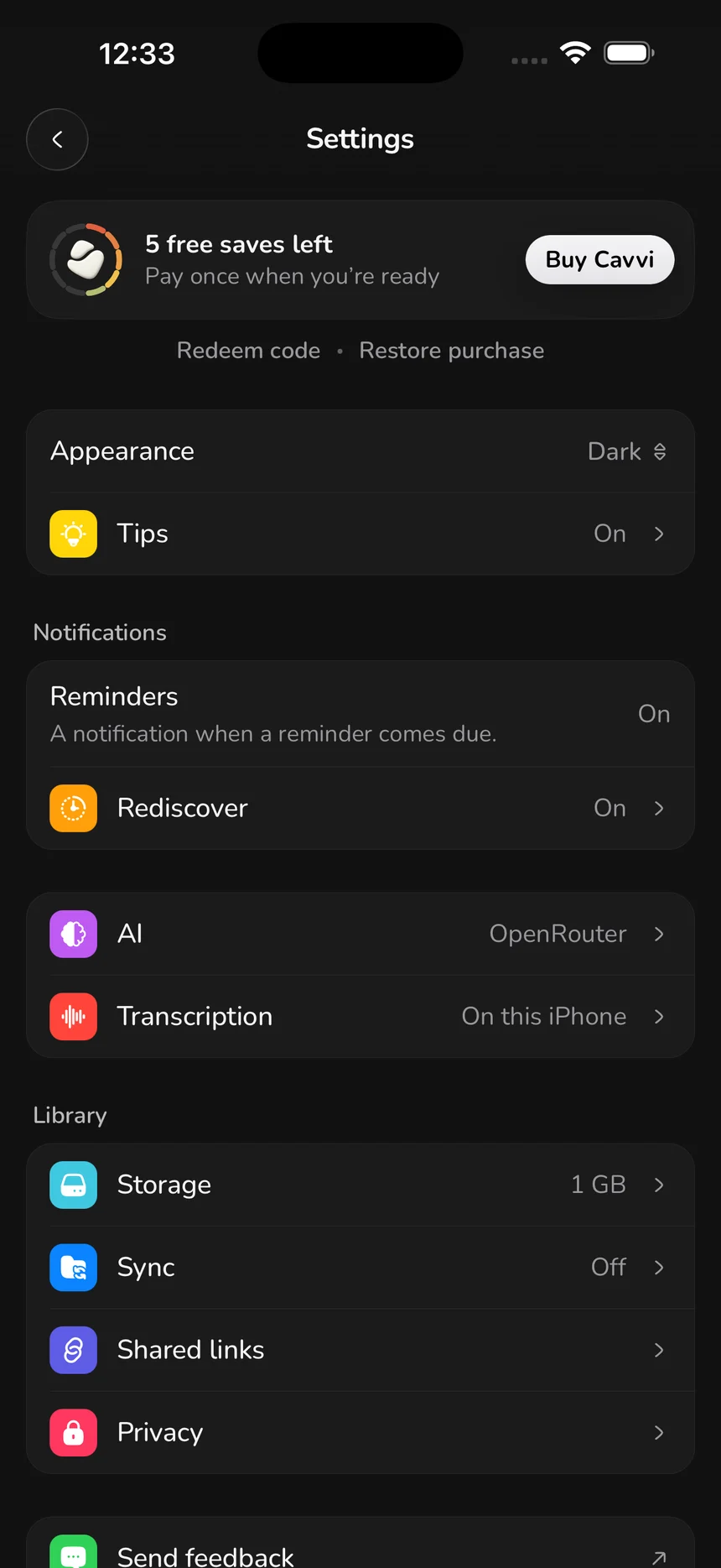
- Turn on Bring back saves.
- If Cavvi asks, tap Allow, so it can send notifications.
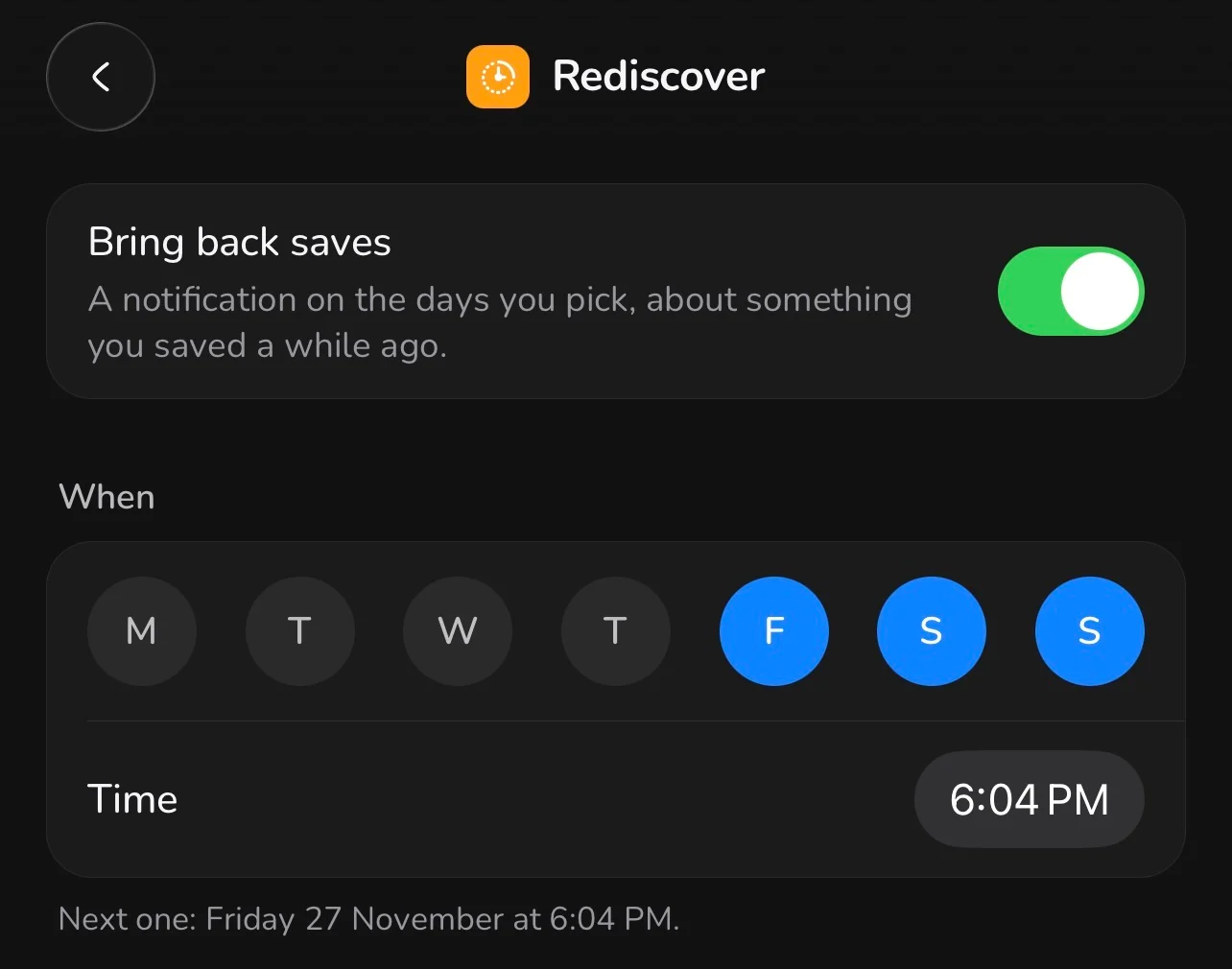
It starts on Tuesdays and Sundays at 7:00 PM.
Pick the days and the time
Under When, tap the days you want, then tap Time to change it. The line underneath says when the next one comes.
Which saves come back
Rediscover picks from saves that are at least a week old, and goes through them in turn, so a save comes back only after the others have had theirs. It leaves out:
- saves in the Archive or the Trash;
- events, and saves with a reminder still to come, since those notify you themselves;
- your imported X bookmarks.
What the notifications say
With Library AI on, each notification is written for its save, such as "Dinner inspiration" over the dish it shows. Without it, a notification gives the save's name and the month you saved it. A save with a picture shows it in the notification.
Ask the agent
You can also ask the agent to set it up, such as "Bring back a save every Sunday evening."
Questions
Does Cavvi need to be open?
No. Cavvi plans your next 24 notifications ahead, so they keep arriving even if you don't open it. Each time you do, it plans more.
It says Nothing to bring back yet
Saves can come back once they're a week old. Give it a few days after you start saving.
How do I stop it?
Turn off Bring back saves. Any notifications already planned are cancelled straight away.
Is it on the Mac?
Rediscover runs on iPhone. With sync on, what you save on your Mac can come back on your iPhone too.