
Licence · All guides
Licence
Buy and activate Cavvi on your Mac
Buy a licence, then paste the key from your email to save without a limit.
- Mac
- Settings › Licence
Buy a licence
- Press
⌘,to open Settings and choose Licence. - Click Buy Cavvi. Checkout opens in your browser.
- Choose a licence and pay. Your key arrives by email straight away. It starts with
CAVVI-.
Activate
- Click Activate… in Settings › Licence.
- Paste your key and click Activate.
- When you see Cavvi is yours, click Start saving.
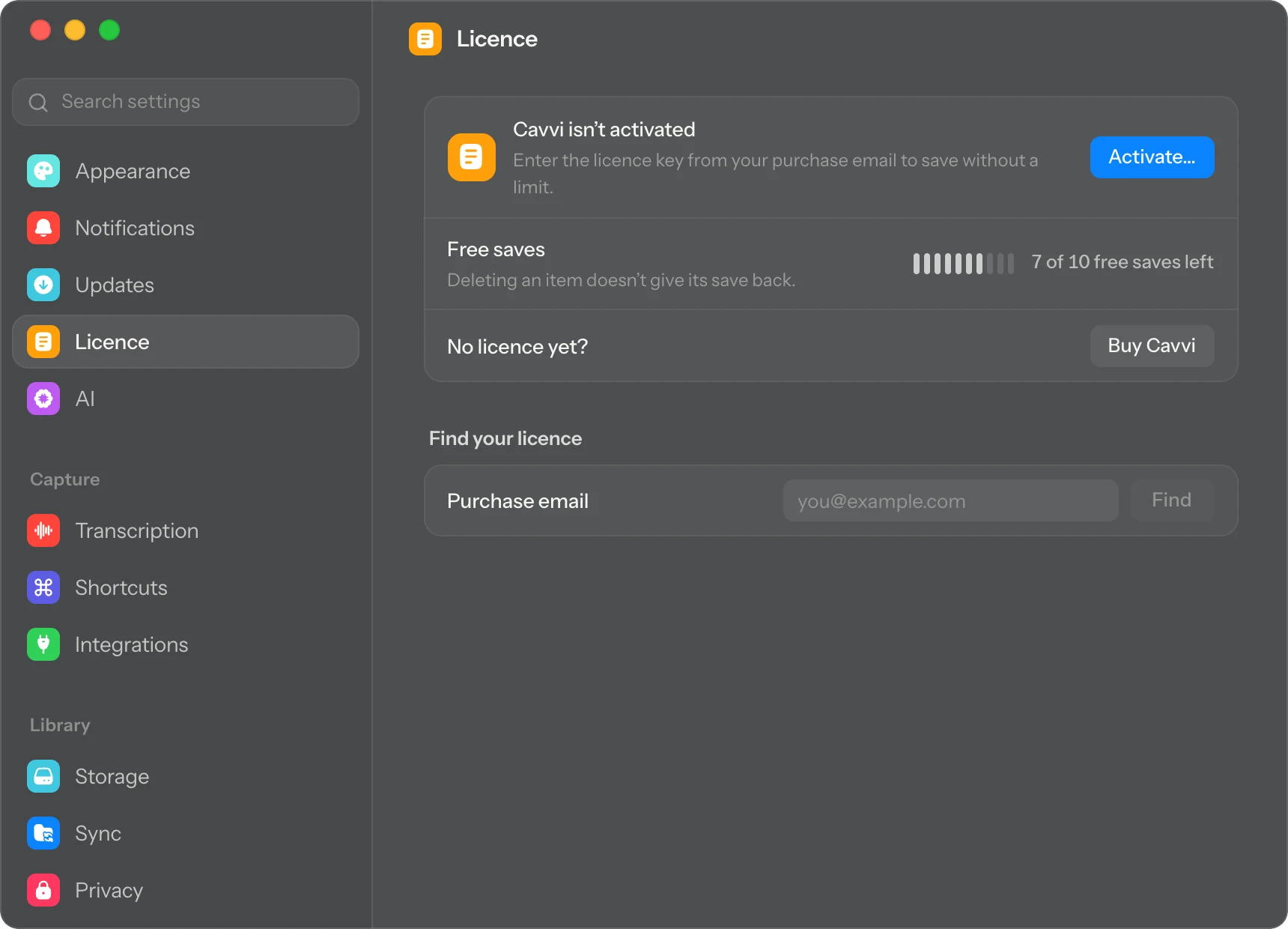
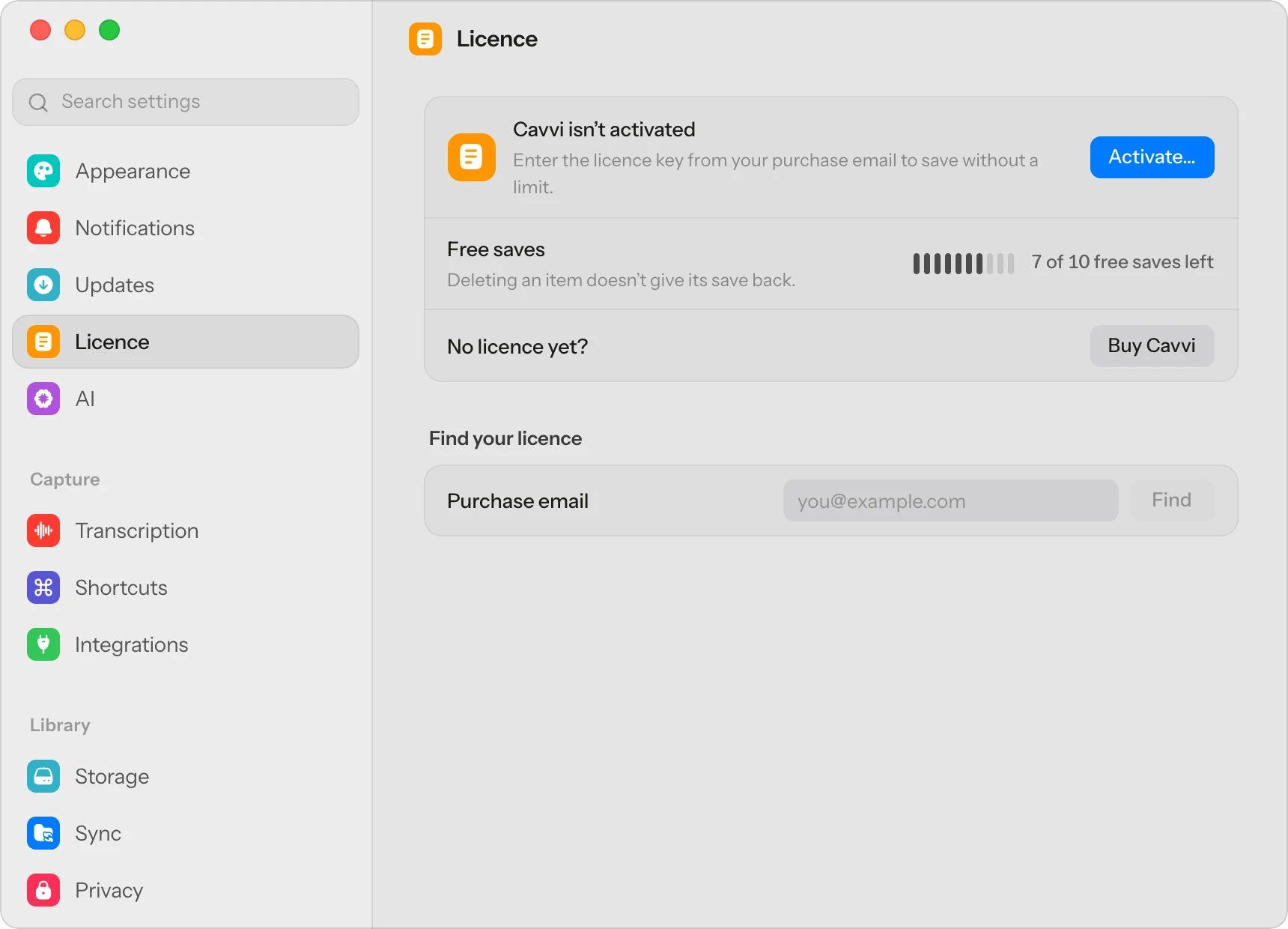
The Activate Cavvi card in the sidebar opens the same window.
Settings › Licence now shows your licence, the email it was bought with and the end of its key.
If it doesn't activate
- That licence key wasn't found. Copy the key from the email again, and check nothing is missing from either end.
- This licence is on as many devices as it allows. Free a place on a Mac you no longer use. See Move your licence to another Mac.
- This licence was refunded or revoked. The key no longer works. Email support@usecavvi.app if that's a surprise.
- Too many tries. Wait a few minutes and try again.
Questions
Does Cavvi need to stay online?
Only to activate. After that it checks the licence about once a week and keeps working offline in between.