
Licence · All guides
Licence
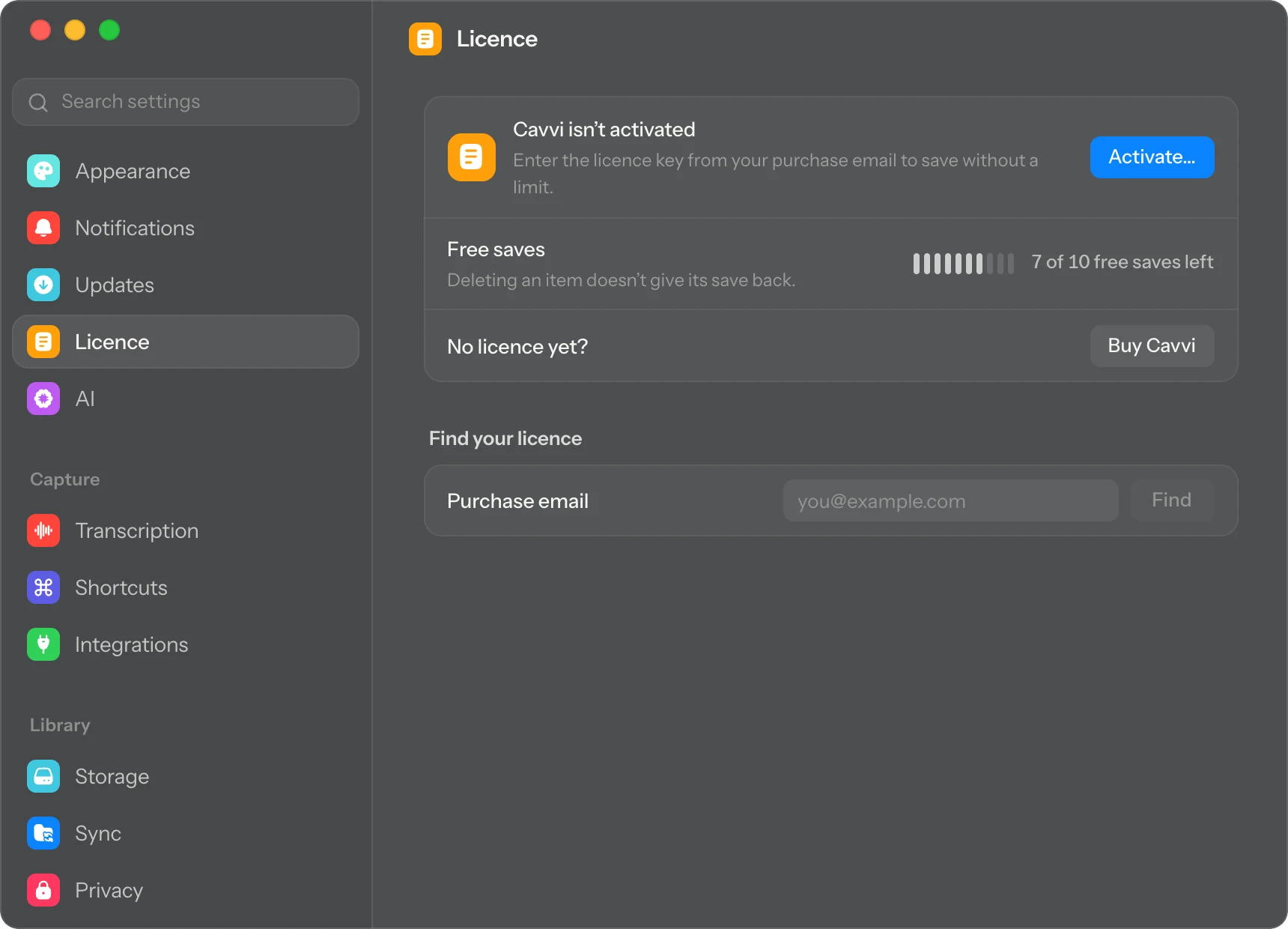
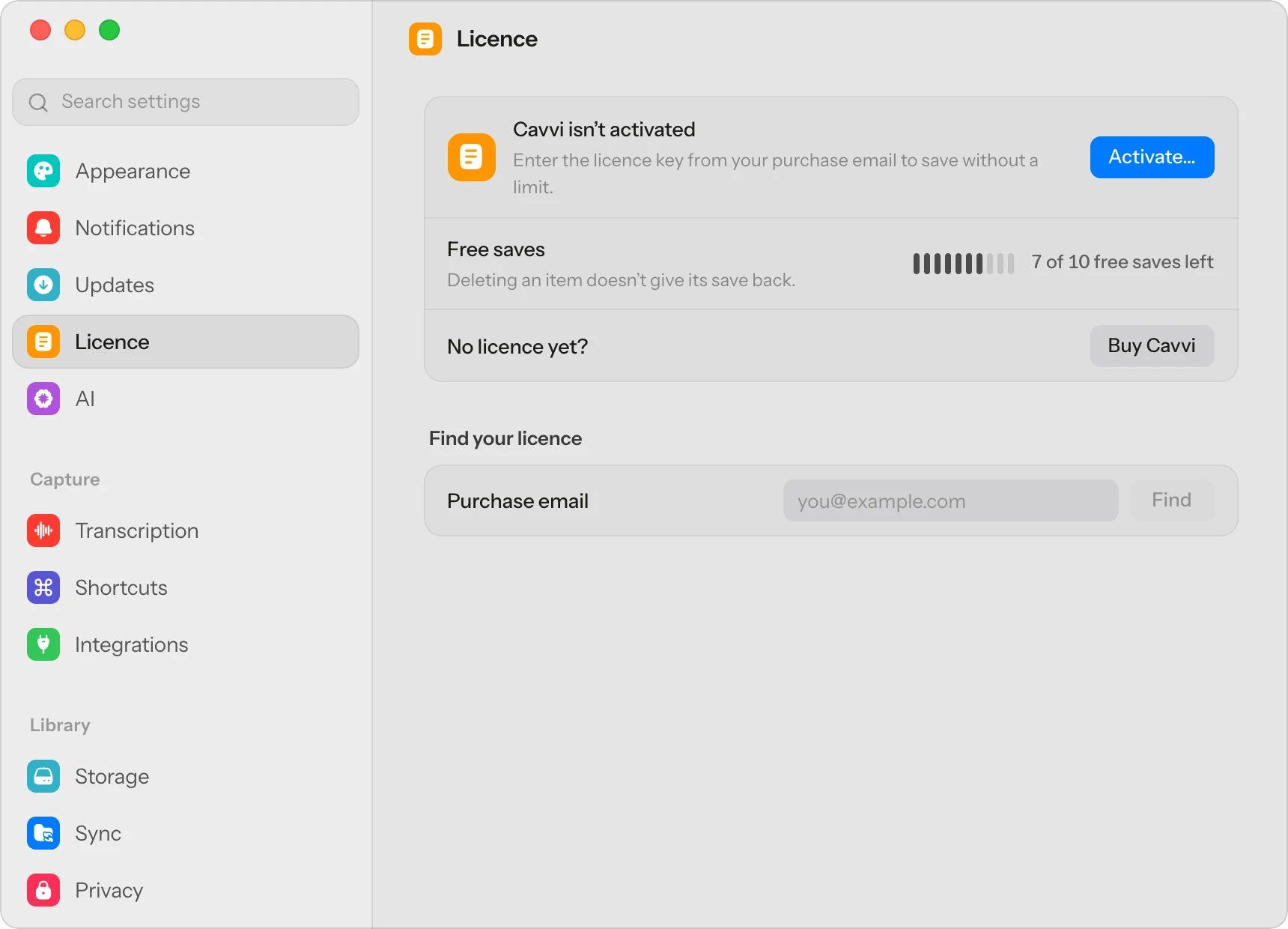
Find your licence key
Lost the email with your key? Cavvi finds your licence with the email you bought it with.
- Mac
- Settings › Licence › Find your licence
First, search your email for "Polar". Polar handles payments for Cavvi and sends the key, which starts with CAVVI-.
Find it in Cavvi
- Press
⌘,to open Settings and choose Licence. - Under Find your licence, type the email you bought Cavvi with and click Find.
- Polar's sign-in page opens in your browser with your email filled in. Polar emails you a code.
- Enter the code. Your licence key is on the page that opens.
Bought on your phone?
Your key is in Cavvi on that phone: open Settings and find Desktop key. Find your licence only finds licences bought at checkout on the Mac or this site.
If Cavvi can't find it
- No Cavvi licence was bought with this email. Try another address you might have paid with.
- Please wait a moment and try again. Too many searches in a short time. Wait a few minutes.
Still stuck? Email support@usecavvi.app.