
Licence · All guides
Licence
Move your licence to another Mac
Free a Mac's place on your licence, then activate the same key on the new one.
- Mac
- Settings › Licence › This computer
A Cavvi licence works on two Macs at a time, and a lifetime licence on five. To use it on another Mac when they're all taken, free a place first.
Free a place
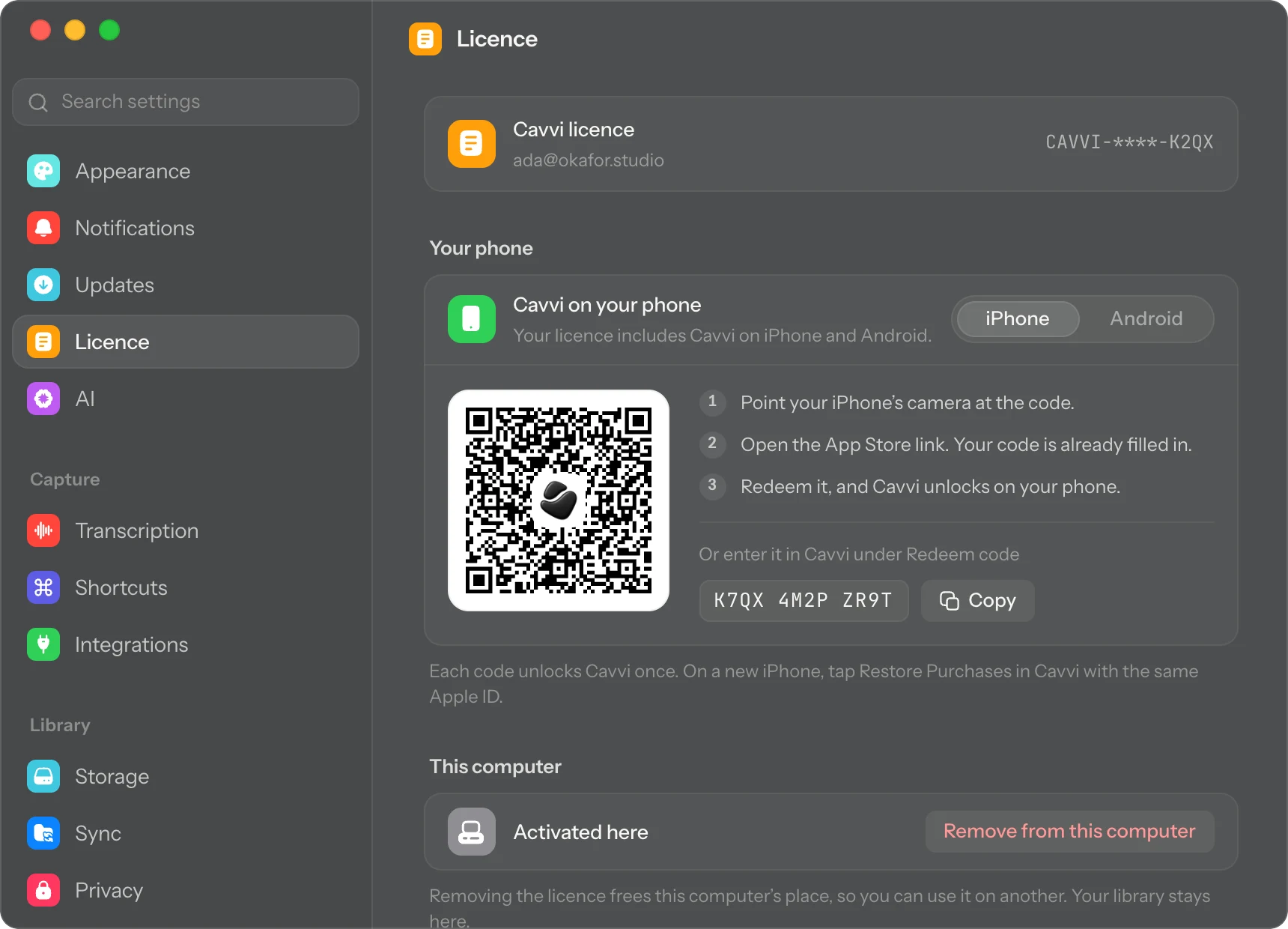
- On the Mac you're moving from, press
⌘,to open Settings and choose Licence. - Under This computer, click Remove from this computer.
- Click Remove.
Your library stays on that Mac. Saving there stops until you activate Cavvi on it again.
Activate the new Mac
- On the new Mac, click Activate… in Settings › Licence.
- Paste the same key and click Activate.
To bring your library with you, turn on sync on both Macs. See Sync your devices.
Questions
I can't open the old Mac any more
Email support@usecavvi.app from the address you bought Cavvi with, and we'll free its place.