
Get started · All guides
Get started
Change how Cavvi looks
Choose light or dark, and a theme for each.
- Mac
- iPhone
- iPad
- Settings › Appearance
On your Mac
- Press
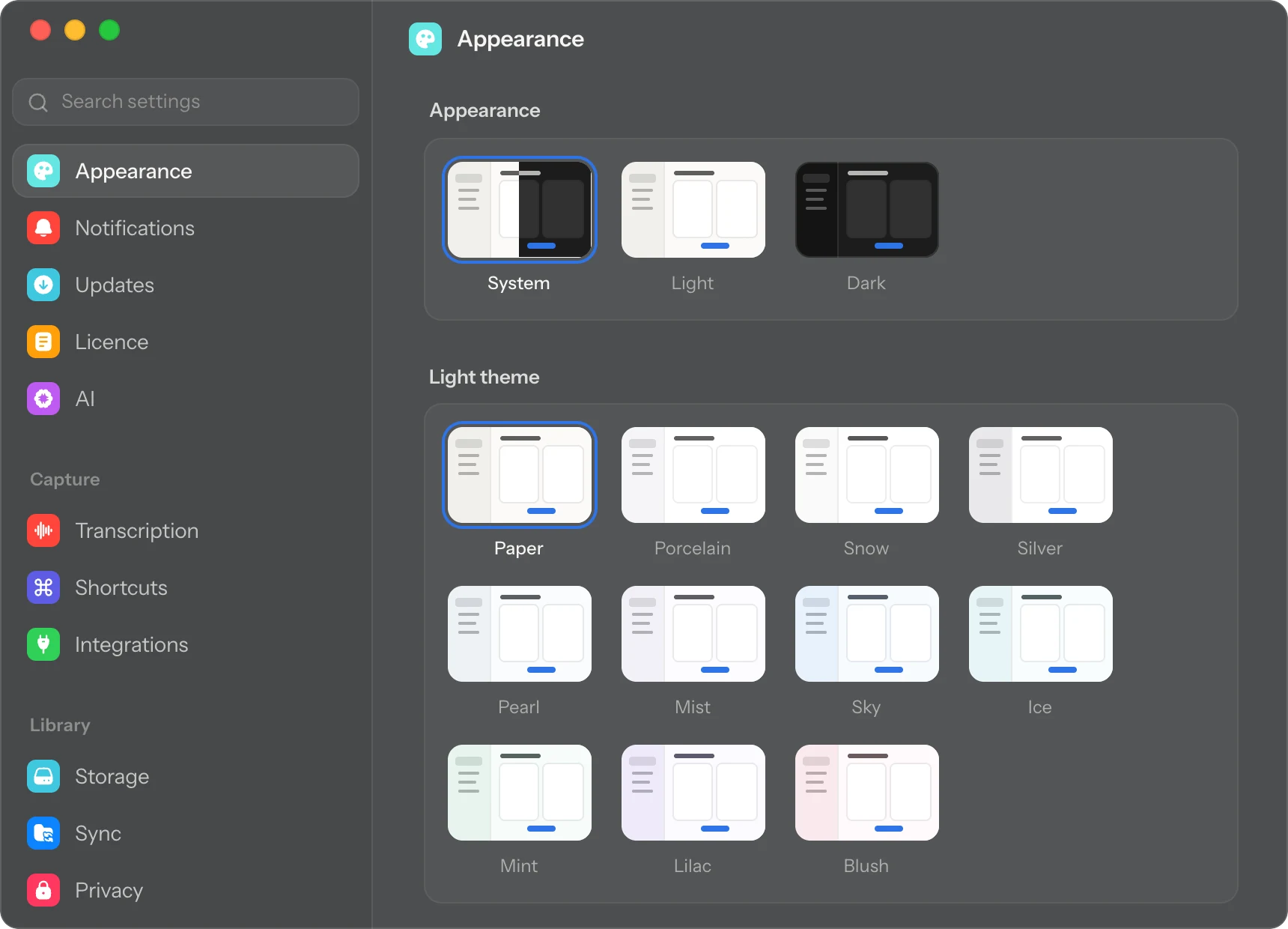
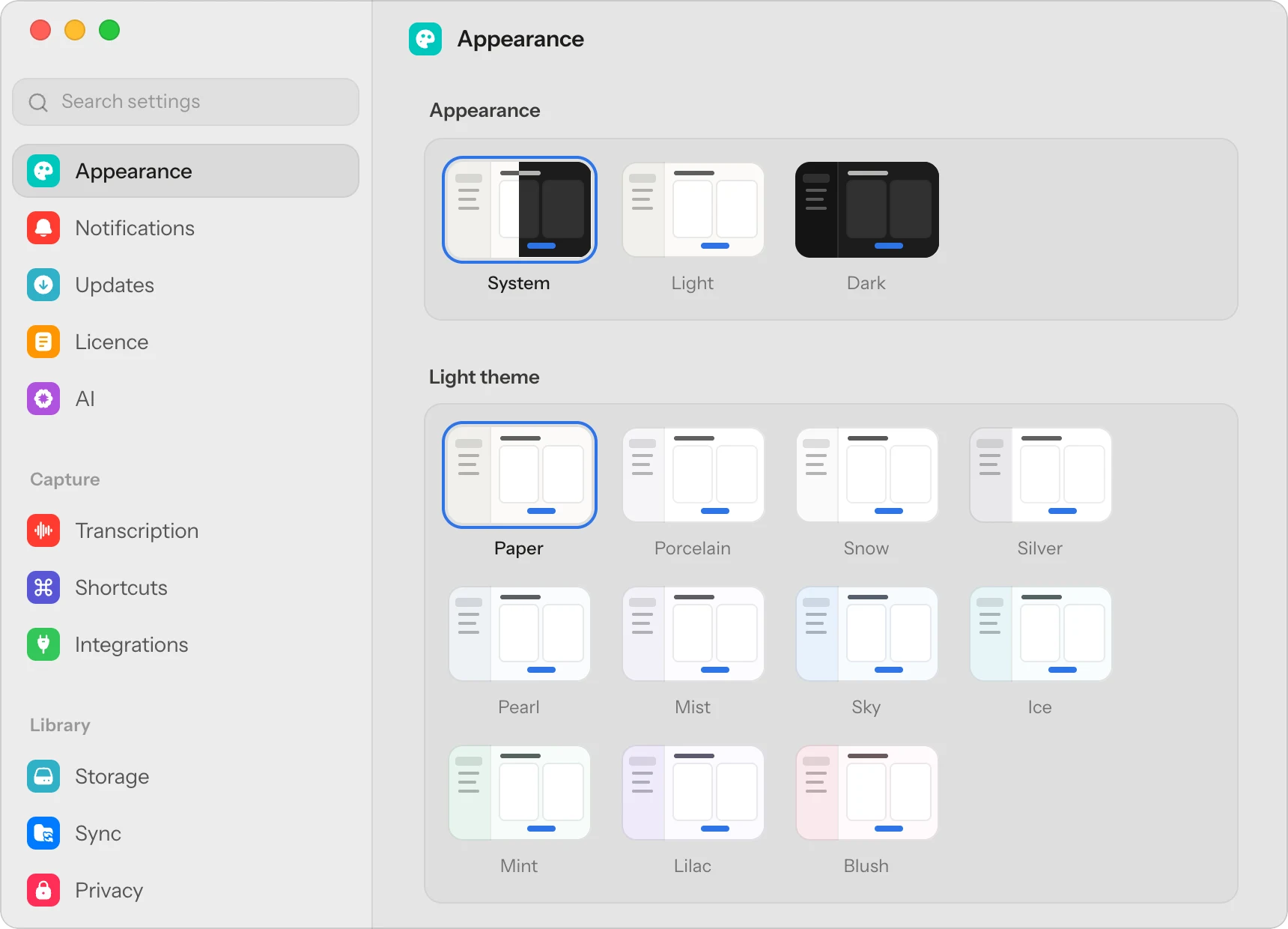
⌘,to open Settings. It opens on Appearance. - Choose System, Light or Dark.
- Pick a light theme, such as Paper, Snow or Mint, and a dark theme, such as Graphite, Midnight or Forest.
With System, Cavvi follows your Mac, switching between your light and dark themes as macOS does.
On your phone
Tap the gear to open Settings, tap Appearance and choose System, Light or Dark. Themes are on the Mac only.