
Get started · All guides
Get started
Update Cavvi
Cavvi downloads new versions by itself. Install one with a click, or check for one yourself.
- Mac
- Settings › Updates
Cavvi checks for a new version when it opens and every few hours after, and downloads it in the background.
Install an update
- When an update is ready, Update to and the new version appear in the sidebar.
- Click it. Cavvi installs the update and opens again.
Check for one yourself
- Press
⌘,to open Settings and choose Updates. Cavvi checks straight away. - If there's a new version, click Update now.
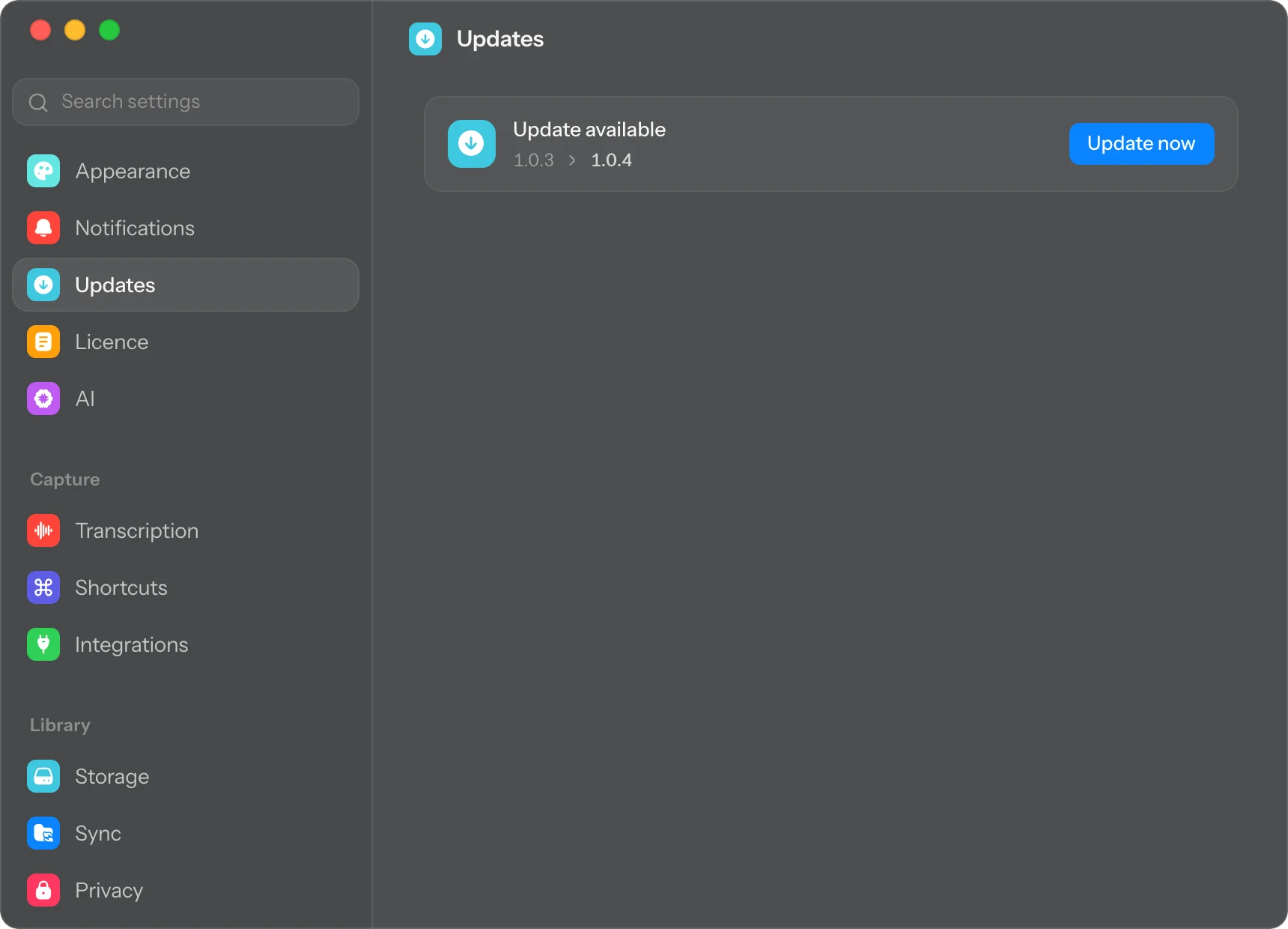
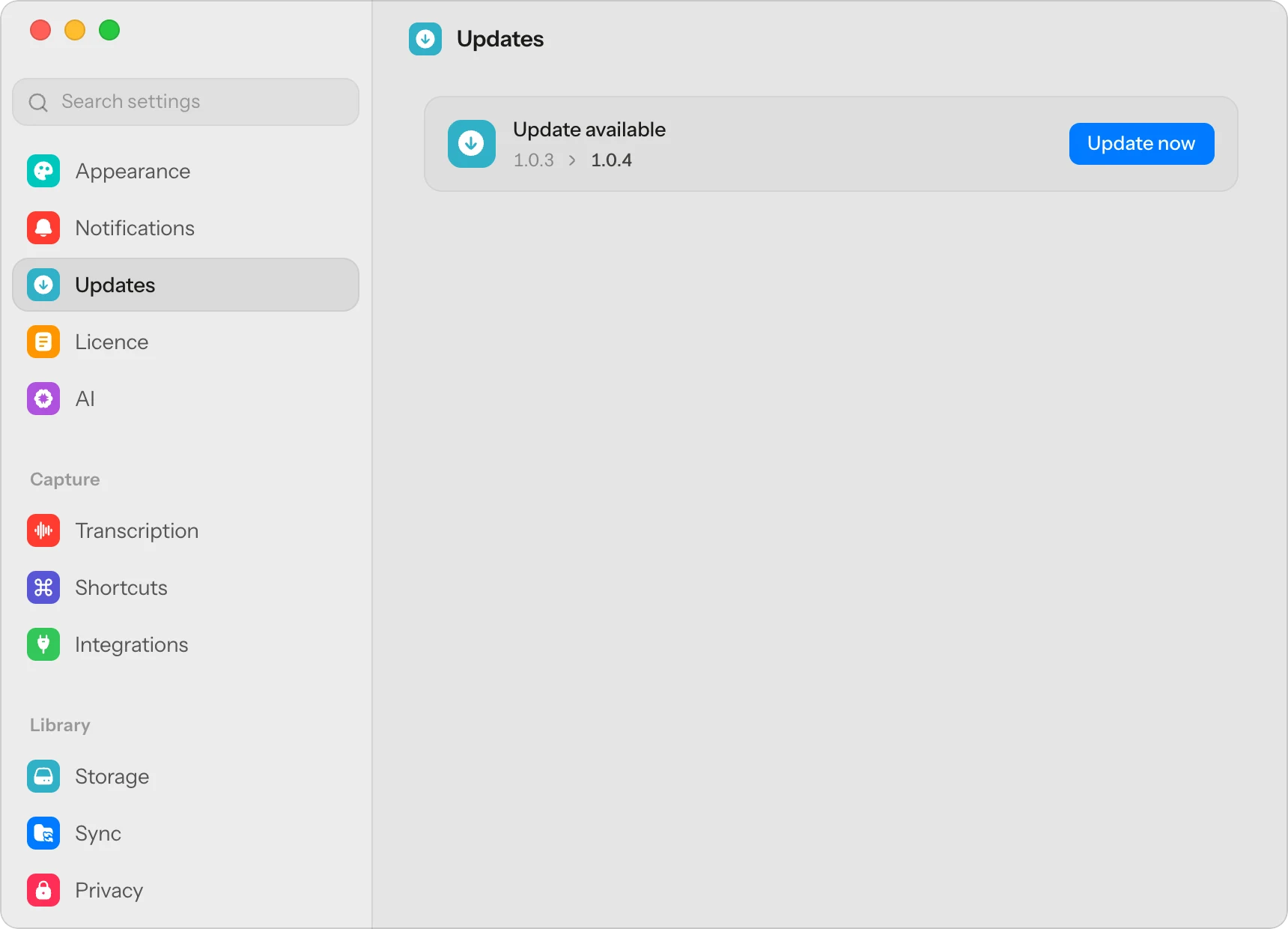
If it says Up to date, you have the newest Cavvi. To see what each version brought, open What's new.
Questions
It says Cavvi couldn't reach the update server
Check your connection and click Try again. If it keeps happening, download the newest version from the download page and drag it into Applications over the old one. Your library isn't touched.