
Get started · All guides
Get started
Get Cavvi on your phone
Install Cavvi on your iPhone or iPad, and bring in your Mac's library.
- iPhone
- iPad
Install
Cavvi for iPhone, iPad and Android is coming soon. Until then, save from your Mac and from Chrome.
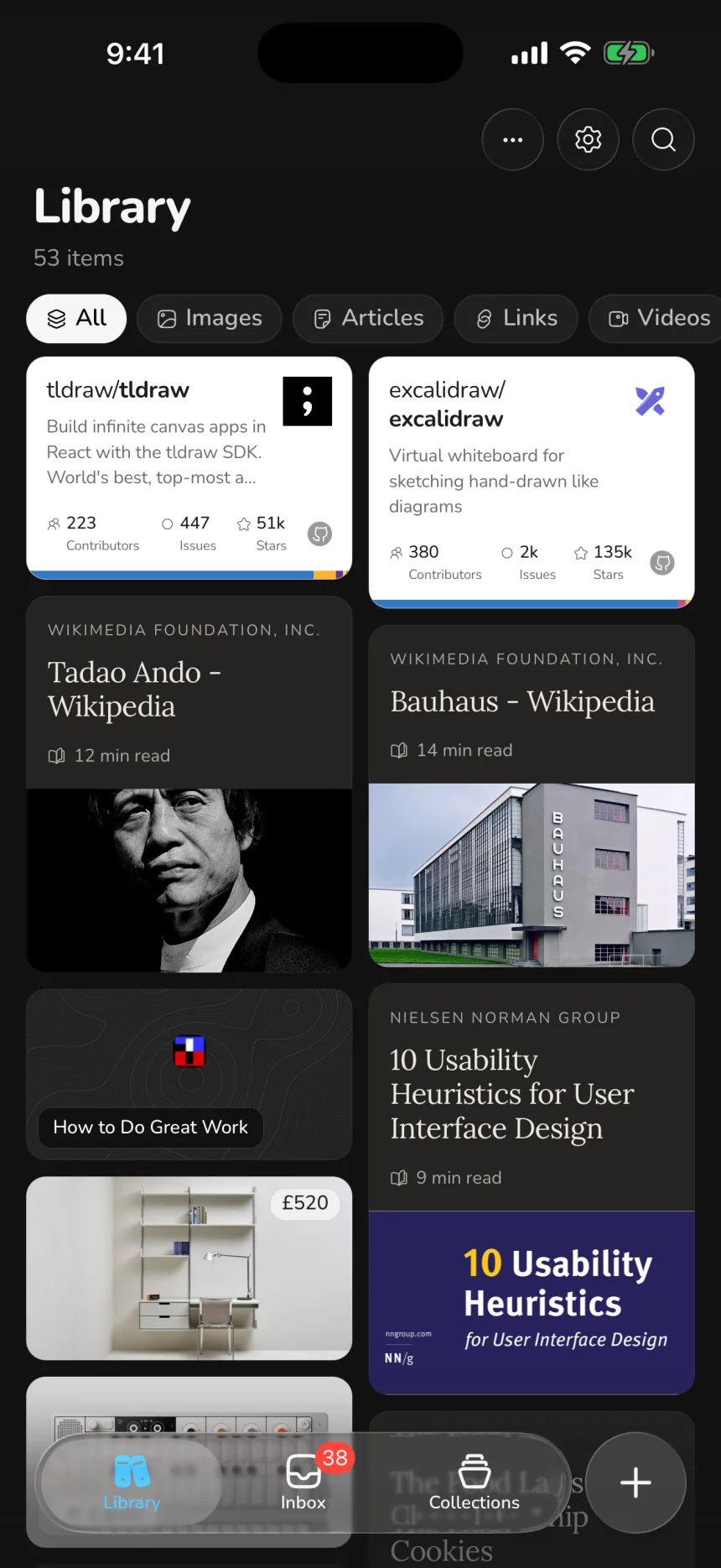
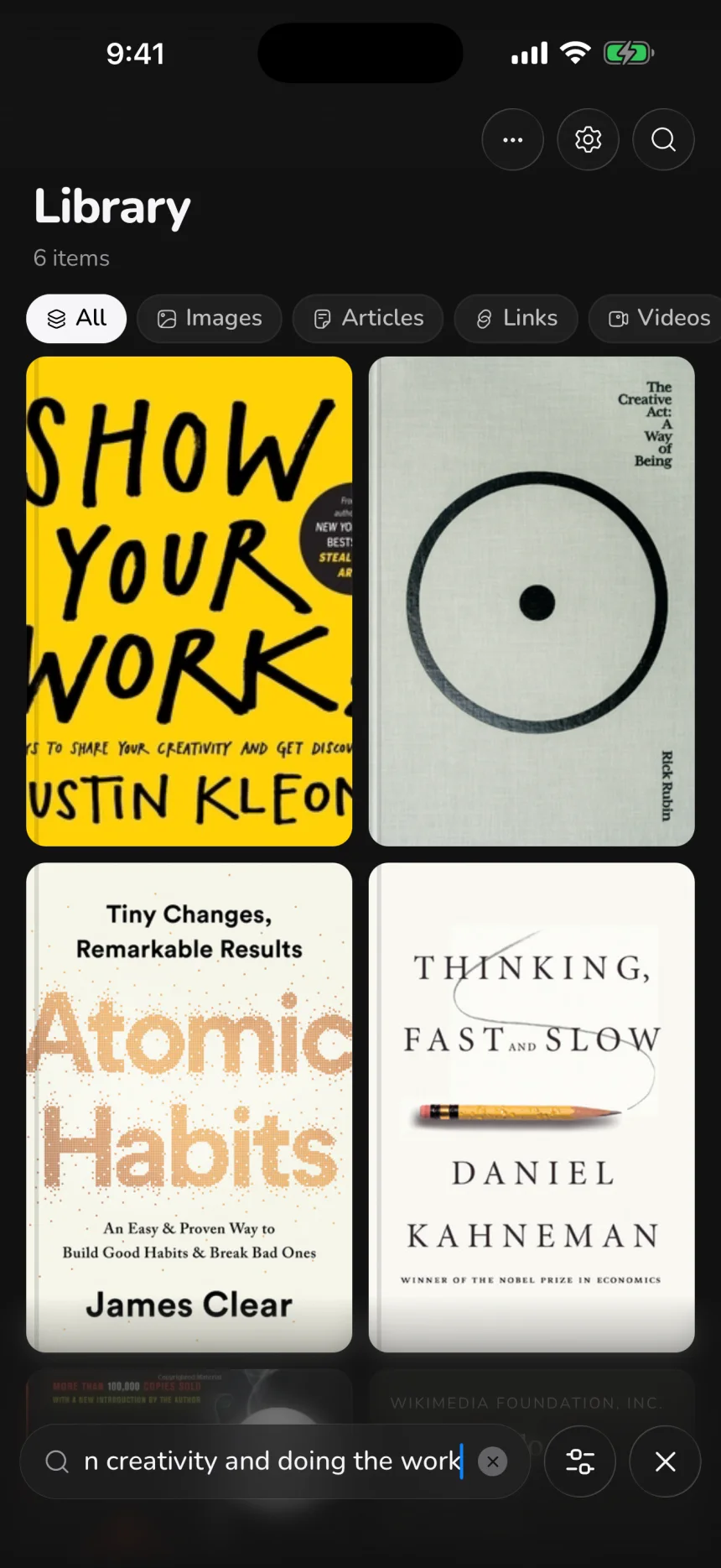
Set it up
- Open Cavvi and tap Get started, then Continue through the short tour.
- Pick what you save most. Each pick becomes a collection. Tap Set up my collections.
- Tap Start saving.
Your phone starts with 10 free saves of its own, and there's no account to make.
Bring in your Mac's library
Your phone keeps its own library until you turn on sync. Choose the same cloud as your Mac, iCloud or Google Drive, and your library comes across. See Sync your devices.
Already bought Cavvi?
- On the website or your Mac: unlock Cavvi on your phone with the code your Mac gives you.
- On another iPhone or iPad: with the same Apple ID, tap the gear to open Settings in Cavvi, then tap Restore purchase.